Free Shipping on Domestic Orders $75+

Acer Extensa 4420 Keyboard Cover Replacement

What you need

  1. Acer Extensa 4420 Keyboard Cover Replacement, Battery: step 1, image 1 of 2 Acer Extensa 4420 Keyboard Cover Replacement, Battery: step 1, image 2 of 2
    • First, make sure that the battery lock is turned off.

    • The battery lock makes it so the battery doesn't accidentally fall out of your computer while it is running.

  2. Acer Extensa 4420 Keyboard Cover Replacement: step 2, image 1 of 3 Acer Extensa 4420 Keyboard Cover Replacement: step 2, image 2 of 3 Acer Extensa 4420 Keyboard Cover Replacement: step 2, image 3 of 3
    • Then, slide the other battery lock while pulling the battery out.

  3. Acer Extensa 4420 Keyboard Cover Replacement, Keyboard Cover: step 3, image 1 of 3 Acer Extensa 4420 Keyboard Cover Replacement, Keyboard Cover: step 3, image 2 of 3 Acer Extensa 4420 Keyboard Cover Replacement, Keyboard Cover: step 3, image 3 of 3
    Tool used on this step:
    Spudger
    $3.99
    Buy
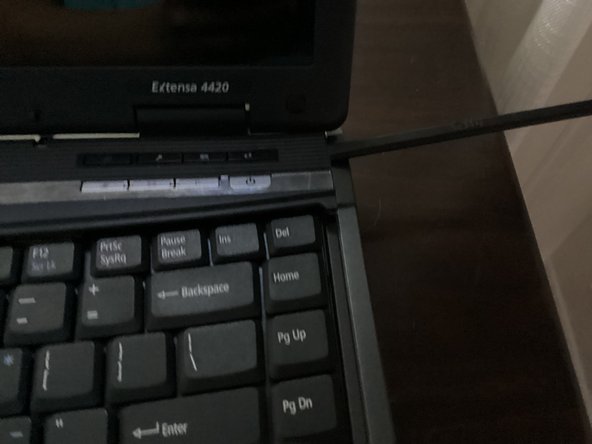
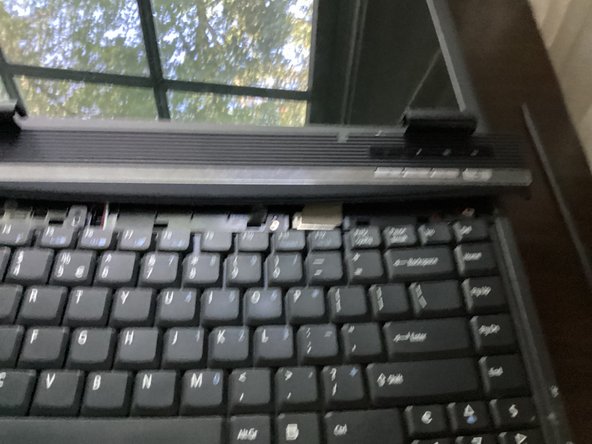
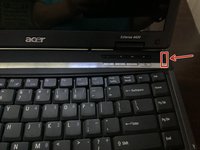
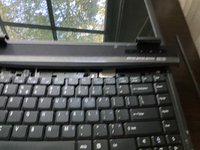
    • Open the keyboard cover with a spudger

    • You will need to fold the display all the way back, or else the keyboard cover will get stuck on it.

Conclusion

To reassemble your device, follow these instructions in reverse order.

TheMasterG

Member since: 07/19/24

1,394 Reputation

12 Guides authored

0 Guide Comments

Add Comment

View Statistics:

Past 24 Hours: 0

Past 7 Days: 3

Past 30 Days: 15

All Time: 75