Free Shipping on Domestic Orders $75+

Acer X191 monitor Back Cover Replacement

What you need

  1. Acer X191 monitor Back Cover Replacement, Stand: step 1, image 1 of 2 Acer X191 monitor Back Cover Replacement, Stand: step 1, image 2 of 2
    • Lay the monitor on a flat surface, facedown.

    • Use a #1 Phillips screwdriver to remove the 4x 10.2mm screws securing the stand to the back panel.

    • Remove the stand from the back panel by pulling it up.

  2. Acer X191 monitor Back Cover Replacement, Back Cover: step 2, image 1 of 1
    • Remove the 2x 9.8mm Phillips #1 screws securing the back cover to the monitor.

  3. Acer X191 monitor Back Cover Replacement: step 3, image 1 of 2 Acer X191 monitor Back Cover Replacement: step 3, image 2 of 2
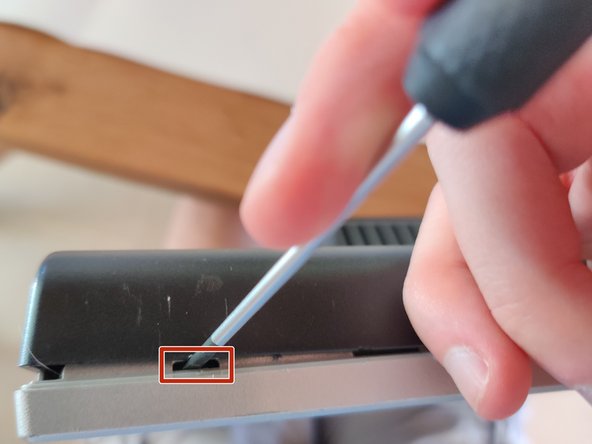
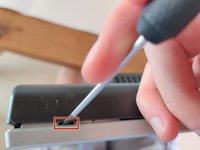
    • Work your way around the monitor, putting the flathead screwdriver into the space between the front and back covers, and prying up.

    • Twisting the screwdriver can help, but you can easily mess up the plastic without getting anything out of it by doing so. Be cautious.

    • Ideally you want to pry at the locations that have the little gaps, which are locking mechanisms.

    • You should hear a poping sound and the back cover should lift a little if you are prying at the right locations.

  4. Acer X191 monitor Back Cover Replacement: step 4, image 1 of 3 Acer X191 monitor Back Cover Replacement: step 4, image 2 of 3 Acer X191 monitor Back Cover Replacement: step 4, image 3 of 3
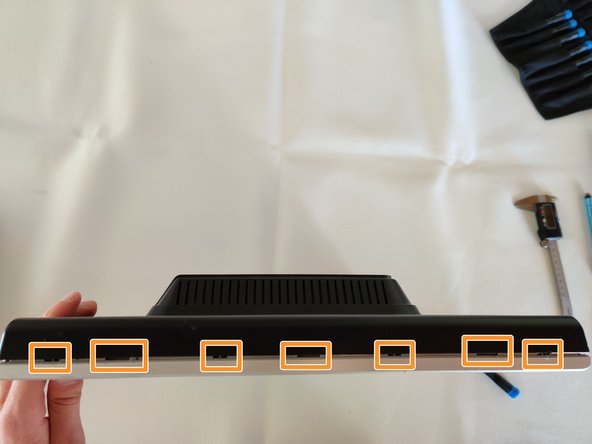
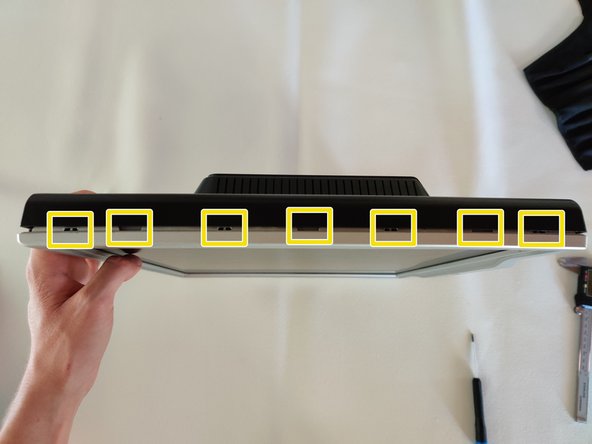
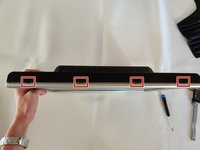
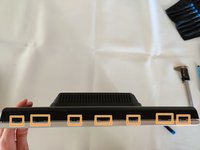
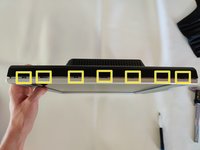
    • I've highlighted the locations of the locking mechanisms for the back cover, try prying in these locations for the best results.

    • Right side of the monitor.

    • Top of the monitor.

    • Left side of the monitor.

  5. Acer X191 monitor Back Cover Replacement: step 5, image 1 of 1
    • On the bottom side, be careful not to pry on the monitor buttons.

    • Bottom of the monitor locking mechanism locations.

  6. Acer X191 monitor Back Cover Replacement: step 6, image 1 of 2 Acer X191 monitor Back Cover Replacement: step 6, image 2 of 2
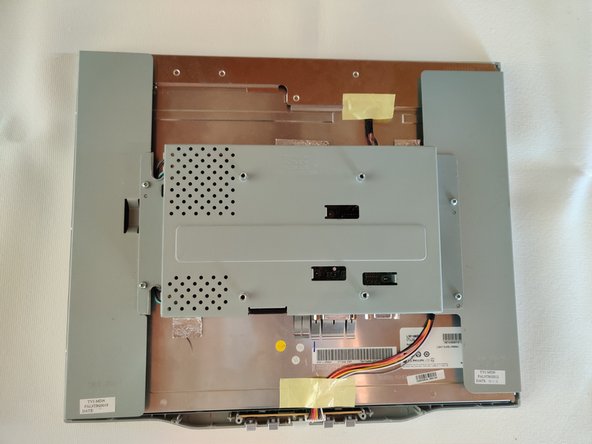
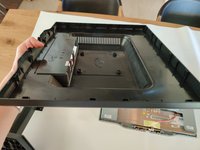
    • The monitor back cover will then pull right off.

Conclusion

To reassemble your device, follow these instructions in reverse order.

Sam

Member since: 09/13/14

920 Reputation

5 Guides authored

0 Guide Comments

Add Comment

View Statistics:

Past 24 Hours: 0

Past 7 Days: 10

Past 30 Days: 39

All Time: 790