Introduction
This guide provides instructions on how to upgrade or replace the hard drive in an Alienware M15x. If your Alienware M15x is running slowly, showing storage errors, or won’t start up, it may be time to replace the hard drive. This repair is often needed when the drive has failed, you’re running out of space, or you want to upgrade to a faster SSD for better performance. You don’t need advanced technical skills—just basic computer repair knowledge and the right tools. While the process is straightforward, the M15x’s compact design means you’ll need to work carefully when removing the bottom panel and handling internal components. Follow these steps to safely replace your drive and get your system running like new.
What you need
-
-
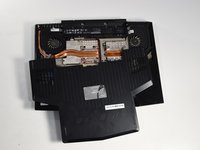
Remove the two 4-mm screws that hold the compartment door to the rest of the computer using a PH#0 screwdriver tip.
-
-
-
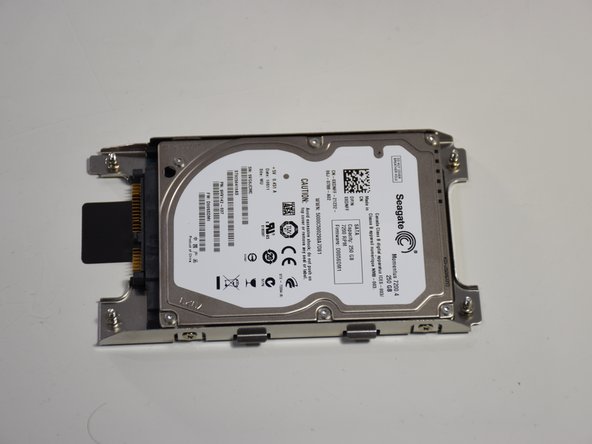
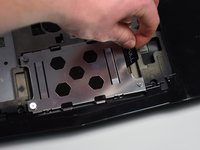
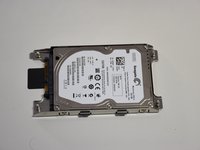
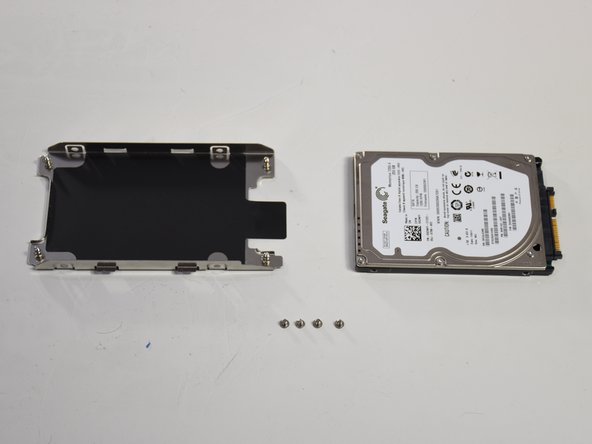
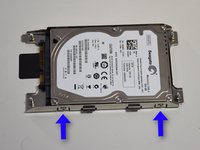
Use Phillips #1 screwdriver to loosen the four screws on the hard drive enclosure.
-


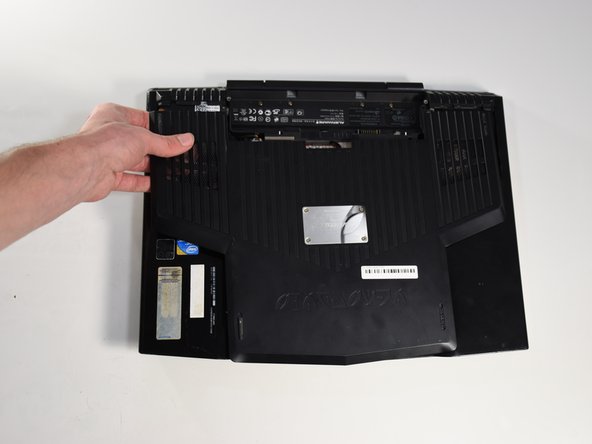
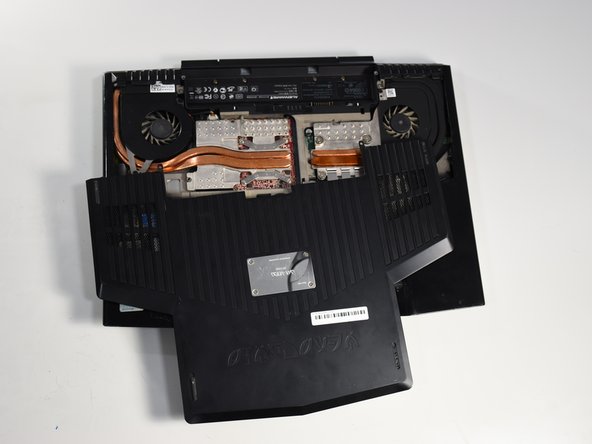




To reassemble your device, follow these instructions in reverse order.



Team

Cal Poly, Team S11-G3, Banghart Winter 2018 Member of Cal Poly, Team S11-G3, Banghart Winter 2018
CPSU-BANGHART-W18S11G3
5 Members
6 Guides authored
