Introduction
This guide shows you how to properly fix your laptop's swivel camera. This is an easy fix in order to get your camera to function properly. In order to accomplish this, you will need a dual-tipped metal spudger and a Phillips PH0 head screwdriver.
What you need
-
-
Open the laptop.
-
Press and hold the power button until the laptop powers off.
-
-


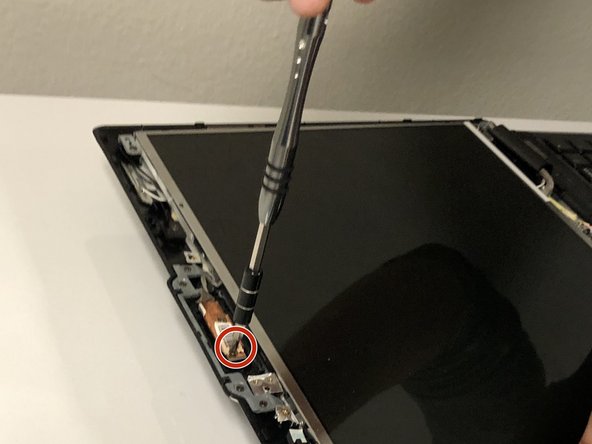
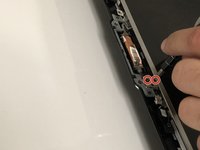
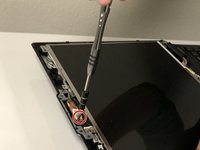

To reassemble your device, follow these instructions in reverse order.
Cancel: I did not complete this guide.
One other person completed this guide.



Team

University of North Texas, Team S8-G2, Riccardelli Fall 2018 Member of University of North Texas, Team S8-G2, Riccardelli Fall 2018
UNT-RICCARDELLI-F18S8G2
4 Members
4 Guides authored
