Introduction
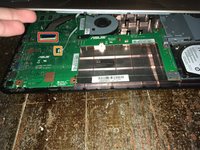
This guide will show you how to remove the keyboard panel for the Asus X450S.
What you need
-
-
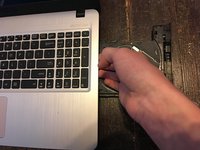
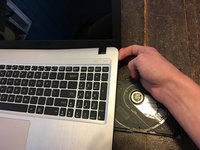
Open the Optical Drive to allow removal of keyboard before powering down computer.
-
-


To reassemble your device, follow these instructions in reverse order.
Cancel: I did not complete this guide.
15 other people completed this guide.


Team

4 Guide Comments
Feels like the panel is glued on mine. all screws are out, corners are loose but rest feels glued. anybody have advice? I dont have access to a heatgun
Well the first time I did it I had to give it a bit more pressure and loosen it up on all the sides. Because it should only be snapped in place. I don’t remember mine having glue the first time but I do remember I needed pry tools to get it off. I used some ifixit spudgers.
I used a plastic card (like credit card) to slide between the panels along the edge - it went smooth!
Le mien à subit un Court circuit comment faire pour le réparer
