Free Shipping on Domestic Orders $75+

Blackberry PRIV Battery Replacement

What you need

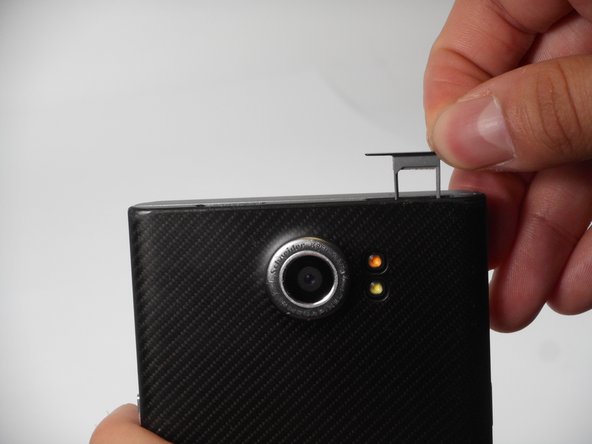
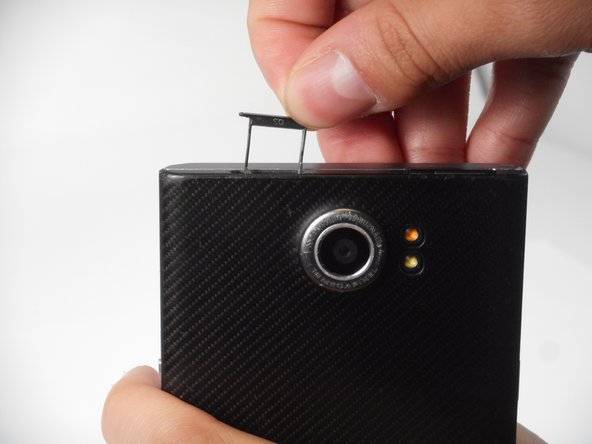
  1. Blackberry PRIV Battery Replacement, Rear Casing: step 1, image 1 of 3 Blackberry PRIV Battery Replacement, Rear Casing: step 1, image 2 of 3 Blackberry PRIV Battery Replacement, Rear Casing: step 1, image 3 of 3
    • Look for the two small holes at the top of your device.

    • Use a SIM eject tool to push down into the holes which lifts the SIM and SD trays.

    • Pull the trays up and out of the device.

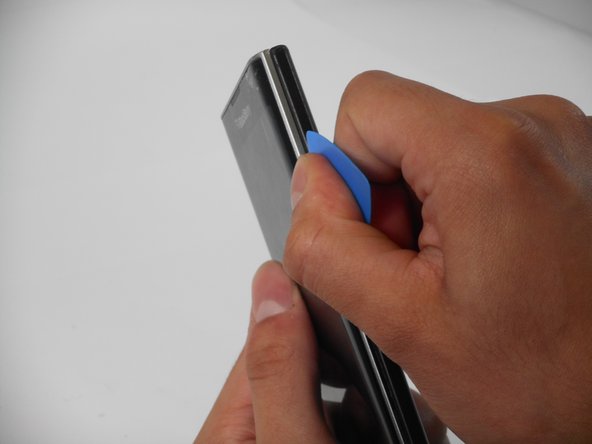
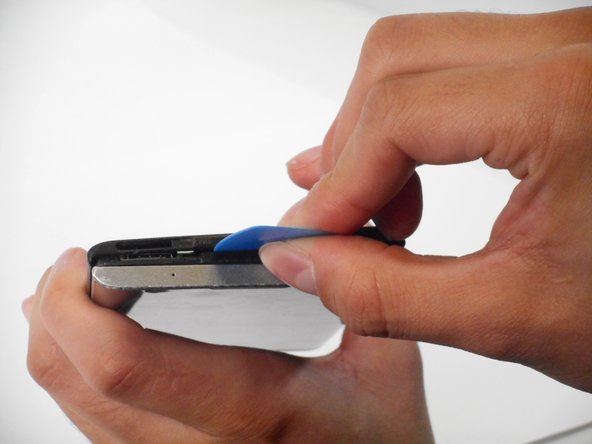
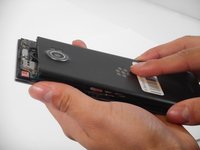
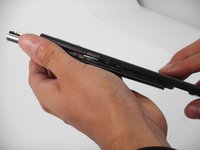
  2. Blackberry PRIV Battery Replacement: step 2, image 1 of 3 Blackberry PRIV Battery Replacement: step 2, image 2 of 3 Blackberry PRIV Battery Replacement: step 2, image 3 of 3
    • Insert an opening pick in the seam between the rear casing and chassis. Apply downward pressure to pry the casing upward.

    • Follow this procedure for only the right, left, and top side of the casing.

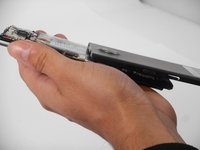
  3. Blackberry PRIV Battery Replacement: step 3, image 1 of 3 Blackberry PRIV Battery Replacement: step 3, image 2 of 3 Blackberry PRIV Battery Replacement: step 3, image 3 of 3
    • Remove the rear casing by sliding the case down and out.

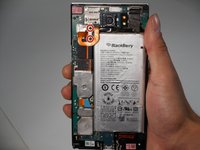
  4. Blackberry PRIV Battery Replacement, Battery: step 4, image 1 of 2 Blackberry PRIV Battery Replacement, Battery: step 4, image 2 of 2
    • Remove the two 3.3 mm T4 Torx screws that secure the battery connector.

    • There may be a plastic protector covering the circuit board and battery. Remove the plastic protector to begin.

  5. Blackberry PRIV Battery Replacement: step 5, image 1 of 2 Blackberry PRIV Battery Replacement: step 5, image 2 of 2
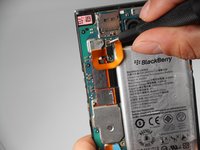
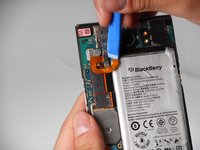
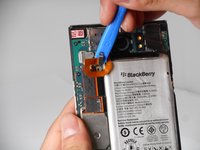
    • Use an opening tool to lift and disconnect the battery connector.

  6. Blackberry PRIV Battery Replacement: step 6, image 1 of 3 Blackberry PRIV Battery Replacement: step 6, image 2 of 3 Blackberry PRIV Battery Replacement: step 6, image 3 of 3
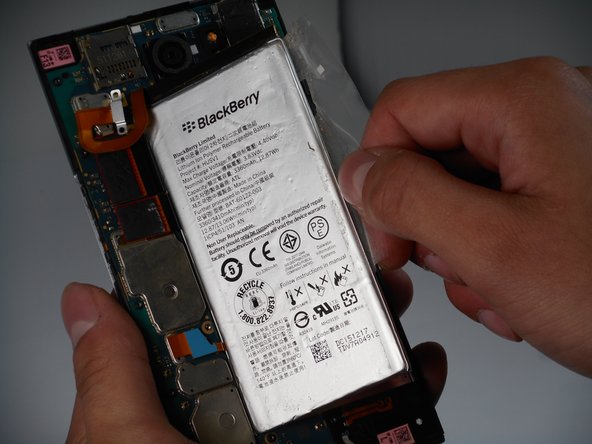
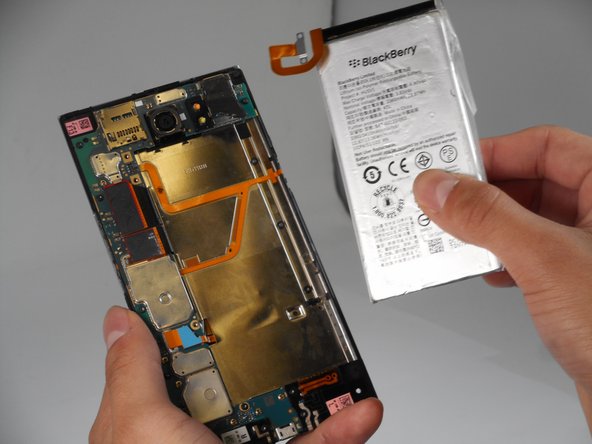
    • Pull on the plastic tab to remove the battery from the device.

    • For easier removal, use a blow dryer to warm the battery glue.

    • Be careful to not overheat the battery or puncture the battery as lithium batteries are dangerous.

Conclusion

To reassemble your device, follow the above steps in reverse order.
For optimal performance, after completing this guide, calibrate your newly installed battery.
Take your e-waste to an R2 or e-Stewards certified recycler.
Repair didn’t go as planned? Try some basic troubleshooting or ask our Answers community for help.

Benjamin Olvera

Member since: 09/25/24

563 Reputation

5 Guides authored

0 Guide Comments

Add Comment

View Statistics:

Past 24 Hours: 2

Past 7 Days: 10

Past 30 Days: 36

All Time: 704