Introduction
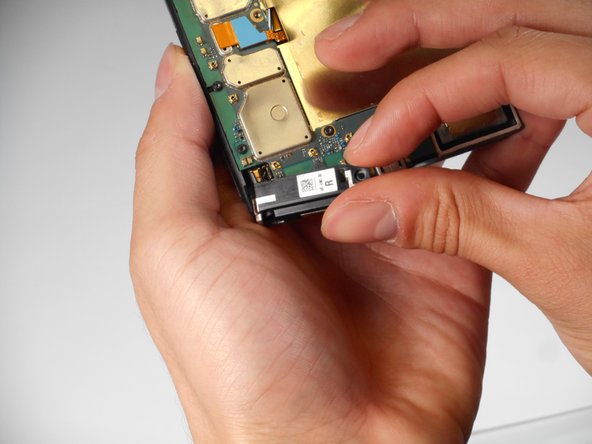
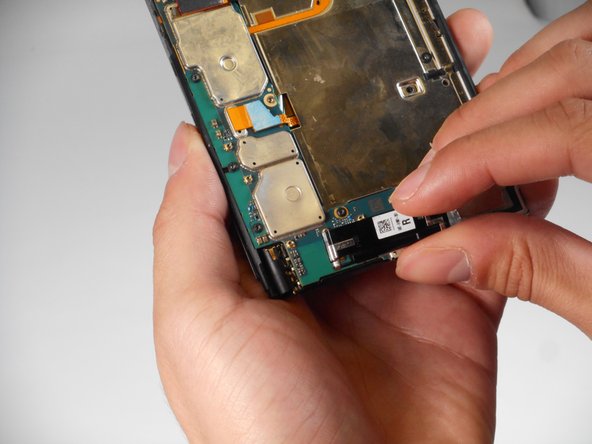
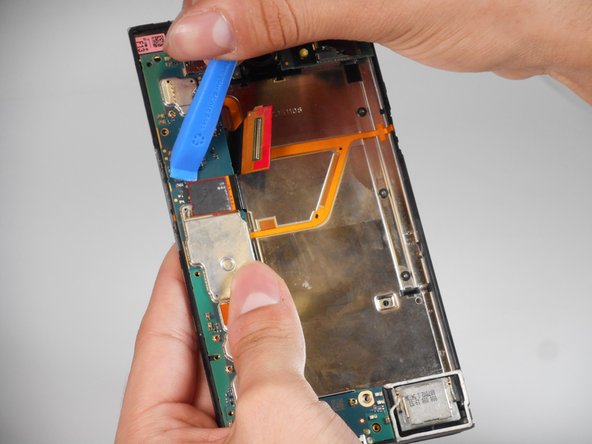
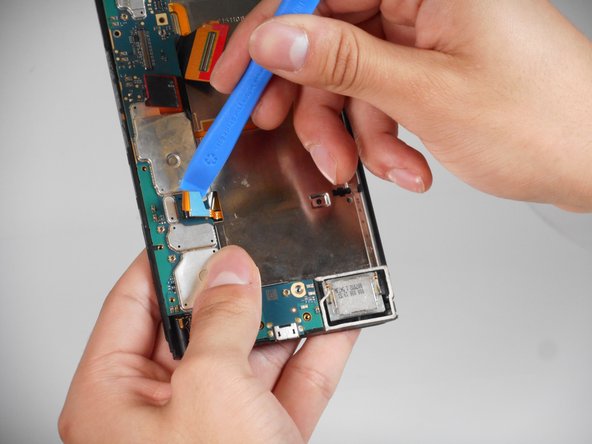
Replacing a phone screen becomes necessary when the screen is damaged or no longer functions properly. This includes cracks from accidental drops, unresponsive touch, or damaged pixels. When the screen involves removing the damaged display and installing a new one, it may also require detaching internal components. The use of your fingers is just fine for most of these components. Always power off your device completely and disconnect it from any external power source before proceeding. Use this guide to replace your damaged screen.
What you need
-
-
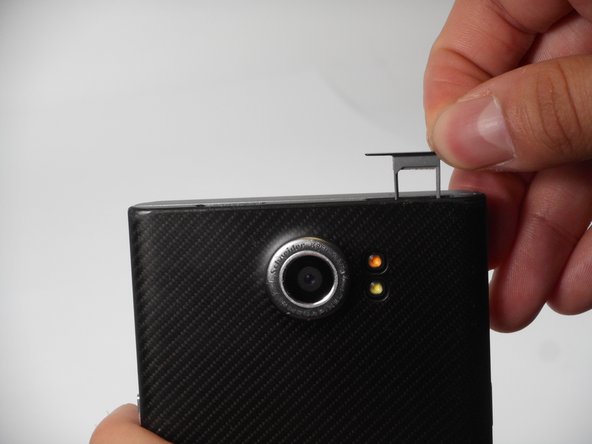
Look for the two small holes at the top of your device.
-
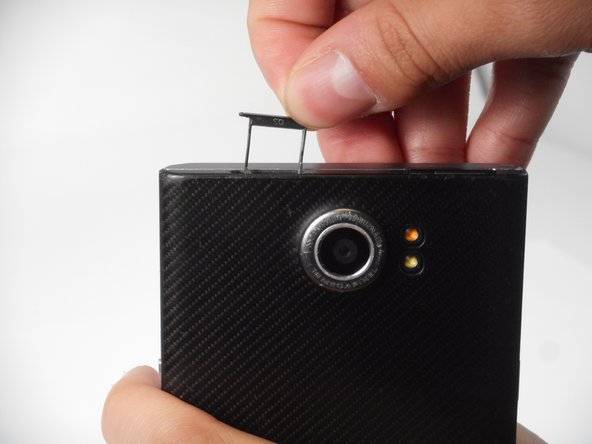
Use a SIM eject tool to push down into the holes which lifts the SIM and SD trays.
-
Pull the trays up and out of the device.
-
-



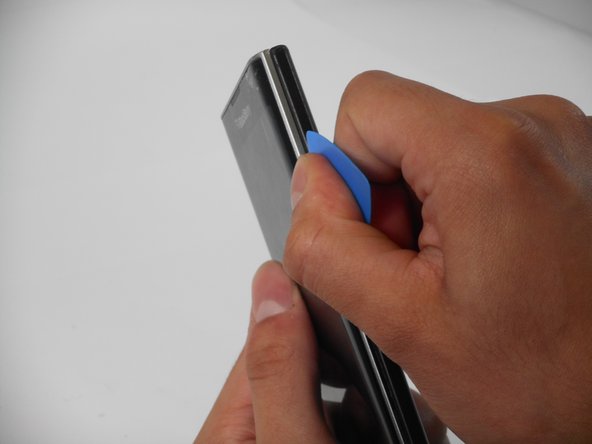
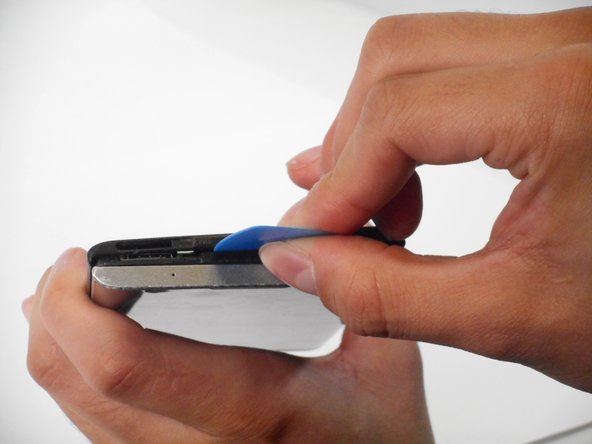



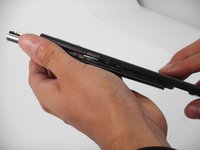
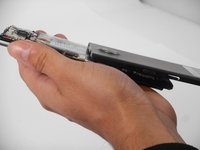


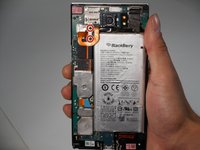
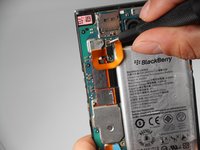



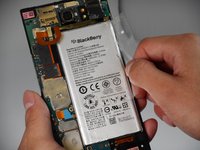
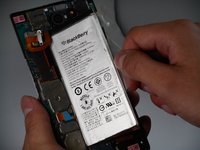
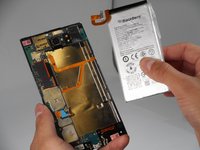


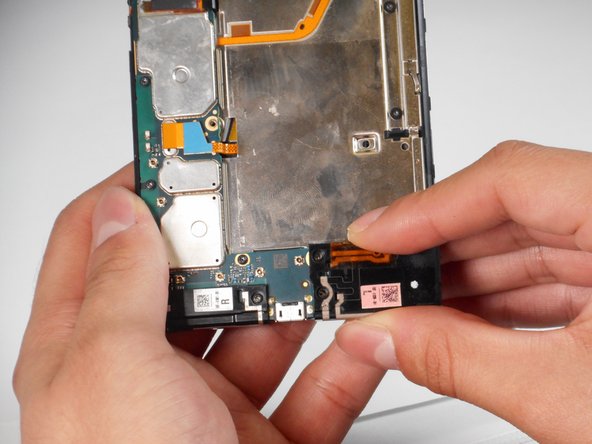
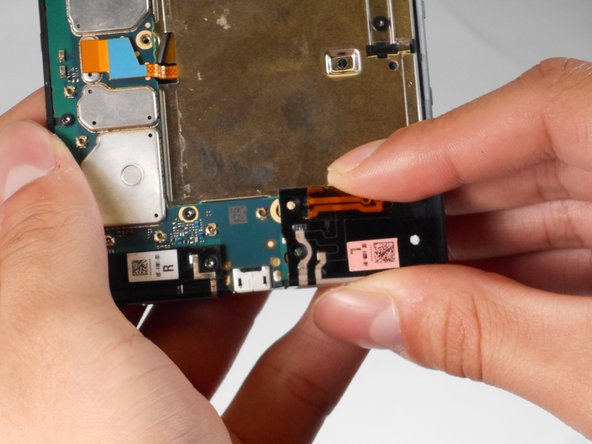
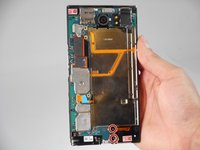
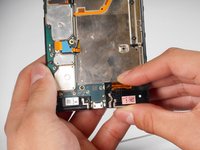
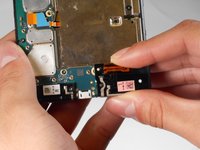


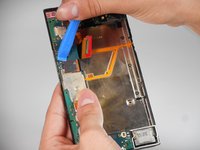
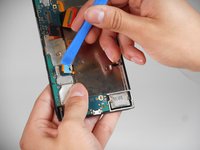

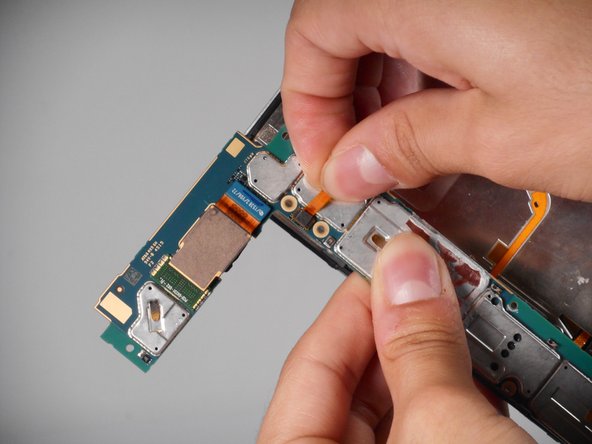
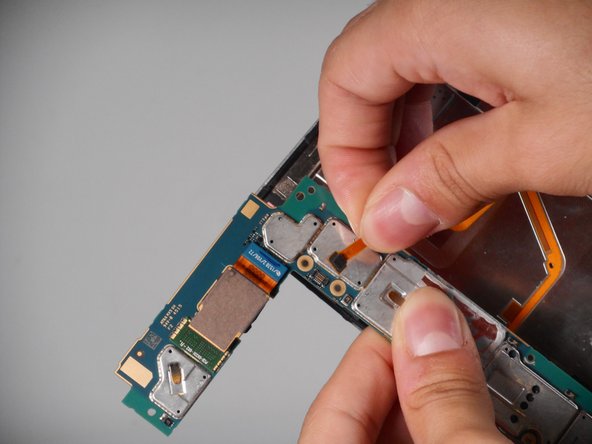
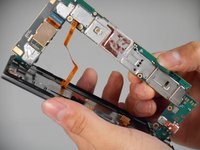
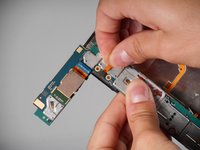
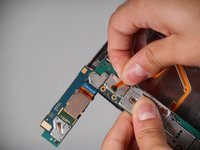

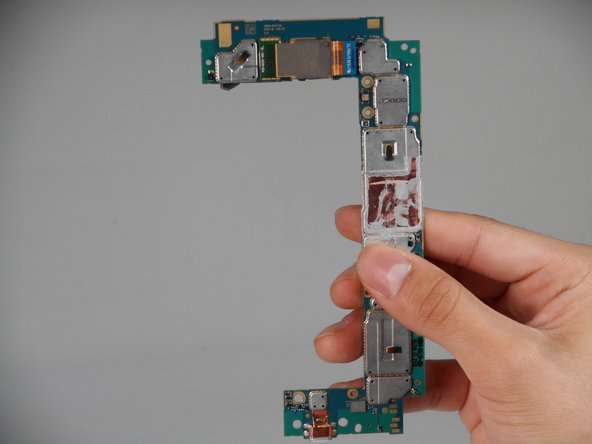
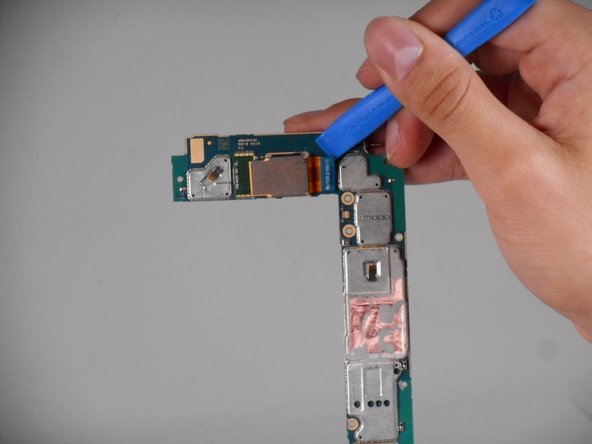

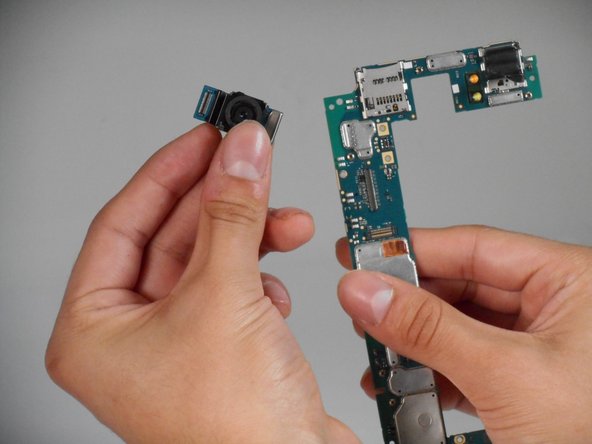


To reassemble your device, follow the above steps in reverse order.
Take your e-waste to an R2 or e-Stewards certified recycler.
Repair didn’t go as planned? Try some basic troubleshooting or ask our Answers community for help.



Team

University of Memphis, Team 1-4, Sneed Fall 2024 Member of University of Memphis, Team 1-4, Sneed Fall 2024
UM-SNEED-F24S1G4
4 Members
5 Guides authored
