Introduction
If your battery is dead or just isn't properly holding a charge, follow this guide.
What you need
-
-
Using the metal spudger, carefully slide it under the black rubber bottom to remove it.
-
Using a Phillips J000 head screw driver, unscrew the 4mm screws placed on the outer corners of the metal plate.
-
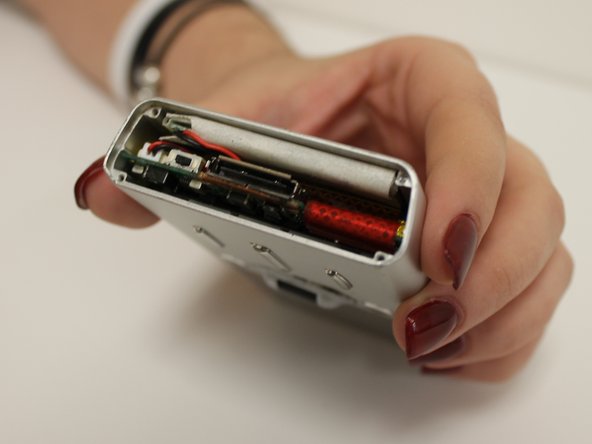
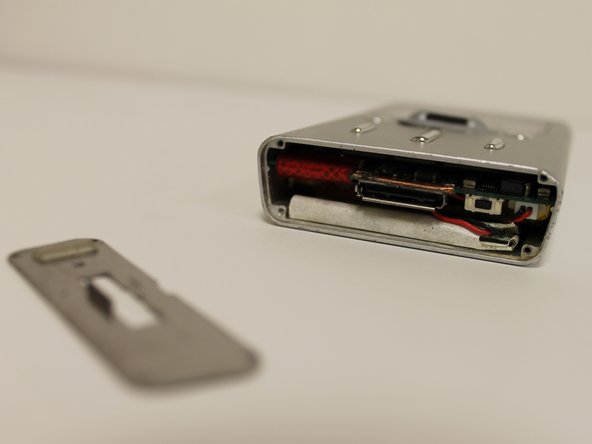
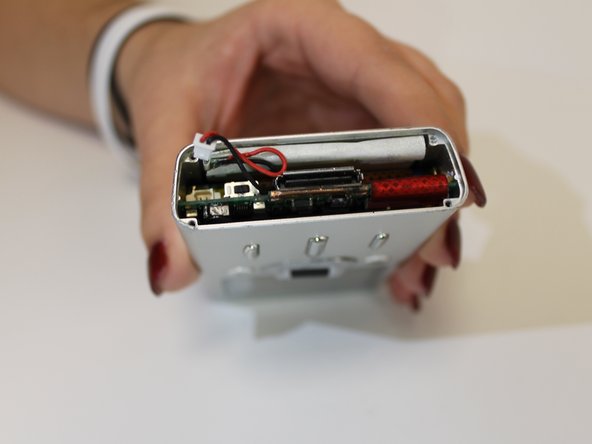
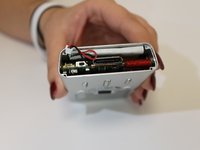
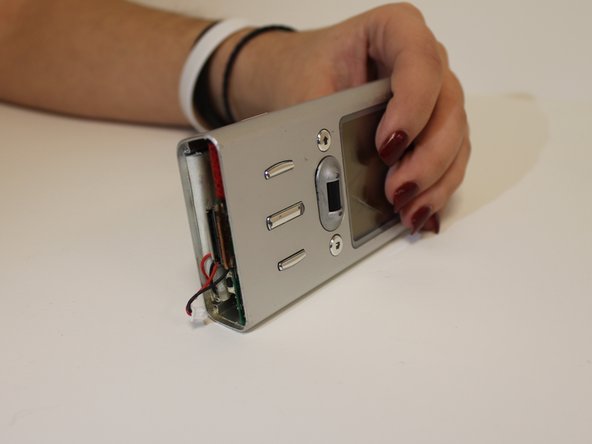
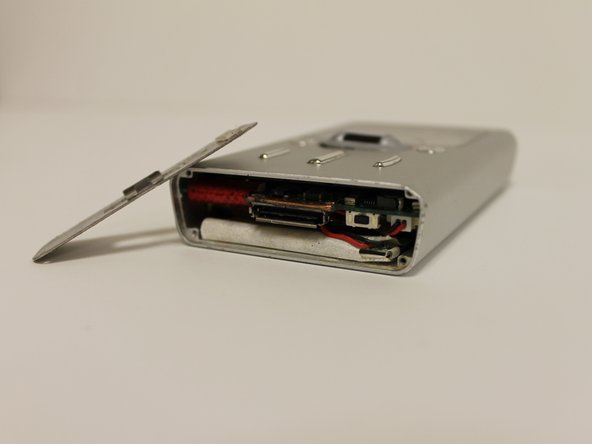
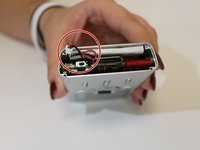
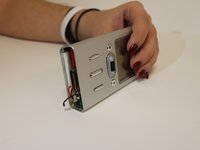
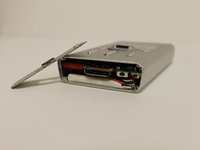
Again, take the metal spudger, placing it under the metal plate to take it off.
-
-






Conclusion
To reassemble your device, follow these instructions in reverse order.



Team

USF Sarasota-Manatee, Team 1-1, Stewart Spring 2016 Member of USF Sarasota-Manatee, Team 1-1, Stewart Spring 2016
USFSM-STEWART-S16S1G1
3 Members
5 Guides authored
