Introduction
Use this guide to replace or upgrade the RAM in your Dell Latitude 7490 laptop.
This laptop has two SO-DIMM slots that support DDR4 memory modules.
What you need
-
-
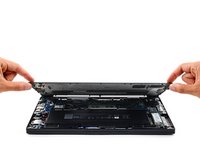
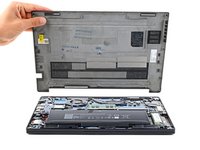
Use a Phillips screwdriver to fully loosen the eight captive screws securing the back cover.
-
-
-
-
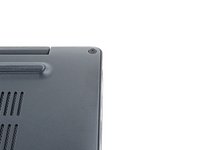
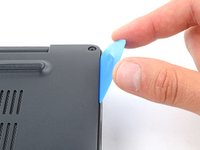
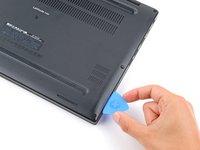
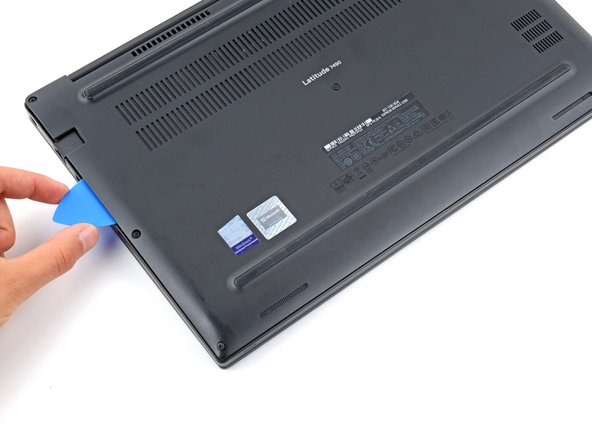
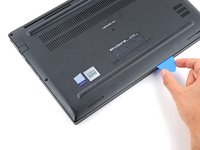
Insert the long side of an opening pick between the top right corner of the back cover and frame.
-
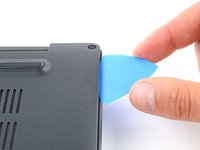
Pry the back cover up to release the clips securing the top right corner.
-
-
-
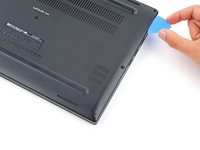
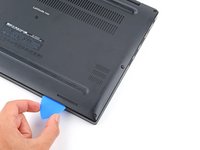
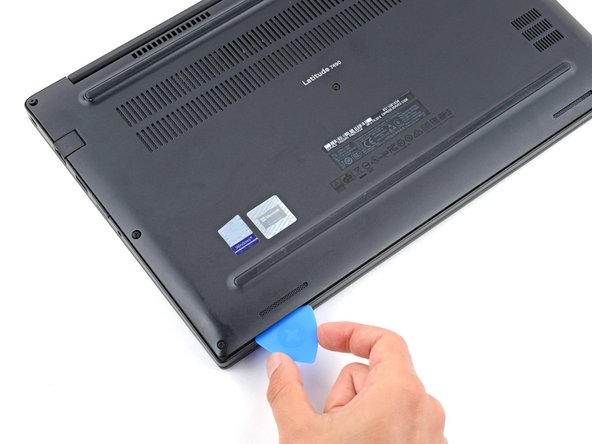
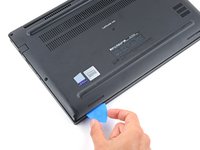
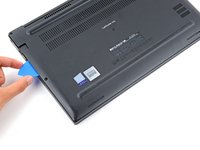
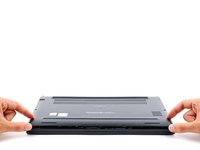
Slide the opening pick down the right edge and around the bottom right corner to release the clips.
-
-
-
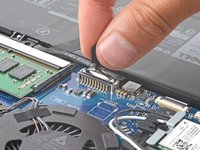
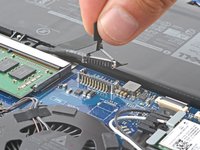
Grip the plastic tab on the battery connector and pull straight up to disconnect it.
-
-
-
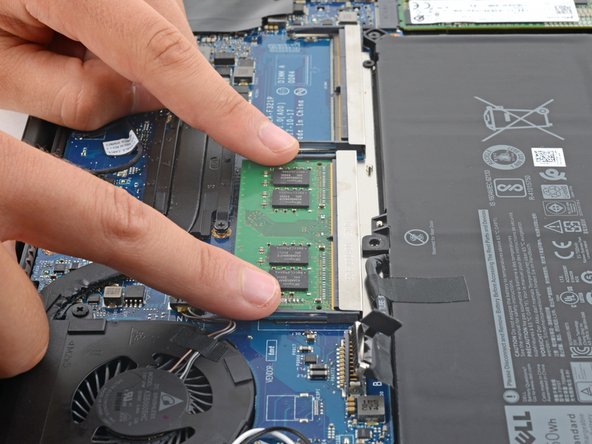
Simultaneously push the arms outward to disengage them.
-
Remove the RAM module.
-
Repeat the process for the second RAM module.
-











To reassemble your device, follow these instructions in reverse order.
Take your e-waste to an R2 or e-Stewards certified recycler.
Repair didn’t go as planned? Try some basic troubleshooting, or ask our Answers community for help.
Cancel: I did not complete this guide.
One other person completed this guide.



