Free Shipping on Domestic Orders $75+

Dell Optiplex 7010 MT RAM Replacement

  1. Dell Optiplex 7010 MT RAM Replacement, Side Panel Latch: step 1, image 1 of 2 Dell Optiplex 7010 MT RAM Replacement, Side Panel Latch: step 1, image 2 of 2
    • Pull side panel latch to left.

  2. Dell Optiplex 7010 MT RAM Replacement, Opening the side panel: step 2, image 1 of 1
    • Pull side panel out while still holding latch.

  3. Dell Optiplex 7010 MT RAM Replacement, Locate RAM DIMMs: step 3, image 1 of 1
    • The RAM DIMMs are to the right of the CPU cooler and fan.

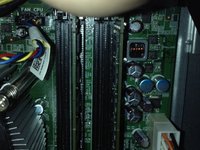
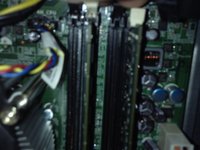
  4. Dell Optiplex 7010 MT RAM Replacement, RAM removal: step 4, image 1 of 2 Dell Optiplex 7010 MT RAM Replacement, RAM removal: step 4, image 2 of 2
    • Pull RAM removal tabs on both sides and lift RAM out.

Conclusion

To reassemble your device, follow these instructions in reverse order.

5 other people completed this guide.

guardian10

Member since: 03/10/22

10,610 Reputation

15 Guides authored

3 Guide Comments

Hey, if you could add pictures that would be great, thanks.

NR26 - Reply

I put them in.

guardian10 -

Thanks man.

NR26 - Reply

Add Comment

View Statistics:

Past 24 Hours: 0

Past 7 Days: 8

Past 30 Days: 30

All Time: 1,306