Free Shipping on Domestic Orders $75+

Disassembling LG420G Entire Phone

What you need

  1. Disassembling LG420G Entire Phone, Phone: step 1, image 1 of 1
    • Flip the phone over with the screen facing down.

    • Remove the cover and battery.

  2. Disassembling LG420G Entire Phone: step 2, image 1 of 2 Disassembling LG420G Entire Phone: step 2, image 2 of 2
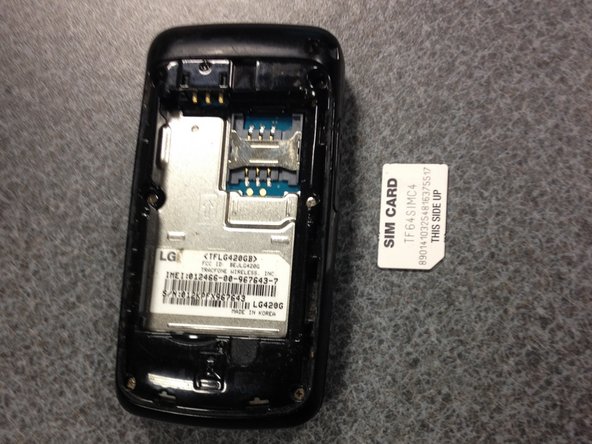
    • Apply light pressure to the area shown and pull out gently to remove the SIM card.

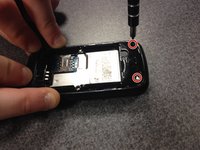
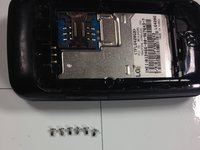
  3. Disassembling LG420G Entire Phone: step 3, image 1 of 3 Disassembling LG420G Entire Phone: step 3, image 2 of 3 Disassembling LG420G Entire Phone: step 3, image 3 of 3
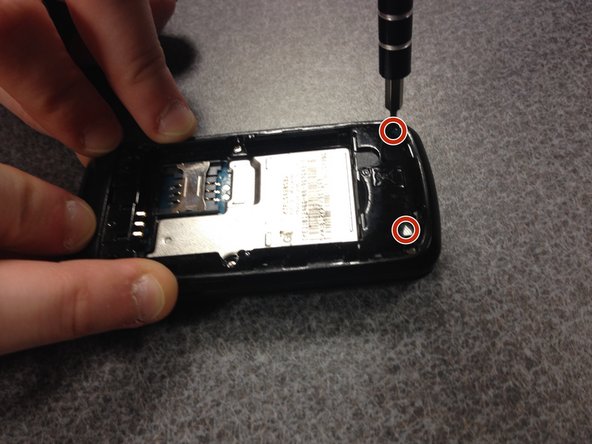
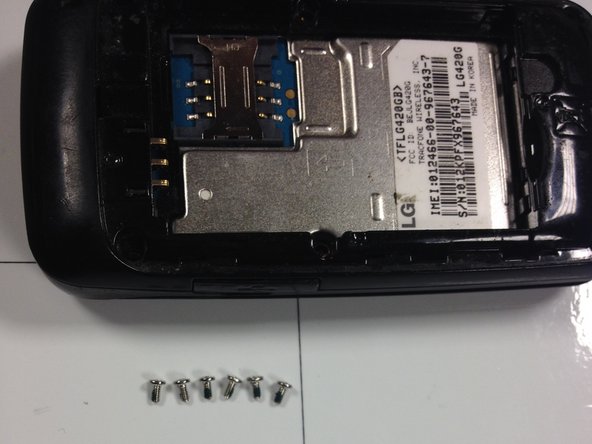
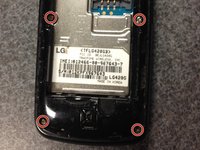
    • Using a Phillips #000 screwdriver, remove all six screws.

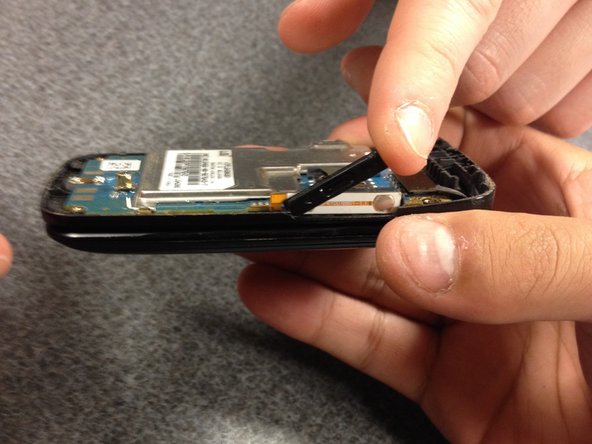
  4. Disassembling LG420G Entire Phone: step 4, image 1 of 1
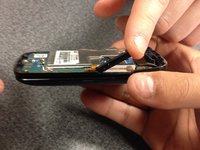
    • With your tweezers, gently pry around the sides to expose the circuitry.

  5. Disassembling LG420G Entire Phone: step 5, image 1 of 1
    • Separate the plastic shells gently and place both now exposed pieces on the ground.

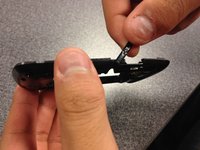
  6. Disassembling LG420G Entire Phone: step 6, image 1 of 2 Disassembling LG420G Entire Phone: step 6, image 2 of 2
    • Remove the small parts gently with your fingers.

  7. Disassembling LG420G Entire Phone: step 7, image 1 of 1
    • Remove the circuit board.

  8. Disassembling LG420G Entire Phone: step 8, image 1 of 1
    • Gently push the keypad out of the phone frame.

  9. Disassembling LG420G Entire Phone: step 9, image 1 of 2 Disassembling LG420G Entire Phone: step 9, image 2 of 2
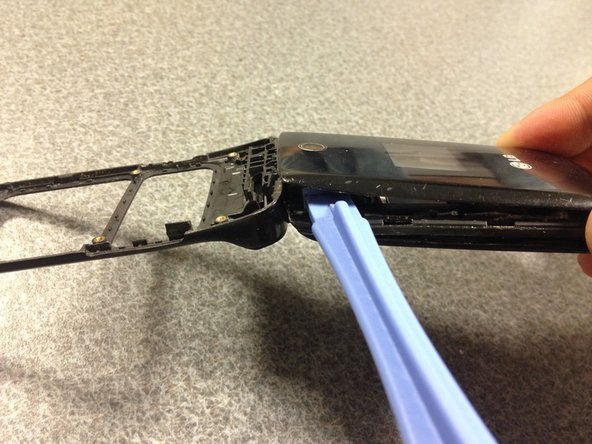
    • With an opening tool, start opening the front face of the phone.

  10. Disassembling LG420G Entire Phone: step 10, image 1 of 1
    • Gently remove the front cover to further expose electronics inside.

  11. Disassembling LG420G Entire Phone: step 11, image 1 of 1
    • Gently pry apart glued layer.

    • Use an electronic safe adhesive remover to mitigate the risk of damage.

  12. Disassembling LG420G Entire Phone: step 12, image 1 of 1
    • The completely disassembled phone should look similar to the picture shown.

Conclusion

To reassemble your device, follow these instructions in reverse order.

2 other people completed this guide.

0 Guide Comments

Add Comment

View Statistics:

Past 24 Hours: 2

Past 7 Days: 7

Past 30 Days: 32

All Time: 1,004