Introduction
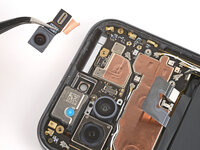
This guide shows how to remove the front camera in your Google Pixel 9a smartphone.
What you need
-
-
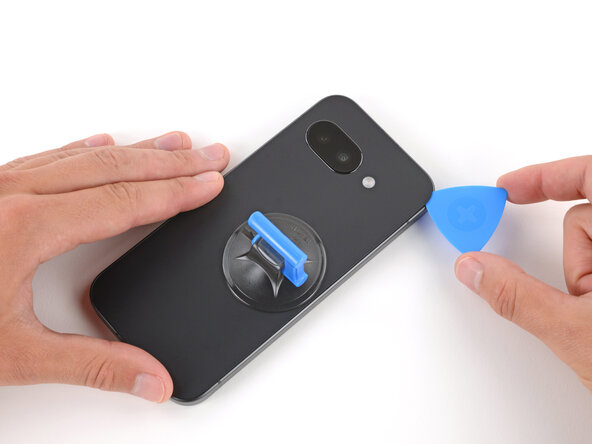
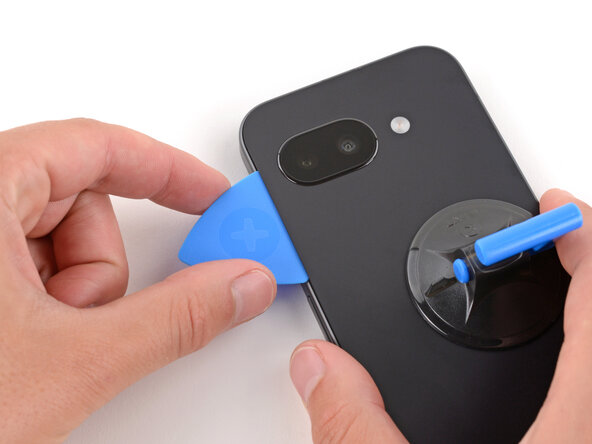
Apply a suction handle near the center of the rear cover's right edge, as close to the edge as possible.
-
-
-
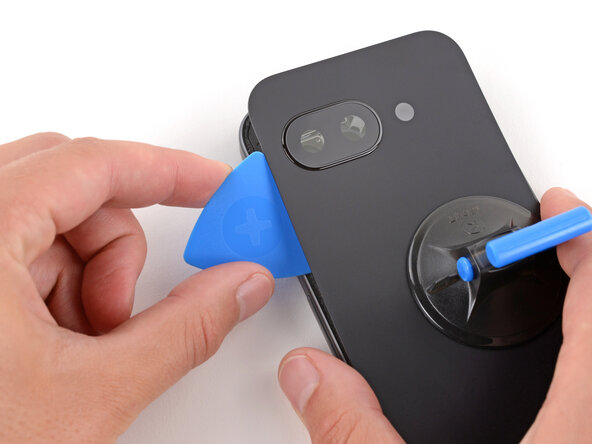
Pull up on the suction handle with strong, steady force until a gap forms between the cover and frame.
-
Insert the tip of an opening pick into the gap.
-
-
-
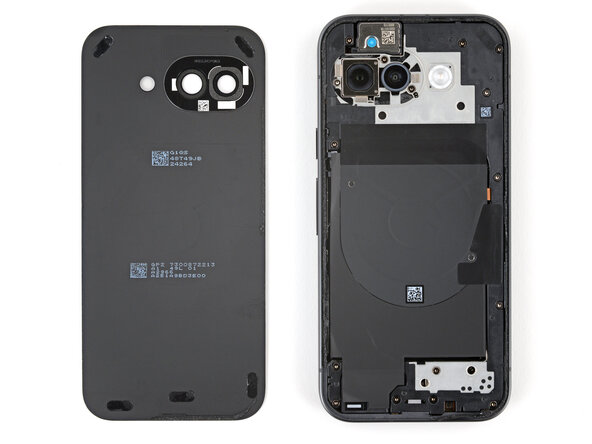
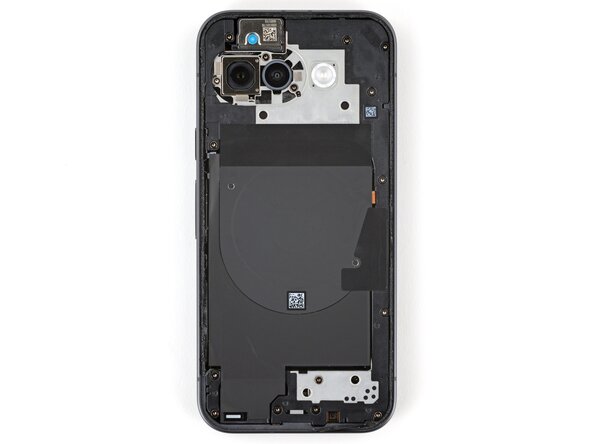
The rear cover is secured with adhesive around the perimeter of the frame and near the cameras. Use this picture as a reference while you separate the adhesive.
-
-
-
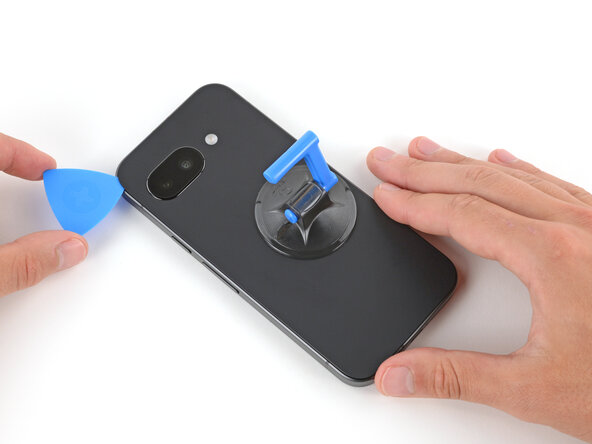
Slide the opening pick up the right edge, around the top right corner, and along the top edge to separate the adhesive securing the rear cover.
-
-
-
-
Insert the flat edge of an opening pick under the top of the rear cover's left edge, near the camera bezel.
-
Twist the pick and apply constant pressure to separate the adhesive around the camera bezel.
-
-
-
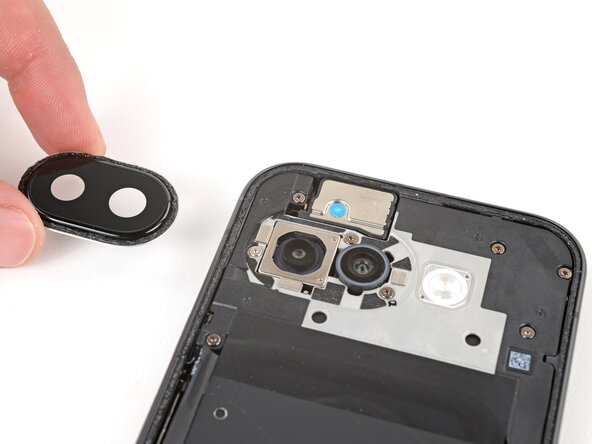
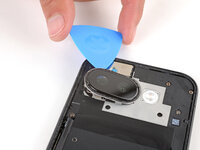
Slide an opening pick under the camera bezel and pry up to remove it.
-
-
Tool used on this step:Magnetic Project Mat$19.95
-
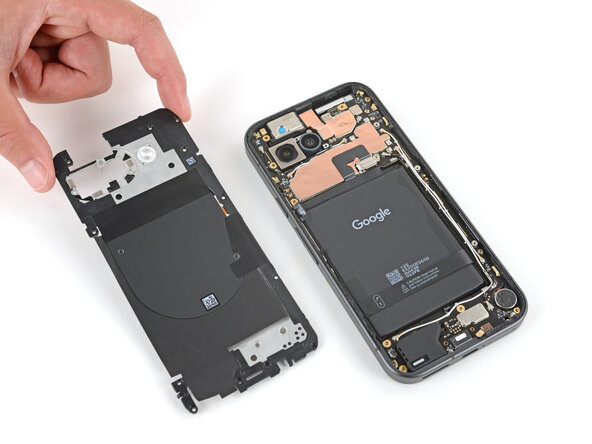
Use a Torx Plus 3IP screwdriver to remove the 16 screws securing the wireless charging assembly:
-
Thirteen 5.0 mm‑long screws
-
Three 2.2 mm‑long screws
-
Throughout this repair, keep track of each screw and make sure it goes back exactly where it came from to avoid damaging your phone.
-
-
-
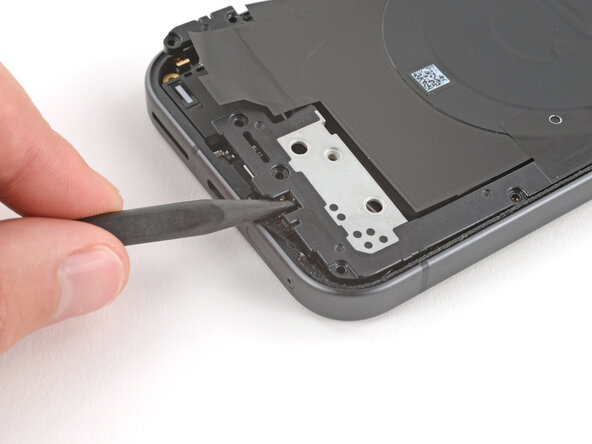
Use the point of a spudger to pry up and unclip the wireless charging assembly from the two cutouts—one to the right of the charge port, and another on the left edge just below the camera.
-
-
-
Use a Torx Plus 3IP screwdriver to remove the 1.7 mm‑long screw securing the battery connector cover.
-
-
-
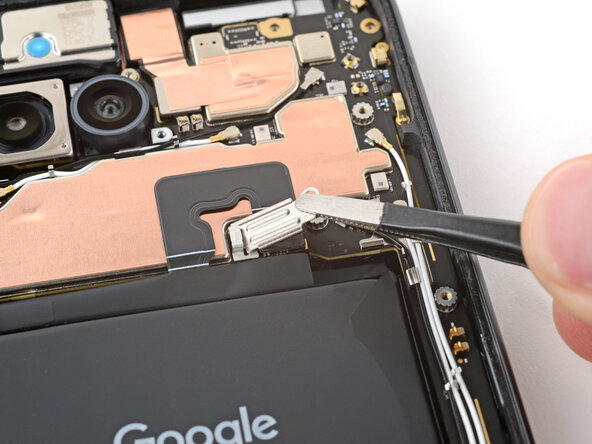
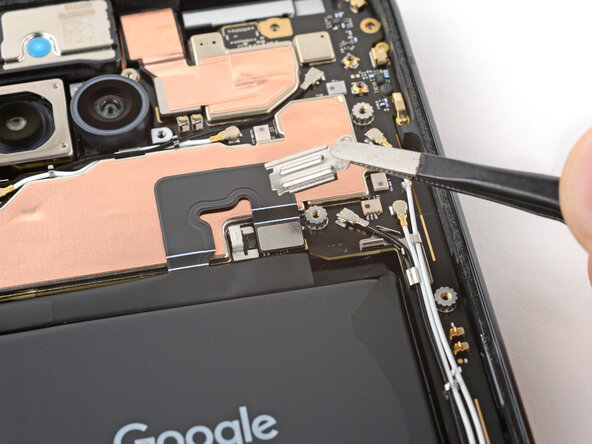
Use tweezers to lift and remove the battery connector cover.
-
-
-
Use a spudger to pry up and disconnect the battery cable press connector.
-
-
-
Use the point of a spudger to pry up and disconnect the front camera press connector, prying under the top left corner.
-
-
-
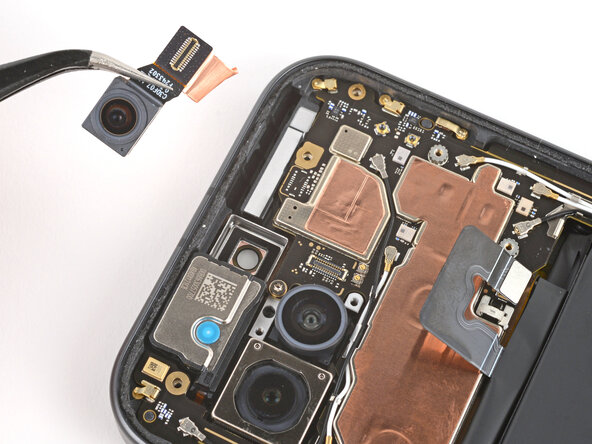
Use tweezers to grip the center of the front camera, between the press connector and the camera itself.
-
Flip the camera towards the right edge and gently peel it off the copper foil.
-