Introduction
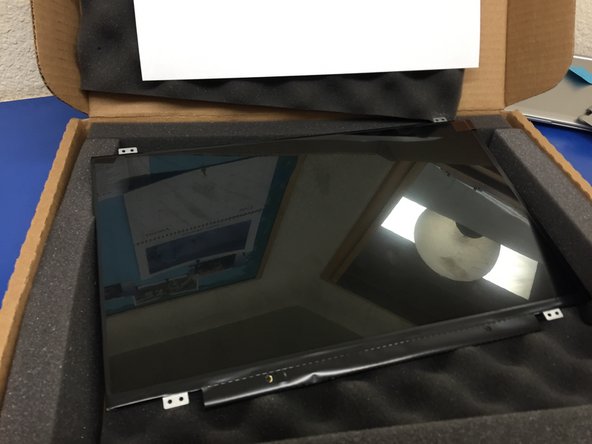
Easy and quick replacement of the Chromebook screen.
What you need
-
-
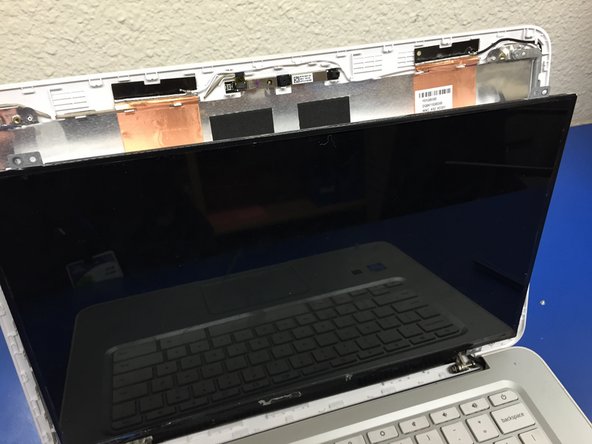
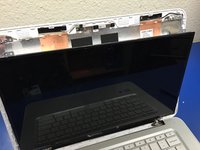
We will be replacing the screen on this HP Chromebook. ***Unfortunately I did get a shot of the sweet crack on this screen.
-
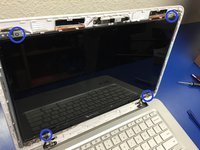
We will start by removing this screws on the bottom left and right of the screen, just above the escape key and power button.
-
-



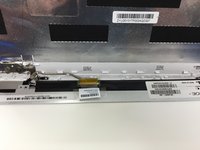
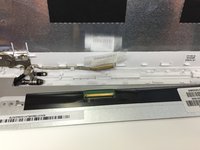

To reassemble your device, follow these instructions in reverse order.
Cancel: I did not complete this guide.
4 other people completed this guide.



Team

2 Guide Comments
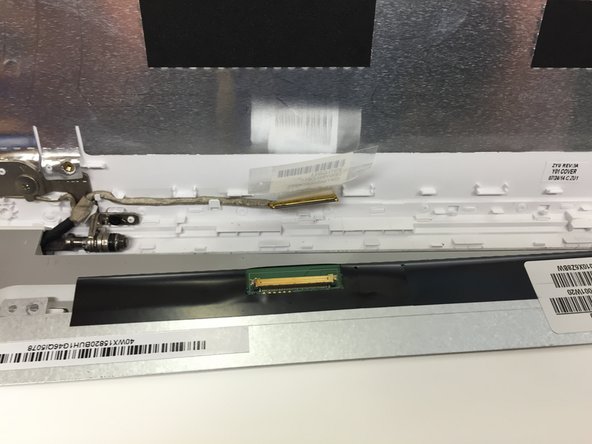
That ribbon connector sure is finicky, It's really hard to actually pop it back in without putting too much force to it and bending it up. (for me atleast)
