HP Deskjet 6840 Maintenance

What you need

  1. HP Deskjet 6840 Maintenance, General Device: step 1, image 1 of 1
    • Start by turning the printer around so you can work on the backside of the printer.

  2. HP Deskjet 6840 Maintenance: step 2, image 1 of 3 HP Deskjet 6840 Maintenance: step 2, image 2 of 3 HP Deskjet 6840 Maintenance: step 2, image 3 of 3
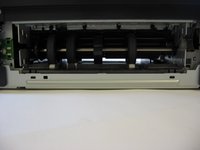
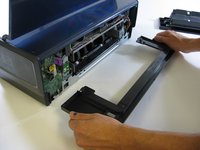
    • Use both hands to press the two grooves on the back of the printer. Simultaneously press both grooves down and in.

    • This will release the back panel from the printer.

    • Remove the back panel from the printer.

  3. HP Deskjet 6840 Maintenance: step 3, image 1 of 3 HP Deskjet 6840 Maintenance: step 3, image 2 of 3 HP Deskjet 6840 Maintenance: step 3, image 3 of 3
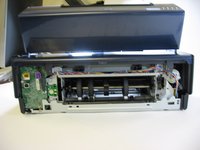
    • Use a screwdriver to remove each visible screw.

    • Using two hands, pull out and remove the rear support structure.

  4. HP Deskjet 6840 Maintenance: step 4, image 1 of 2 HP Deskjet 6840 Maintenance: step 4, image 2 of 2
    • Carefully remove the large, black shell that encases the internal body of your printer.

    • Gently remove the shell from the base of the printer by placing your hands at the corners and firmly lifting the shell until it pops off of the base. Do not pry or bend the shell.

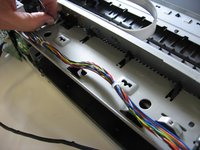
    • Carefully detach wires that connect the shell to the printer's internal parts.

  5. HP Deskjet 6840 Maintenance: step 5, image 1 of 3 HP Deskjet 6840 Maintenance: step 5, image 2 of 3 HP Deskjet 6840 Maintenance: step 5, image 3 of 3
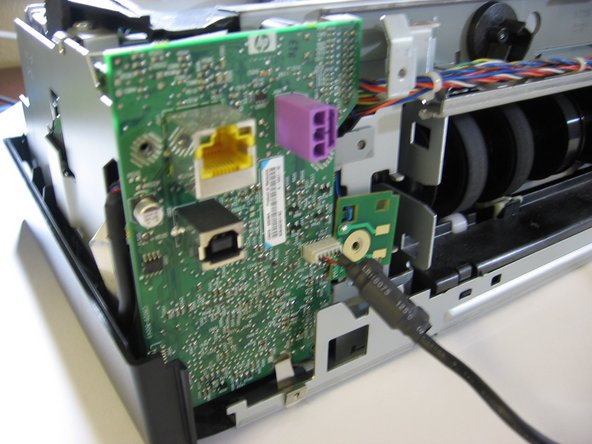
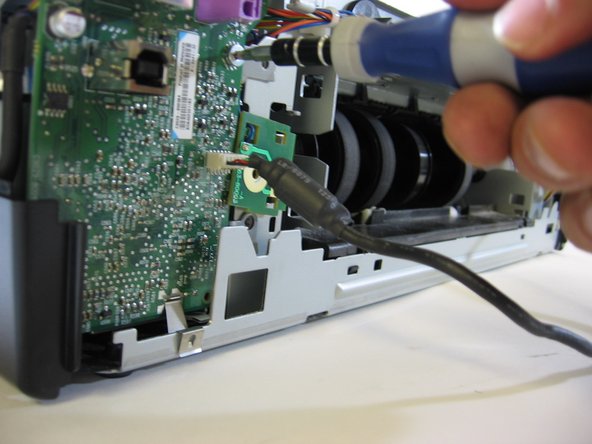
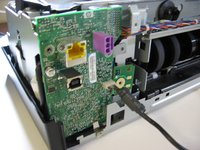
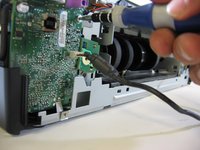
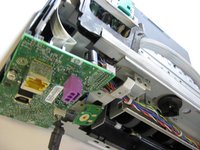
    • Use a screwdriver to remove the screws from the printer carriage assembly and the green plastic motherboard.

    • Gently loosen the motherboard from its base, but do not fully remove it.

  6. HP Deskjet 6840 Maintenance: step 6, image 1 of 3 HP Deskjet 6840 Maintenance: step 6, image 2 of 3 HP Deskjet 6840 Maintenance: step 6, image 3 of 3
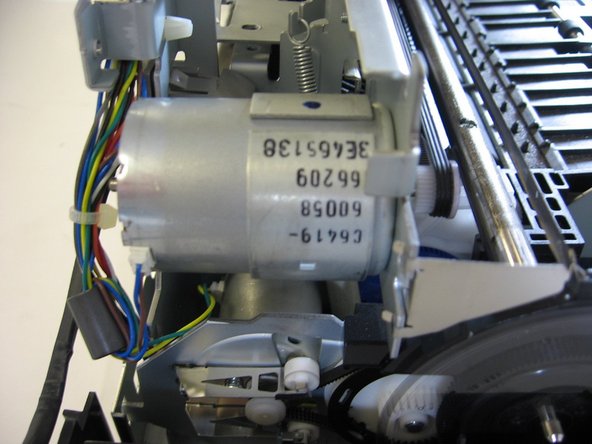
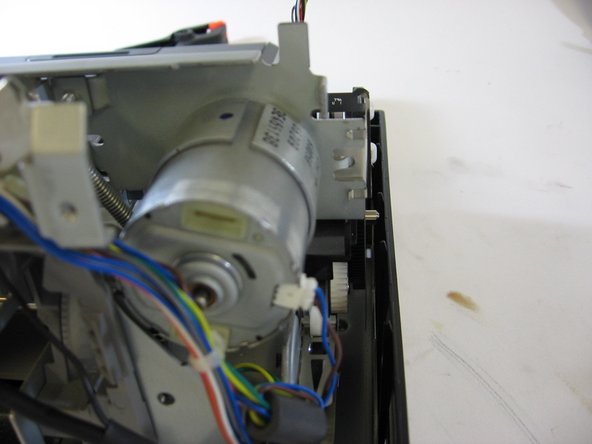
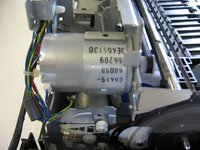
    • Use a screwdriver to remove the screws securing the motor carriage.

    • If you need to replace the motor, remove the screws from the motor housing.

    • Carefully lift the motor out of the housing with your fingers and replace it with a new one.

  7. HP Deskjet 6840 Maintenance: step 7, image 1 of 3 HP Deskjet 6840 Maintenance: step 7, image 2 of 3 HP Deskjet 6840 Maintenance: step 7, image 3 of 3
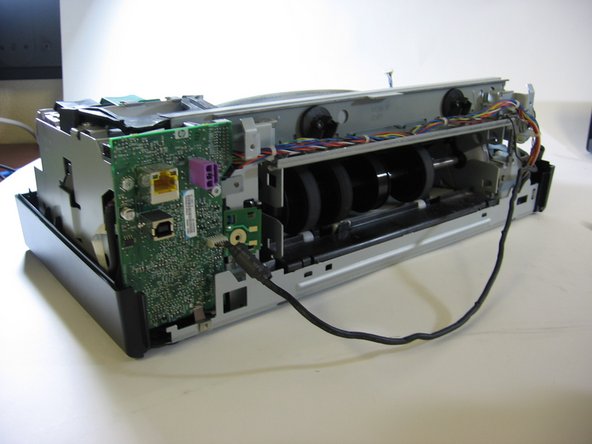
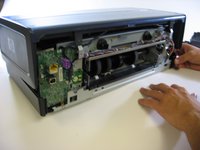
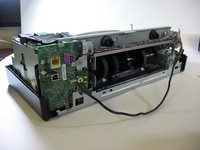
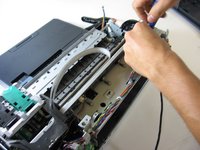
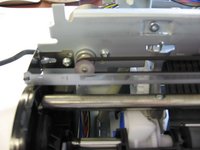
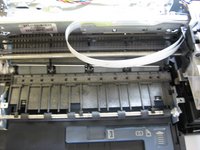
    • By now, your printer should resemble the one in the photograph.

    • Use the screwdriver to remove any remaining screws.

  8. HP Deskjet 6840 Maintenance, HP Deskjet 6840 Maintenance: step 8, image 1 of 1
    • To clean the exterior of the device, generally a soft, moist cloth can be used to wipe away any dust, smudges, or other granules that may have collected on the device. Be careful not to dampen the cloth too much, as excessive water (or other liquids) slipping into the interior could damage the device.

  9. HP Deskjet 6840 Maintenance: step 9, image 1 of 1
    • There may be an amount of ink residue that builds up inside the device, so be thorough when sterilizing your printer.

    • However, regarding general maintenance, the ink cartridges and carriage are your main concern, as most other residue is normal build-up for this device.

    • When cleaning your printer, do not use alcohol or other platen cleaners, as this could severely damage your device.

  10. HP Deskjet 6840 Maintenance: step 10, image 1 of 1
    • To maintain the ink cartridges, you simply wipe them down with a soft, clean cloth.

    • However, if you find the dried ink stains disconcerting, know that they are character of a healthy, functioning device. You can still wipe them off, but be cautious not to rub too hard- you risk denting or otherwise damaging the machine.

  11. HP Deskjet 6840 Maintenance: step 11, image 1 of 1
    • If you have further questions about extended care for your device, you may find this, this, and this to be helpful.

Conclusion

To reassemble your device, follow these instructions in reverse order.

Magnolia

Member since: 01/23/14

325 Reputation

3 Guides authored

0 Guide Comments

Add Comment

View Statistics:

Past 24 Hours: 0

Past 7 Days: 6

Past 30 Days: 22

All Time: 1,070