Introduction
Follow this guide to remove or replace the facerest on an HTC Vive Focus.
Power down your device before you begin.
What you need
-
-
Place your device upside-down on your work surface.
-
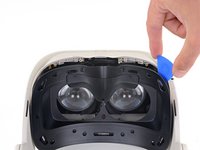
Use your fingers to gently pull the facerest cushion straight off of the facerest to remove it.
-
-
-
Use a T5 Torx screwdriver to remove the eight 4.5 mm screws securing the facerest.
-
-
-
-
Carefully flip your device over.
-
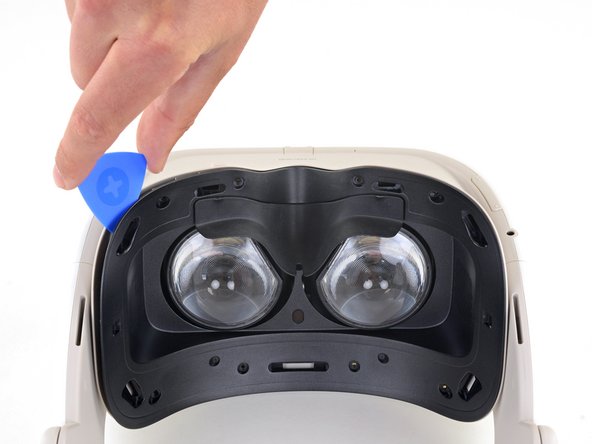
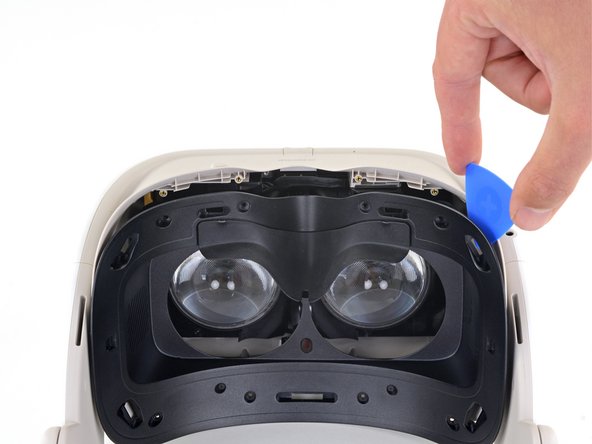
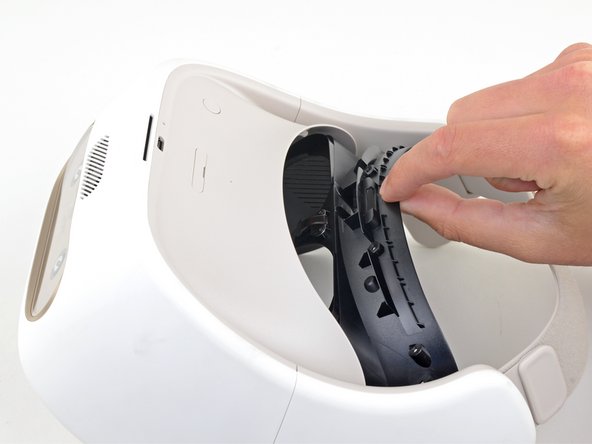
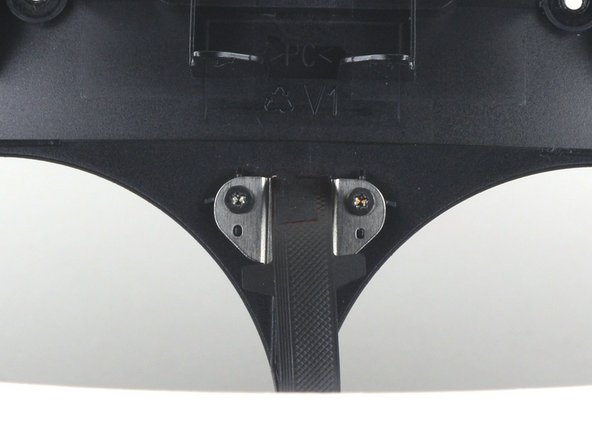
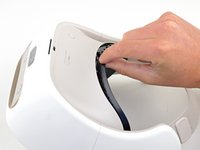
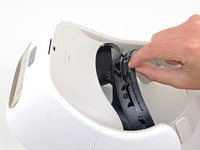
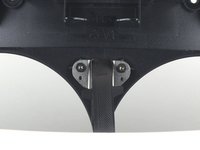
Pull the facerest out just enough to access the screws securing the facerest sensor.
-





Conclusion
To reassemble your device, follow the above steps in reverse order.
Take your e-waste to an R2 or e-Stewards certified recycler.
Repair didn’t go as planned? Try some basic troubleshooting, or ask our Answers community for help.


