Introduction
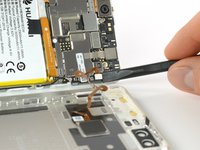
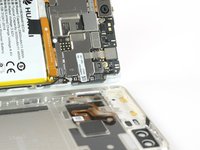
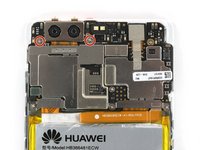
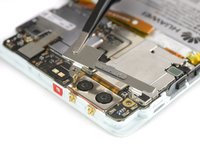
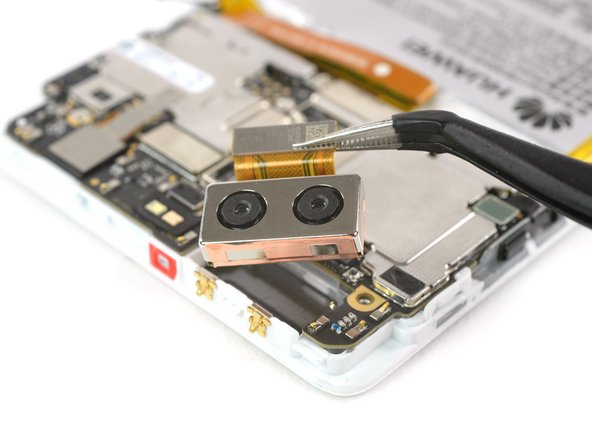
Use this guide to replace the camera in your Huawei P9 smartphone. When reassembling your phone apply new adhesive where it is necessary.
What you need
-
-
First switch off your phone and remove the SIM card tray.
-
Unscrew the two Pentalobe P2 screws located at the bottom next to the device's USB C port.
-
-





Conclusion
To reassemble your device, follow these instructions in reverse order. When reassembling your phone apply new adhesive where it is necessary.
Cancel: I did not complete this guide.
5 other people completed this guide.


Team

