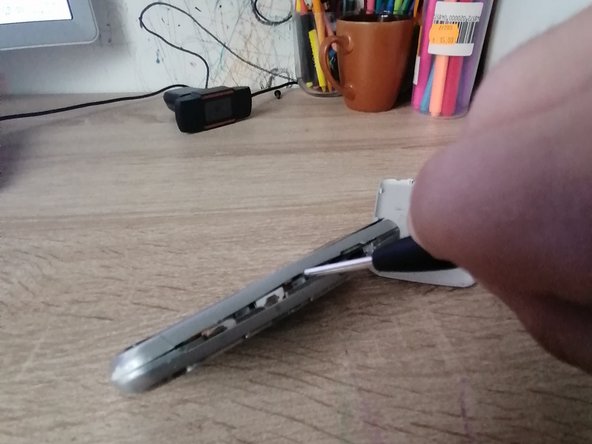
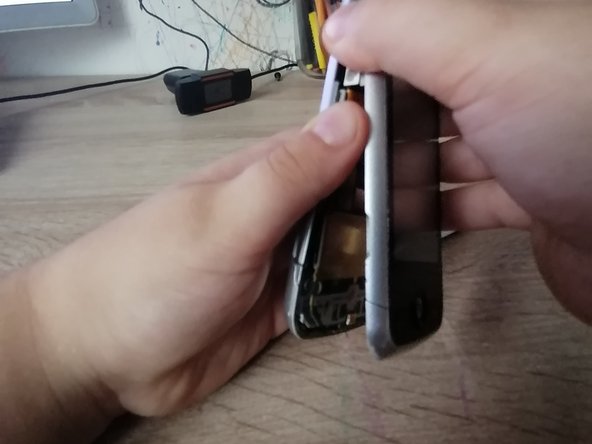
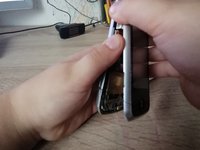
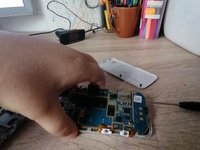
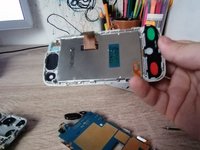
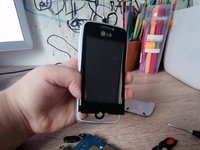
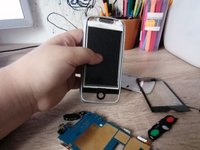
Push up the back panel with both of your thumbs.
While pushing up with both thumbs, be sure to apply gentle pressure in order to unclip the backplate off of the device.
Be careful not to push down too hard or you may crack the backplate or damage the internal components of the device.
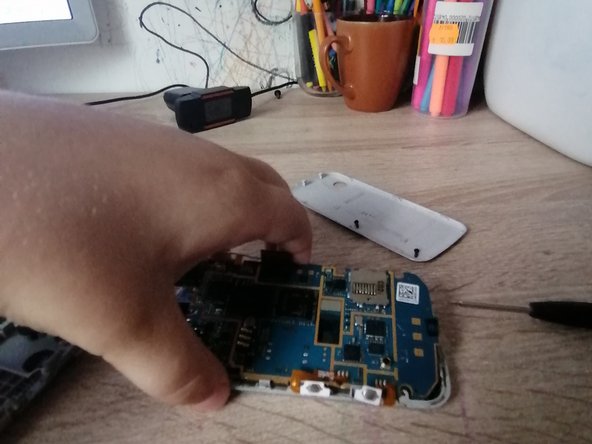
Unscrew all of the visible screws.
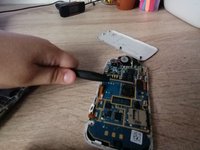
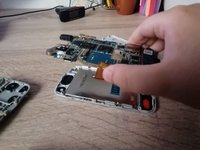
Take a spudger (or something strong but not sharp) to wedge between the device and the backplate.
Be careful when prying open the device, you don't want to damage any clips or wires that are inside.
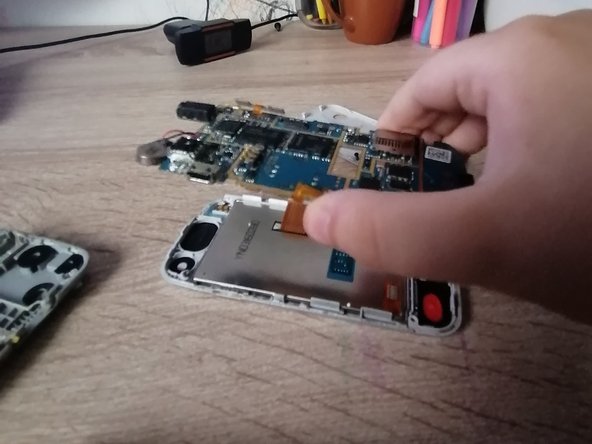
Unplug the cable and lift the motherboard.
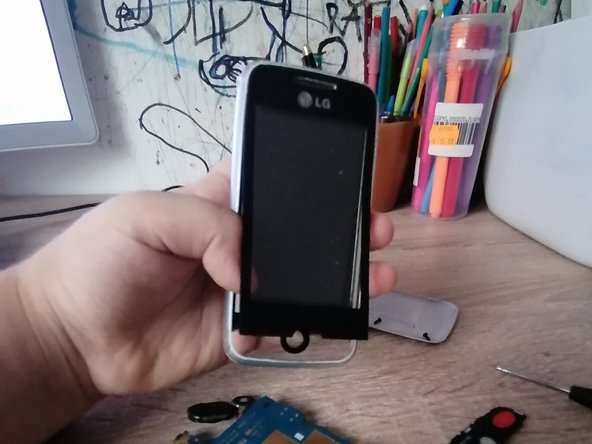
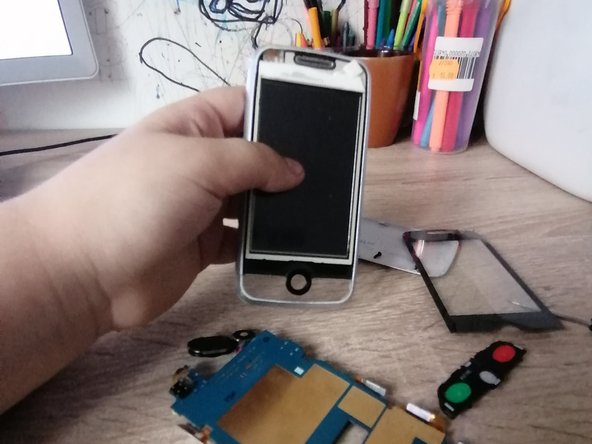
Push the buttons out from the back and peel the front.
To reassemble your device, follow these instructions in reverse order.
Cancel: I did not complete this guide.
with 1 other contributor
Member since: 05/26/22
392 Reputation
1 Guide authored
Badges: 4
+1 more badge
Choose a size and copy the code below to embed this guide as a small widget on your site / forum.
Past 24 Hours: 0
Past 7 Days: 0
Past 30 Days: 4
All Time: 188