Introduction
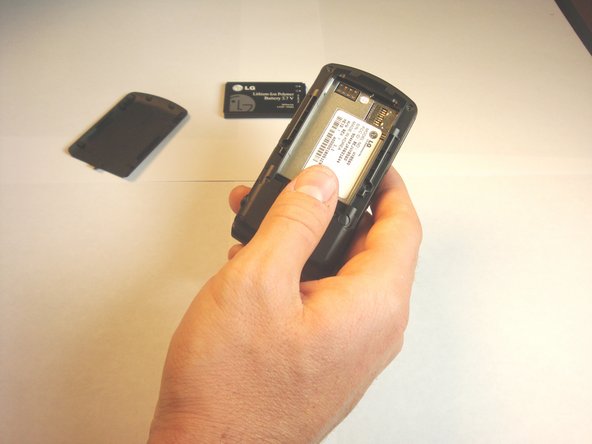
This guide provides instructions for removing the battery on your LG VX8560 cellphone. Batteries are one of the most vital components of equipment on any electronic device; replacement may be necessary to ensure your device remains operational.
If your device is not powering on properly, it may be a sign that the battery is in need of replacement. Follow the instructions below to safely remove and replace your current battery.


Conclusion
To reassemble your device, follow these instructions in reverse order.



Team

Cal Poly, Team 13-62, Johann Spring 2013 Member of Cal Poly, Team 13-62, Johann Spring 2013
CPSU-JOHANN-S13S13G62
4 Members
12 Guides authored
