Lefant M210 Wheel Assembly Replacement

What you need

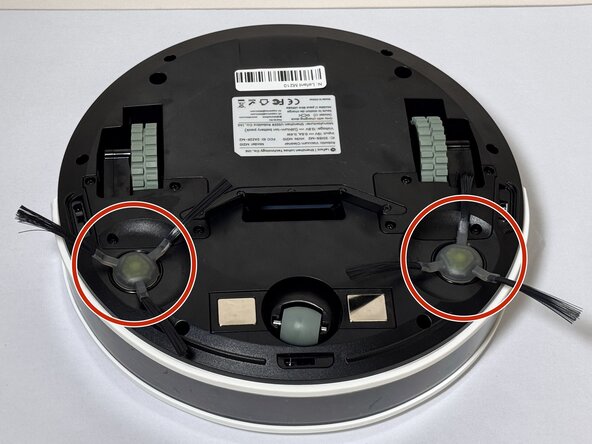
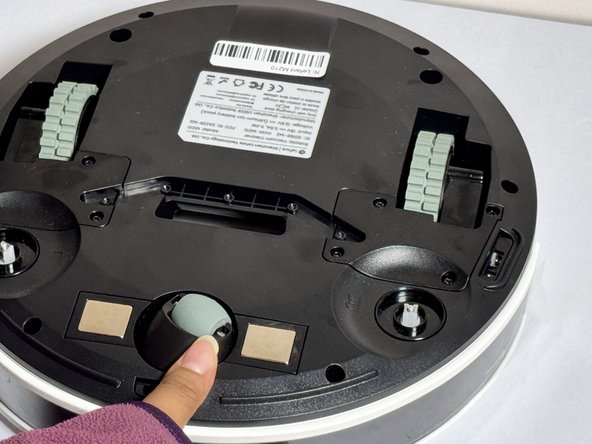
  1. Lefant M210 Wheel Assembly Replacement, Brush: step 1, image 1 of 2 Lefant M210 Wheel Assembly Replacement, Brush: step 1, image 2 of 2
    • Turn off the Lefant M210 and disconnect it from the charging dock.

    • Flip the unit over so the bottom faces upward.

    • Locate the circular brush assemblies on the left and right sides of the underside.

    • Place the unit on a clean, flat surface to prevent scratching.

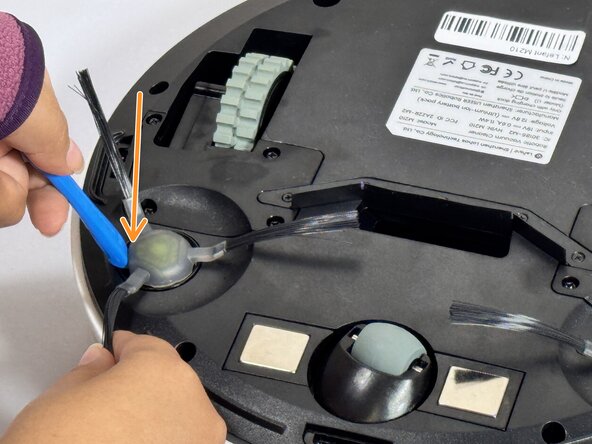
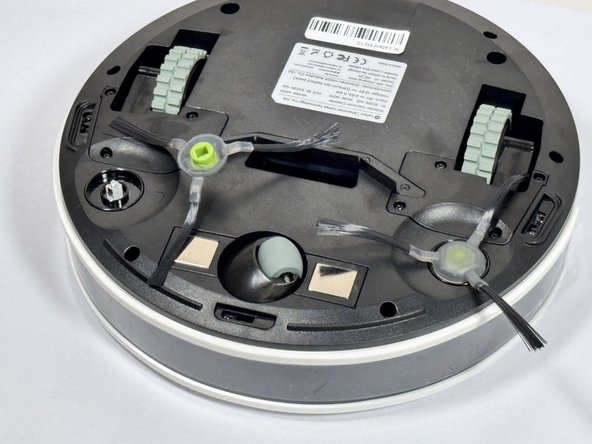
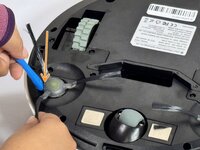
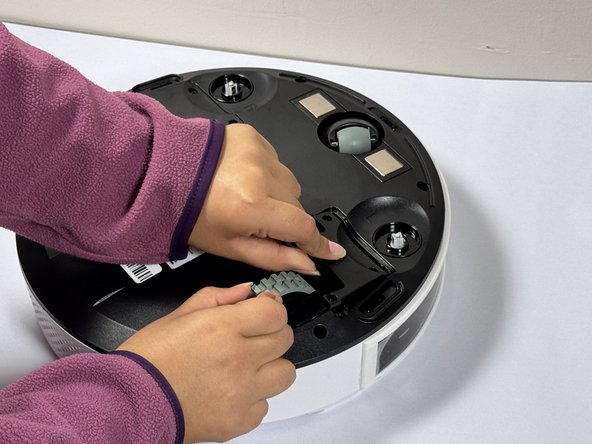
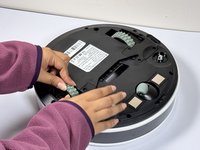
  2. Lefant M210 Wheel Assembly Replacement: step 2, image 1 of 3 Lefant M210 Wheel Assembly Replacement: step 2, image 2 of 3 Lefant M210 Wheel Assembly Replacement: step 2, image 3 of 3
    • Insert the iFixit Opening Tool (or similar pry tool) under the circular edge of the brush assembly.

    • Apply gentle downward pressure on the opposite end of the tool to lever the brush component out of its housing.

    • Remove the brush assembly completely and set it aside.

    • If replacing both brush assemblies, repeat this process on the other side.

    • Avoid using excessive force, which may damage the mounting clips.

    • Position the new brush assembly above the square mounting peg.

    • Align the square cavity on the bottom of the brush with the corresponding square peg in the vacuum housing.

    • Press down firmly on the brush assembly until you hear or feel it click into place.

    • Gently tug on the brush to verify it is securely seated.

    • The brush should sit flush with the housing and not move when pulled gently.

  3. Lefant M210 Wheel Assembly Replacement, Wheel Assembly: step 4, image 1 of 1
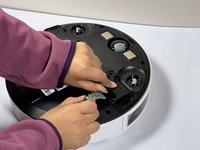
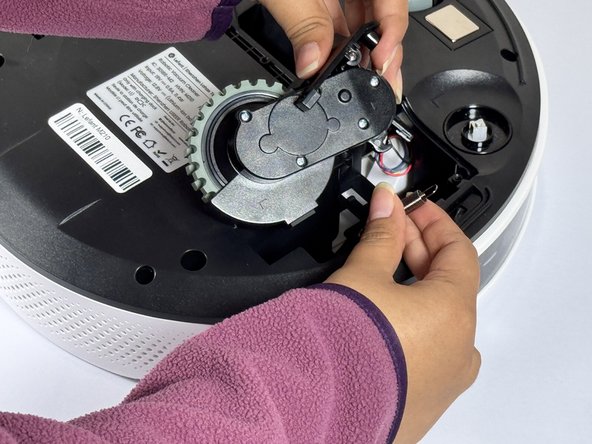
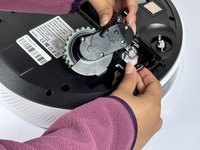
    • Use a Phillips screwdriver to remove four screws near each wheel.

  4. Lefant M210 Wheel Assembly Replacement: step 5, image 1 of 2 Lefant M210 Wheel Assembly Replacement: step 5, image 2 of 2
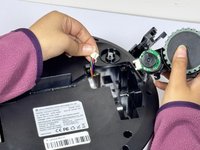
    • Remove the plastic cover next to each wheel.

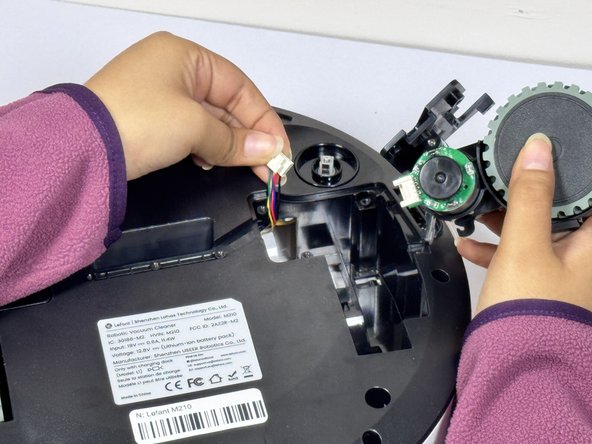
    • Grip both sides of the wheel and pull upwards.

    • The wheels of the device require some force to remove.

    • Don't pull the wheels too hard as they are attached to cables and may be damaged if yanked.

  5. Lefant M210 Wheel Assembly Replacement: step 6, image 1 of 3 Lefant M210 Wheel Assembly Replacement: step 6, image 2 of 3 Lefant M210 Wheel Assembly Replacement: step 6, image 3 of 3
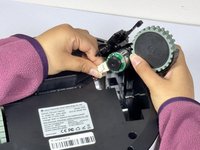
    • Hold the wheel up and detach the connector to release it from the device.

Conclusion

To reassemble your device, follow these instructions in reverse order.

Adrian pg

Member since: 09/09/24

147 Reputation

1 Guide authored

Team

0 Guide Comments

Add Comment

View Statistics:

Past 24 Hours: 8

Past 7 Days: 27

Past 30 Days: 125

All Time: 1,071