Introduction
Use this guide to replace your Nintendo Switch Online NES Controller's Charging Rail. The controller was made for the Nintendo Switch family of consoles, available to Nintendo Switch Online members.
The model numbers for the pair are 109045 / 09046A. When exposed to prolonged, yet normal, charging over many years, it may become damaged on the outside and/or halt the functioning of the onboard charger, making the controller unusable. We will show users how to restore the connection and charging capability of their Nintendo Switch NES Controller to fully operating order.
What you need
-
-
Use a Tri-point #Y00 screwdriver to remove the six 6.0 mm screws securing the back case.
-
Remove the back case from the controller.
-
-
-
Use a Phillips #000 to remove three 3.0 mm screws holding the battery and it's housing.
-
Remove the battery housing with the battery from the main board and set it aside.
-
-
-
-
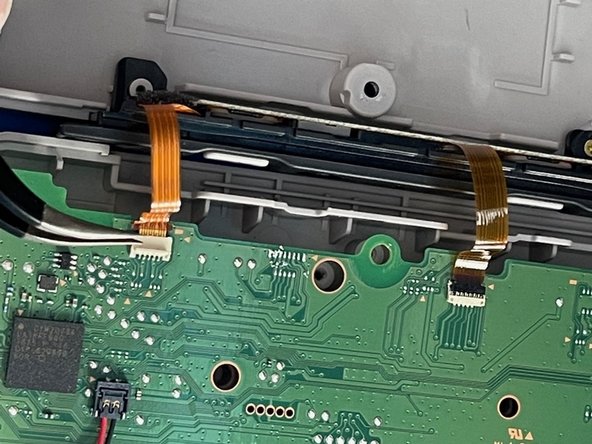
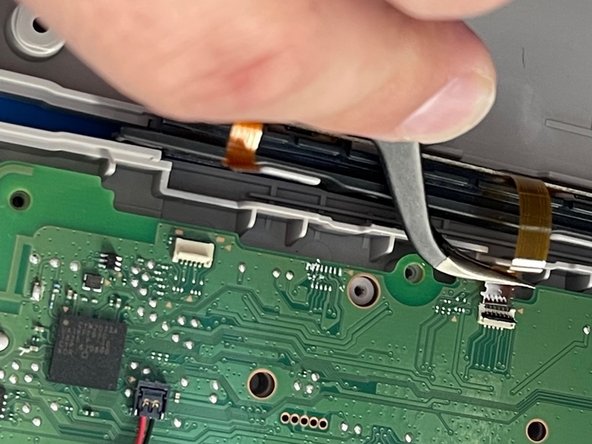
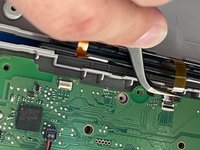
Use the tip of a spudger or your fingernail to flip up the small locking flaps on the two ZIF Connectors. Then, you can safely pull the cable out.
-
-
-
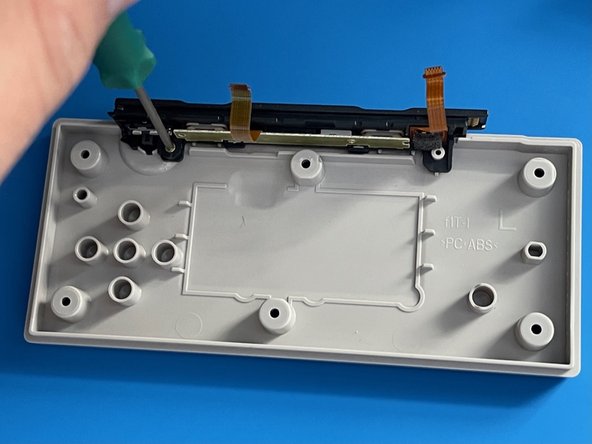
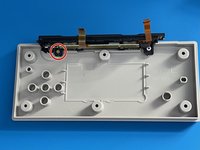
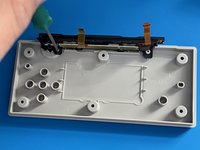
Use a Phillips #000 to remove the single 3.0 mm screw holding the charging rail to the back plate.
-
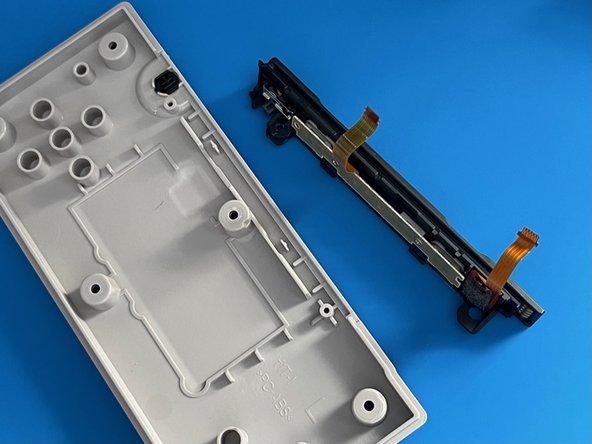
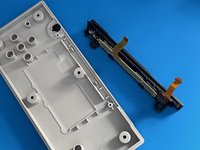
Remove the charging rail.
-
-
-
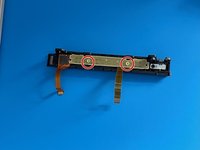
Use a Phillips #000 screwdriver to remove two 3.0mm screws from the rail PCB.
-
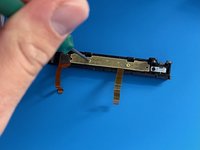
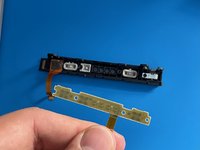
Remove the charging rail PCB.
-
-
Tool used on this step:Tweezers$4.99
-
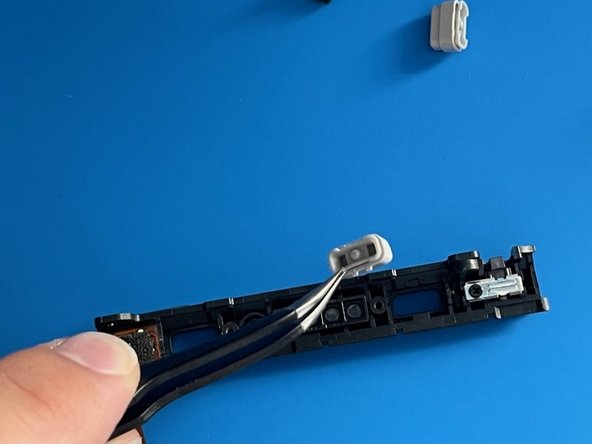
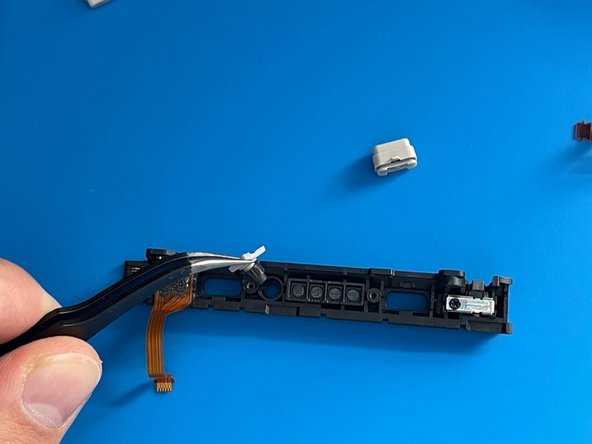
Using tweezers, remove the SL and SR buttons.
-
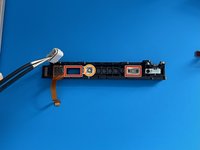
Do the same for the Sync button between them.
-







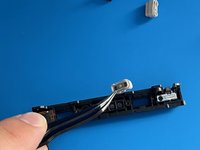
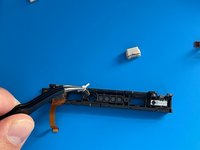
We hope you enjoy your new and improved Charging Rail for your Nintendo Switch NES Controller.
To put the device back together, follow this guide in reverse.
Cancel: I did not complete this guide.
4 other people completed this guide.


