Introduction
Use this guide to replace the camera/microphone module cable in a Lenovo ThinkPad T460.
The built-in webcam (also called a laptop camera) in this laptop is integrated with the webcam. If you are experiencing issues with the webcam and microphone and have ruled out the camera/microphone module itself as the issue, you may need to replace your laptop’s camera/microphone module cable.
Make sure to disable the internal battery, power down your device, and disconnect from any external power sources before you begin.
What you need
-
-
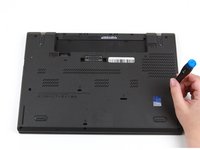
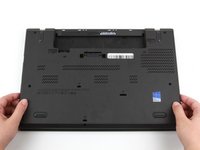
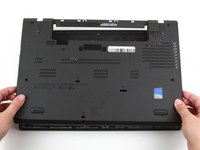
Place the laptop so that the bottom is facing upwards.
-
Slide the latch on the left side of the battery to the left until it clicks in place.
-
-
-
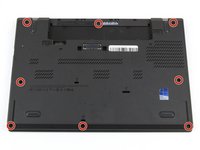
Loosen the eight captive screws in the bottom cover using a Phillips #1 screwdriver.
-
-
-
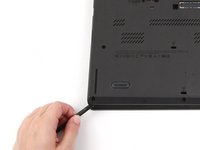
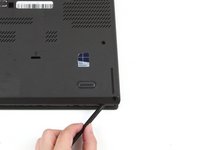
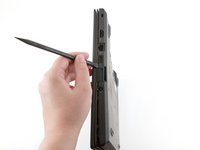
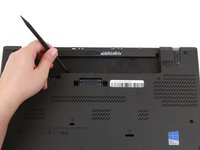
Insert the flat end of a spudger in between the bottom cover and the rest of the laptop, starting in the lower left corner.
-
Pry the lower left corner of the bottom cover up by a few millimeters.
-
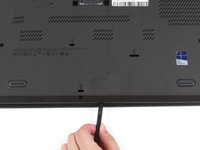
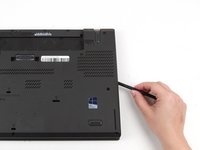
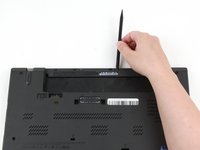
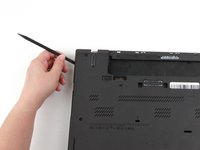
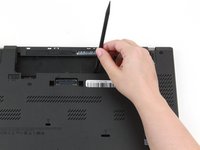
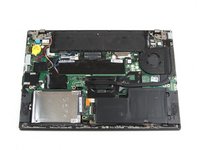
Slide the spudger along the bottom of the laptop to release the clips until you reach the lower right corner.
-
-
-
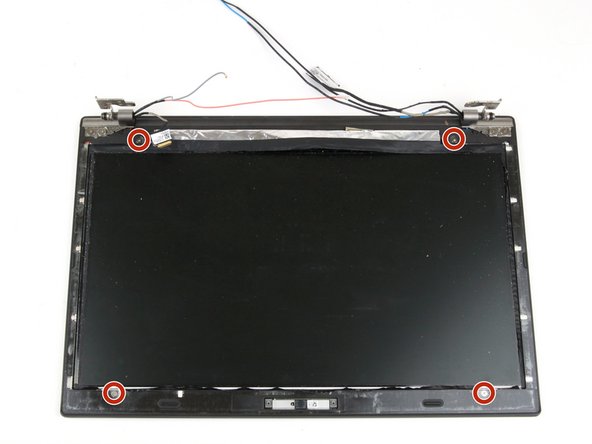
Remove the two 3.7 mm screws from the LCD cable bracket using a Phillips #1 screwdriver.
-
-
-
-
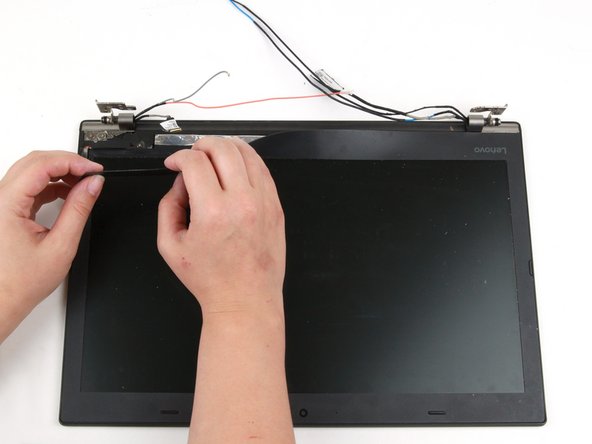
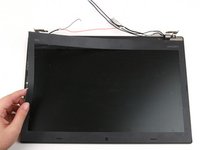
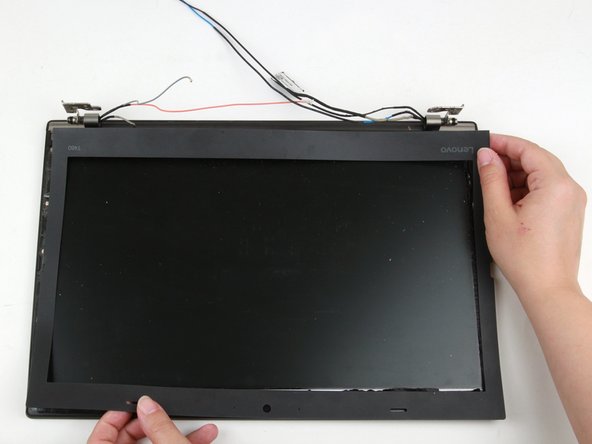
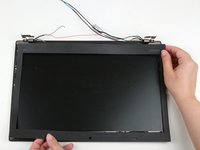
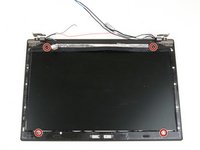
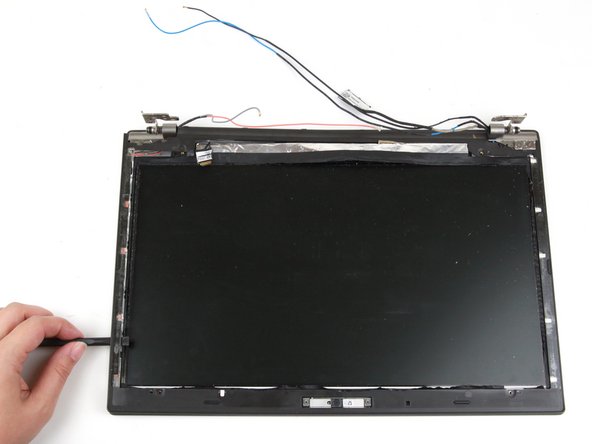
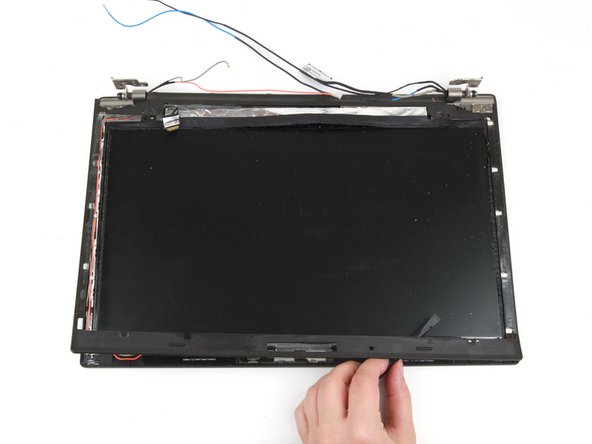
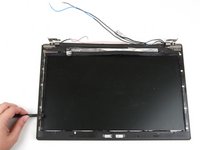
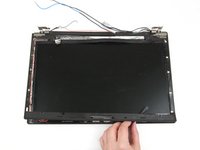
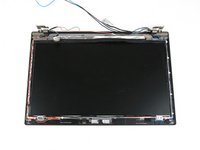
Use your hands to peel up the thin LCD bezel sheet from the rest of the display, starting in the area between the hinges.
-
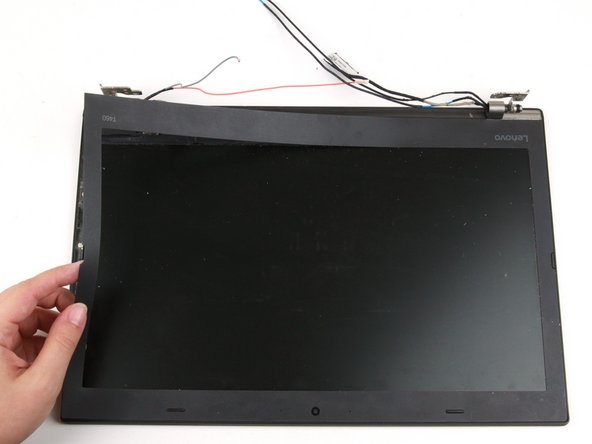
Use your hands to continue peeling the bezel sheet away from the left side of the laptop.
-
-
-
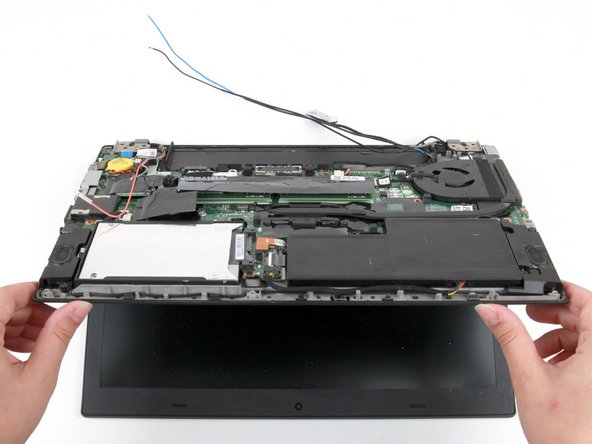
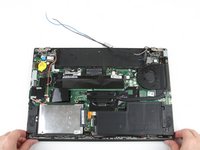
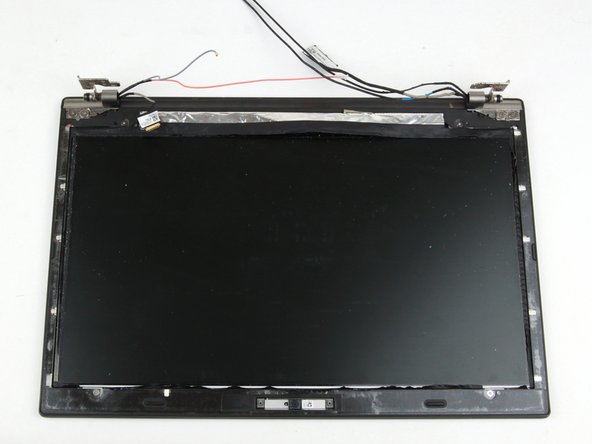
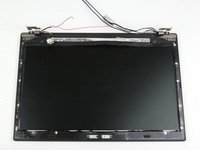
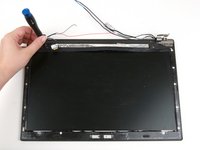
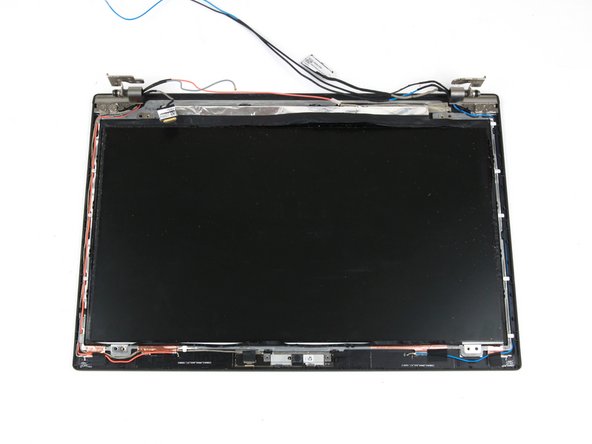
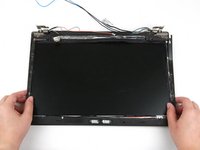
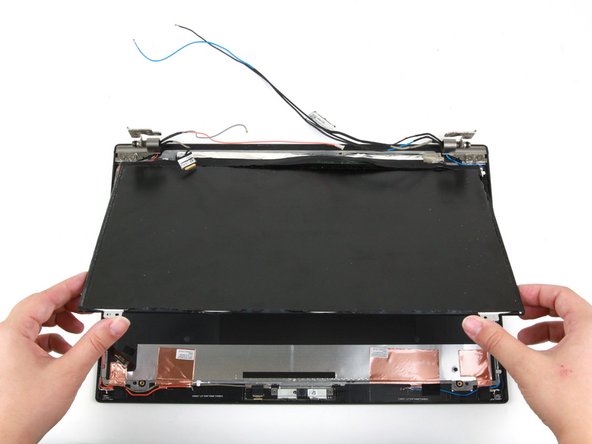
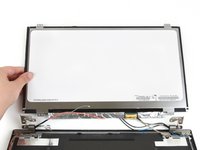
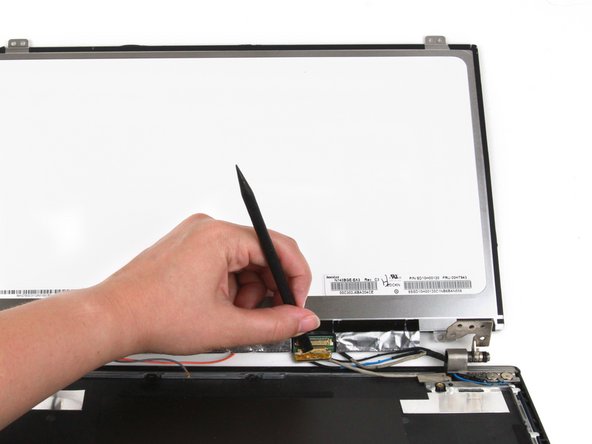
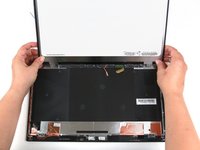
Use both hands to lift the bottom corners of the display panel
-
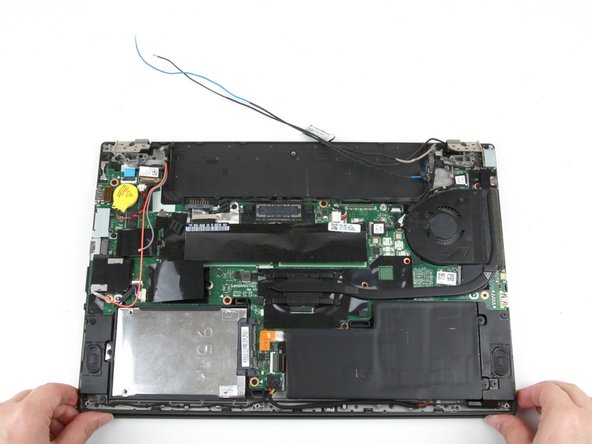
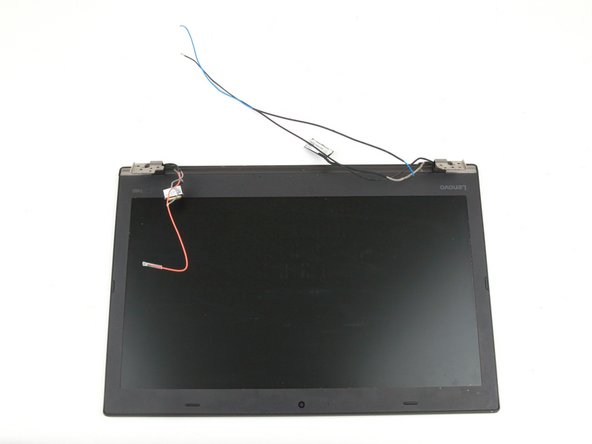
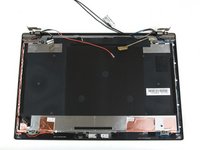
Gently flip the display panel over.
-
-
-
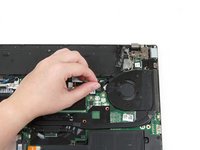
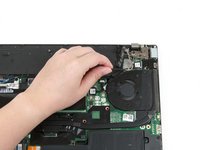
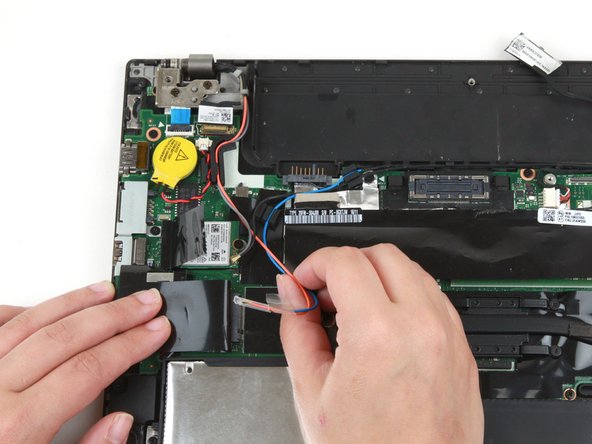
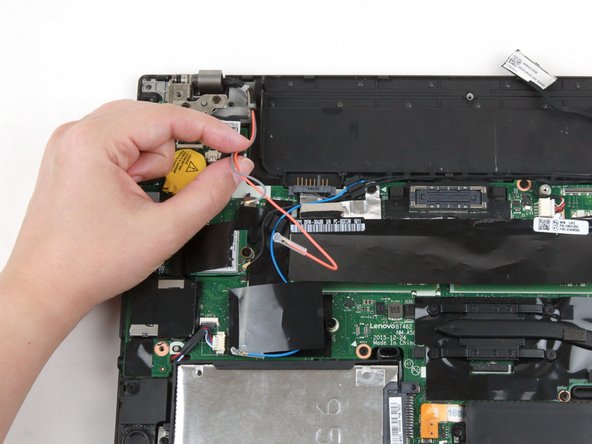
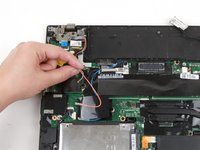
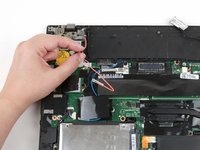
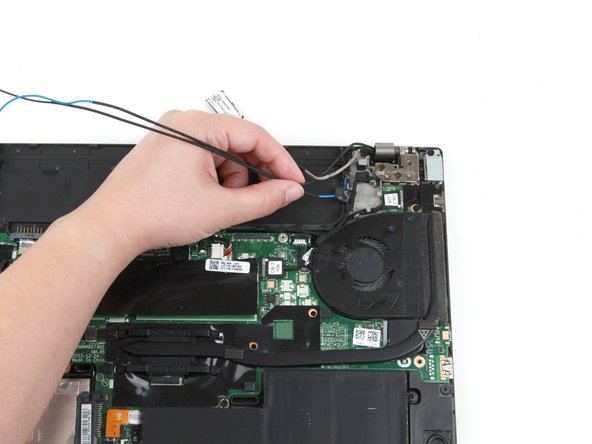
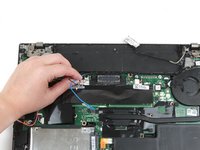
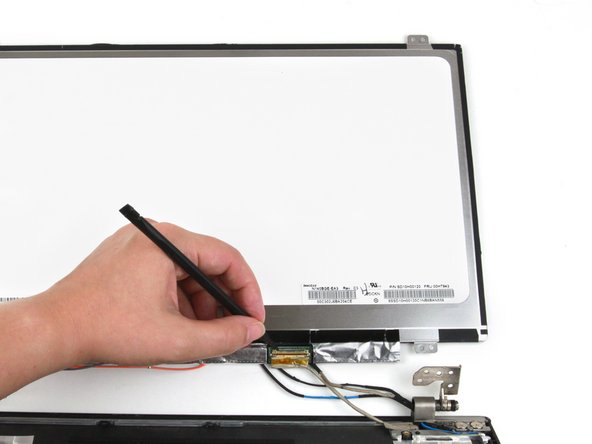
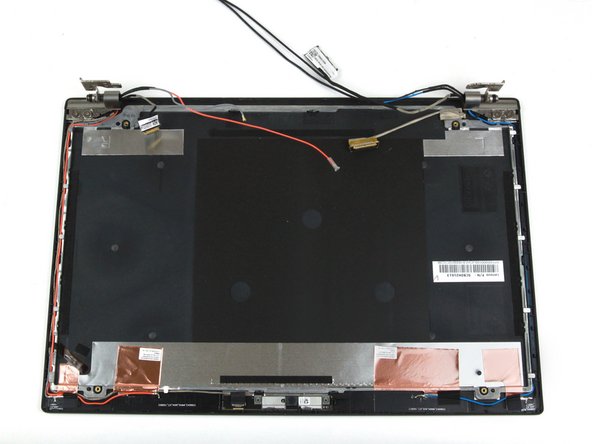
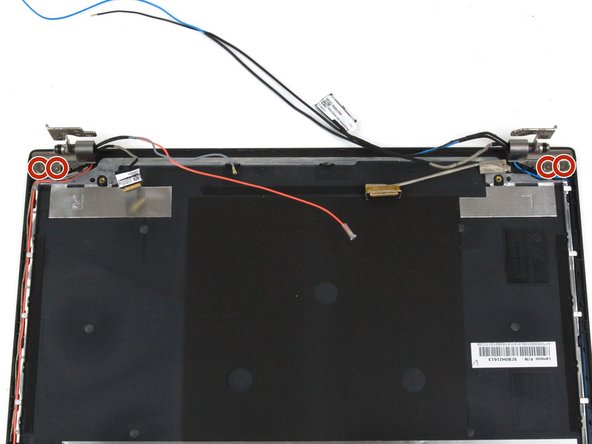
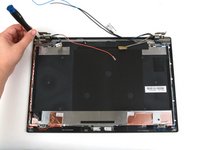
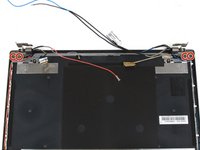
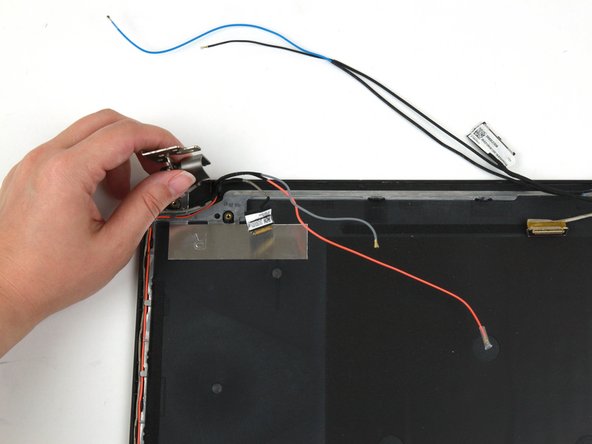
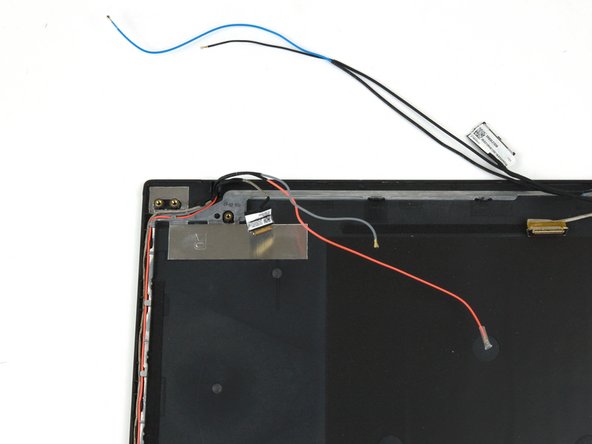
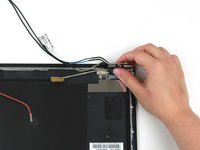
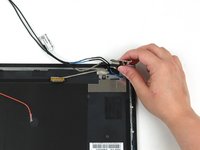
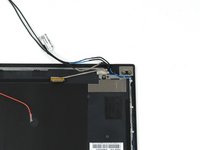
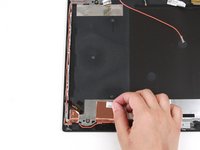
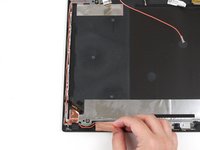
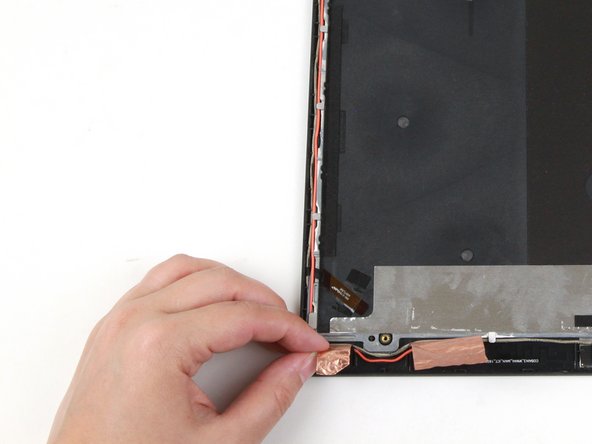
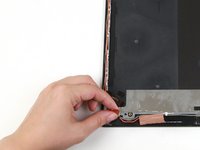
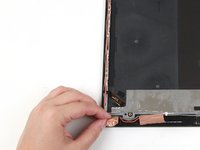
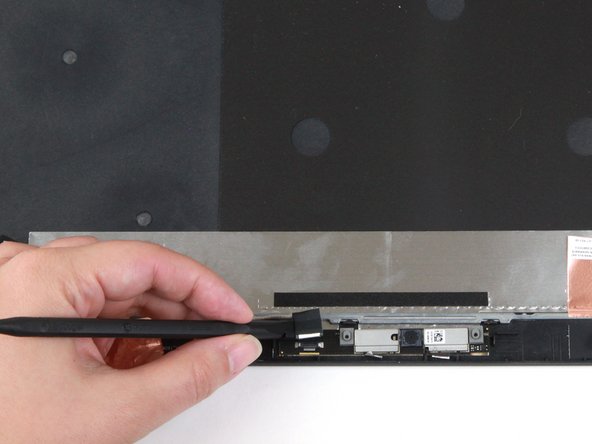
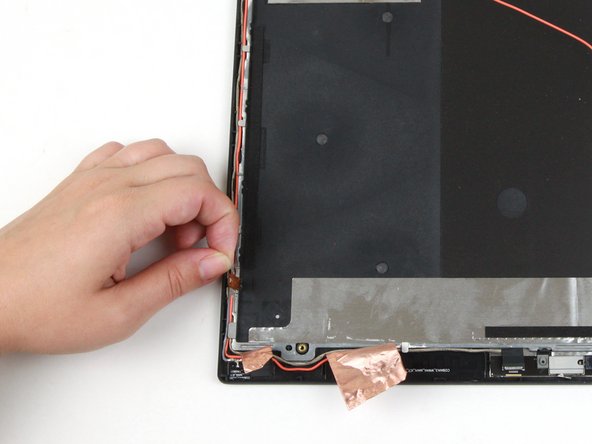
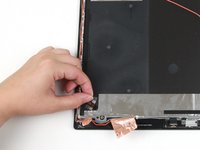
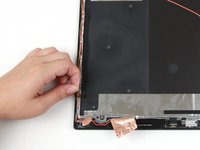
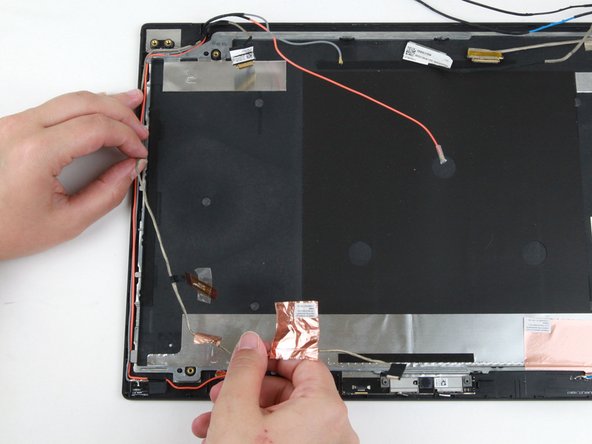
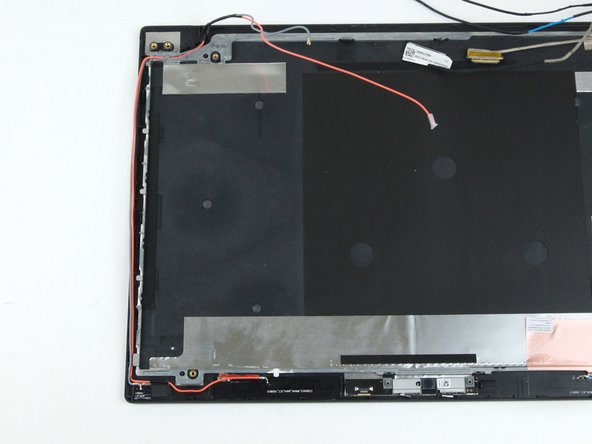
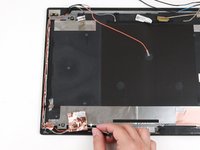
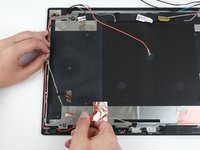
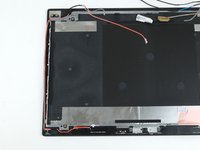
Use your fingers to peel the large copper tape up from the display assembly in the bottom left-hand corner.
-














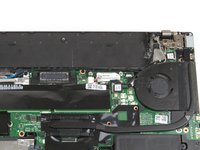

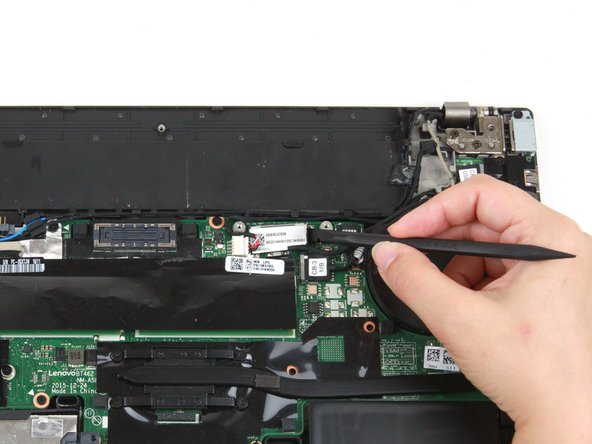






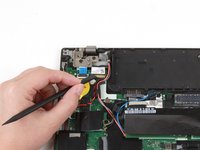
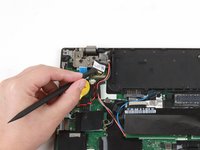


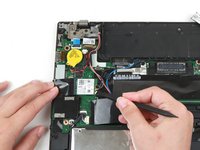
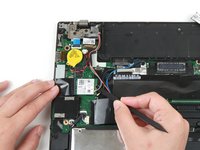




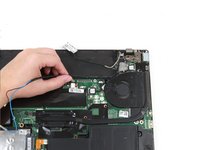
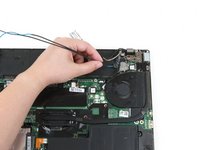


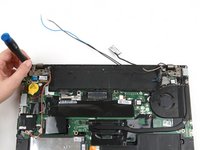
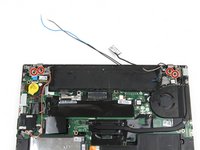














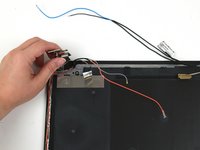

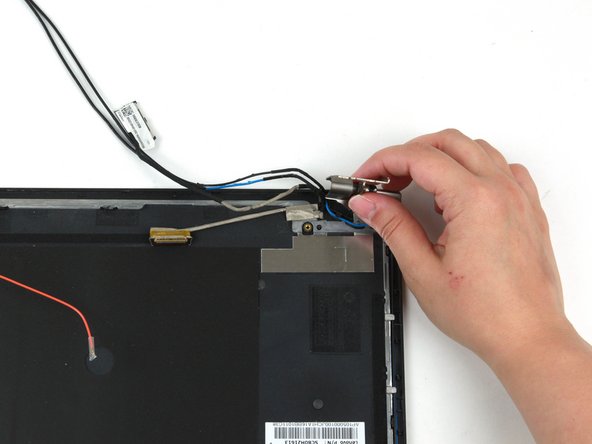
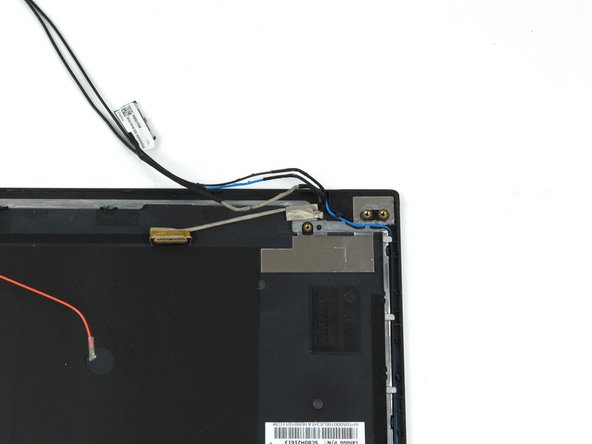






To reassemble your device, follow these instructions in reverse order.
Take your e-waste to an R2 or e-Stewards certified recycler.
Repair didn’t go as planned? Try some basic troubleshooting, or ask our Answers community for help.




