Introduction
Use this guide to replace worn-out or damaged feet (also known as skates, glides, slides, or pads) on your Logitech G502 Hero wired gaming mouse.
What you need
-
-
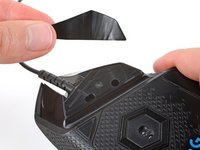
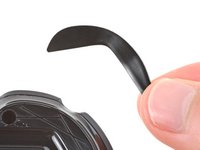
Heat an iOpener and lay it on the mouse feet for one minute to heat the adhesive.
-
-
-
-
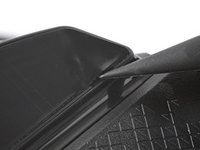
Use a spudger to carefully scrape up and remove any remaining adhesive bits.
-
Use isopropyl alcohol and a microfiber cloth to thoroughly clean all adhesive residue from the foot recesses. Allow the surface to completely dry.
-
Remove the feet from their backing and firmly press them into place.
-








Repair didn’t go as planned? Try some basic troubleshooting, or ask our Answers community for help.
Cancel: I did not complete this guide.
One other person completed this guide.



