Free Shipping on Domestic Orders $75+

Maylong MN-1000P Bottom Cover Replacement

What you need

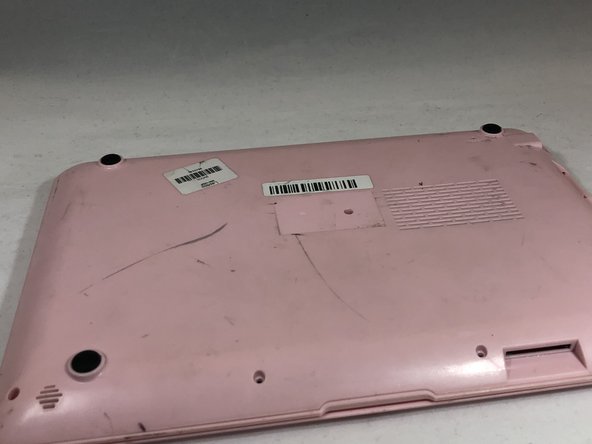
  1. Maylong MN-1000P Bottom Cover Replacement, Bottom Cover: step 1, image 1 of 1
    • Place the netbook top down, with the opening of the netbook facing you.

  2. Maylong MN-1000P Bottom Cover Replacement: step 2, image 1 of 1
    • Remove the six 6mm Phillips #00 screws from the netbook.

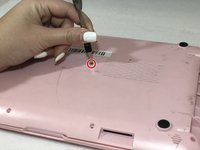
  3. Maylong MN-1000P Bottom Cover Replacement: step 3, image 1 of 3 Maylong MN-1000P Bottom Cover Replacement: step 3, image 2 of 3 Maylong MN-1000P Bottom Cover Replacement: step 3, image 3 of 3
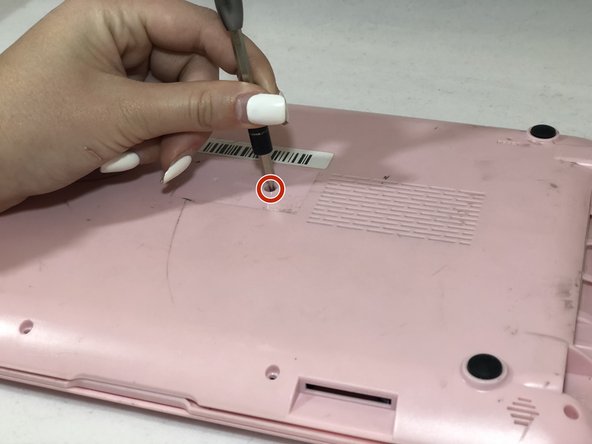
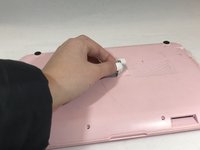
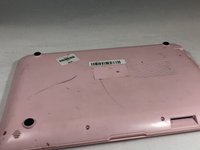
    • Remove the sticker in the middle of the netbook.

    • Remove the middle 6mm Phillips #00 screw.

  4. Maylong MN-1000P Bottom Cover Replacement: step 4, image 1 of 1
    • Using two plastic opening tools, pry off the bottom of the netbook by going around the edges.

  5. Maylong MN-1000P Bottom Cover Replacement: step 5, image 1 of 1
    • Remove the bottom of the netbook by lifting the corners.

Conclusion

To reassemble your device, follow these instructions in reverse order. Take your e-waste to an R2 or e-Stewards certified recycler.

Kristen Gismondi

Member since: 11/12/14

103,871 Reputation

266 Guides authored

Team

iFixit Member of iFixit

Staff

124 Members

24,282 Guides authored

0 Guide Comments

Add Comment

View Statistics:

Past 24 Hours: 0

Past 7 Days: 0

Past 30 Days: 7

All Time: 109