Introduction
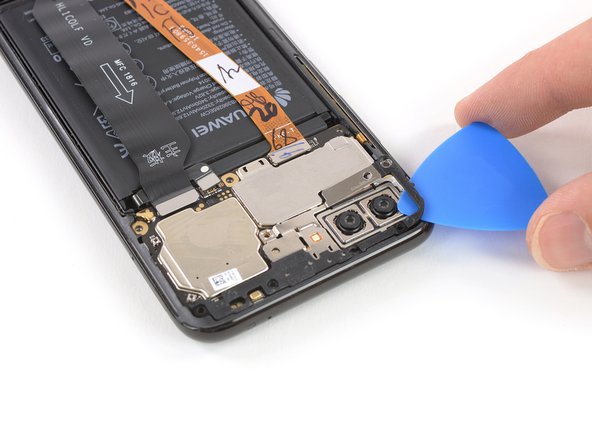
Use this guide to remove the motherboard cover in the Huawei Honor 10.
What you need
-
-
Before you begin, switch off your phone.
-
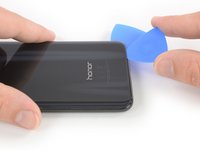
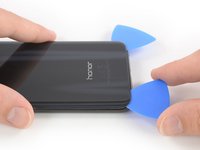
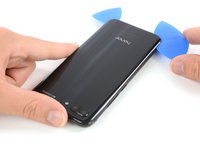
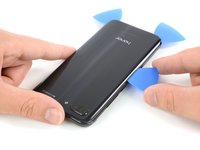
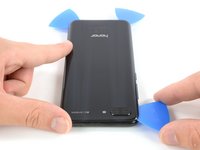
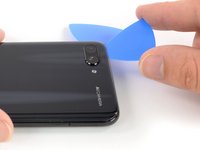
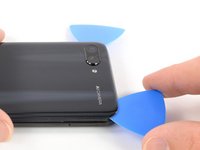
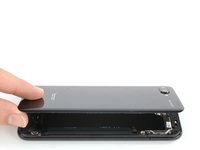
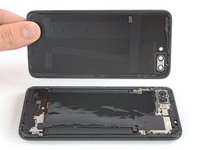
Apply a heated iOpener to a long edge of the phone to loosen the adhesive beneath the rear glass. Apply the iOpener for at least two minutes.
-
-
-
-
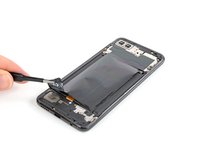
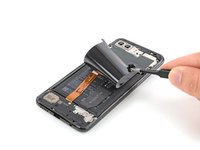
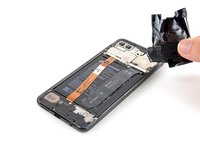
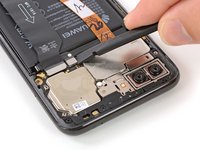
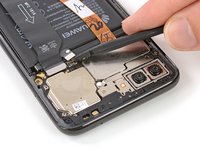
Use a pair of tweezer to carefully peel the black foil off the loudspeaker and daughterboard cover.
-
Remove the foil completely.
-
-
-
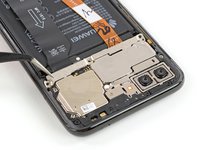
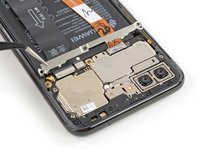
Remove the six Phillips screws securing the motherboard cover:
-
Four 3.4 mm long screws
-
Two 2.9 mm long screws
-

















Conclusion
To reassemble your device, follow these instructions in reverse order.
You’ll need replacement adhesive to reattach the battery and back cover when reassembling the device.



