Nikon D90 Top Flash Casing Replacement

Prerequisite Only
This is a prerequisite-only guide! This guide is part of another procedure and isn’t meant to be used alone.

What you need

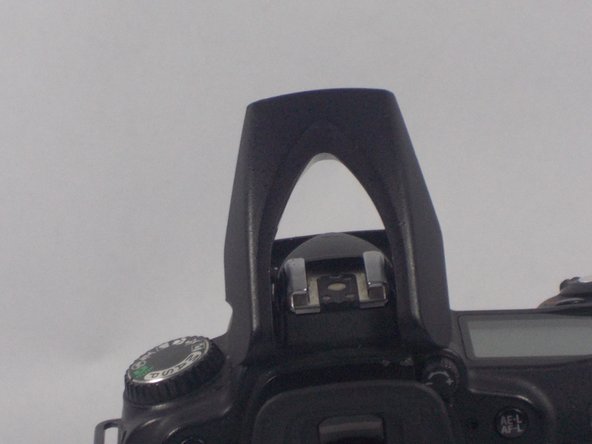
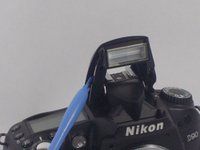
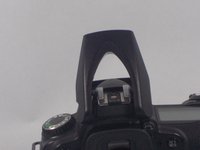
  1. Nikon D90 Top Flash Casing Replacement, Open the Flash: step 1, image 1 of 3 Nikon D90 Top Flash Casing Replacement, Open the Flash: step 1, image 2 of 3 Nikon D90 Top Flash Casing Replacement, Open the Flash: step 1, image 3 of 3
    • Use a plastic opening tool to lift up the flash.

  2. Nikon D90 Top Flash Casing Replacement, Flash Casing Screws: step 2, image 1 of 2 Nikon D90 Top Flash Casing Replacement, Flash Casing Screws: step 2, image 2 of 2
    • Using a PH00 screwdriver, remove the two 5.3 mm Phillips screws from the flash casing.

    • Be careful not to strip the screw heads.

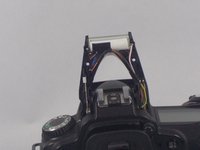
  3. Nikon D90 Top Flash Casing Replacement, Removing the Top Flash Casing: step 3, image 1 of 3 Nikon D90 Top Flash Casing Replacement, Removing the Top Flash Casing: step 3, image 2 of 3 Nikon D90 Top Flash Casing Replacement, Removing the Top Flash Casing: step 3, image 3 of 3
    • Use a plastic opening tool and carefully pry open the top casing of the flash.

    • Then, lift off the top casing of the flash.

Conclusion

To reassemble your device, follow these instructions in reverse order.

Matthew Grota

Member since: 10/16/14

598 Reputation

3 Guides authored

Team

UMass Dartmouth, Team 1-7, Duarte Fall 2014 Member of UMass Dartmouth, Team 1-7, Duarte Fall 2014

UMASSD-DUARTE-F14S1G7

3 Members

6 Guides authored

0 Guide Comments

Add Comment

View Statistics:

Past 24 Hours: 1

Past 7 Days: 1

Past 30 Days: 1

All Time: 61