Introduction
The lower display screen on the DSi XL is touch-sensitive. Regain touch control over your DSi with a new touchscreen.
What you need
-
-
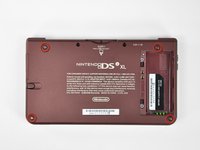
Remove the two Phillips screws securing the battery cover to the back of the handheld console.
-
Lift the battery cover off the back of the DSi XL.
-
-
-
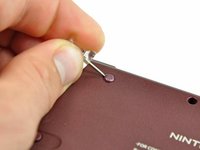
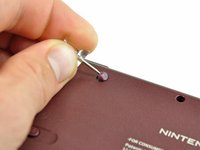
Remove the four rubber screw covers on the lower case by prying them up with a push pin.
-
-
-
-
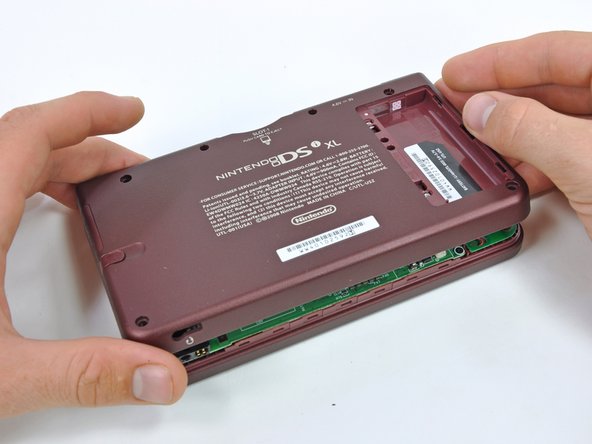
With the console still upside-down, open the DSi XL slightly.
-
Push the lower display away from the upper case.
-
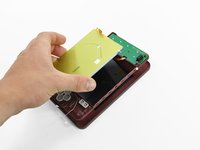
Remove the lower display from the DSi XL.
-
-
-
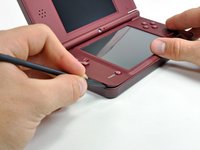
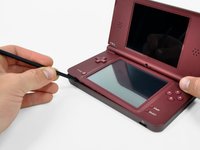
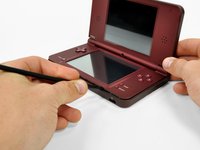
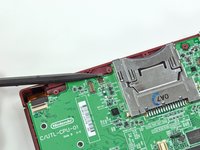
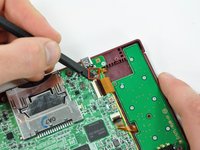
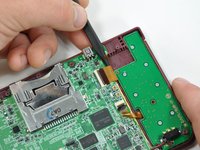
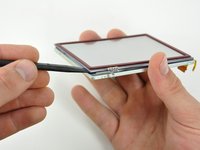
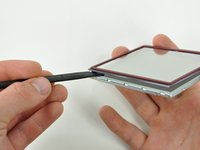
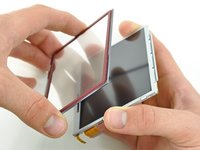
Insert a spudger between the touchscreen and top right corner of the display.
-
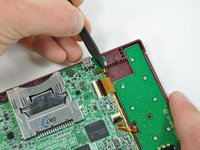
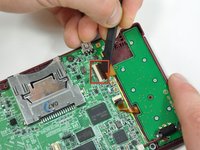
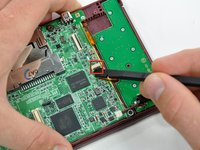
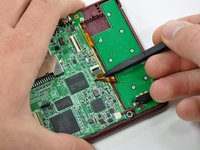
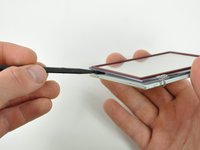
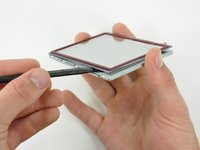
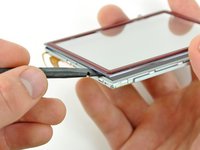
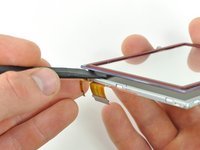
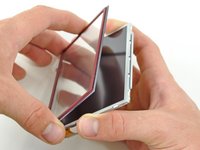
Slide the spudger down the right side of the display to free the edge of the touchscreen.
-





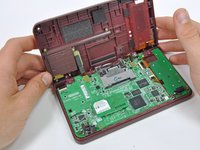


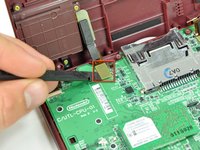
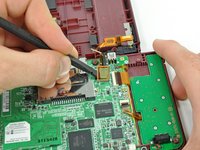


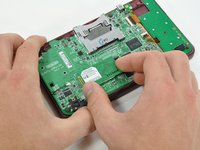
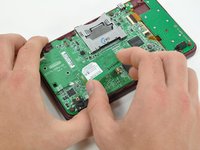


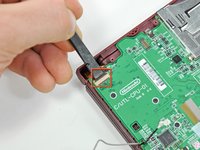
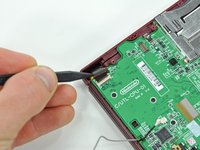


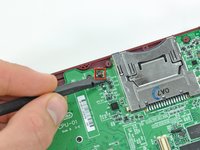








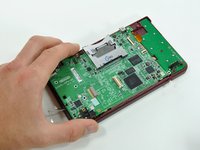
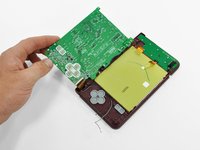


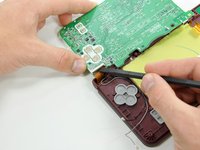
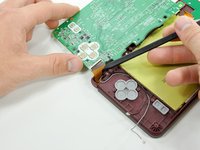


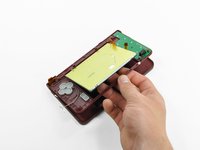








To reassemble your device, follow these instructions in reverse order.
Cancel: I did not complete this guide.
19 other people completed this guide.



4 Guide Comments
Great tutorial, I completely missed the fact that the lower screen is TWO screens: the touchscreen and the proper screen. Nailed it!!
Step 16 = whole socket came off the motherboard with the least amount of effort. Tried soldering new contacts but too fine. Device now only good for parts.
Be super careful with p10 and p18 retention clips. If these come out, you are up the creek without a paddle.
