What you need
-
-
Start by turning the tablet over with the screen down. Carefully use a plastic opening tool to pry the cover off. Start from the corner opposite the hibernate button.
-
-
-
-
Pick up the magnets from the bottom edge of the tablet next to the keyboard connection and put them in a place that they will not get lost. Then carefully remove all 4 strips of electrical tape.
-
-
-
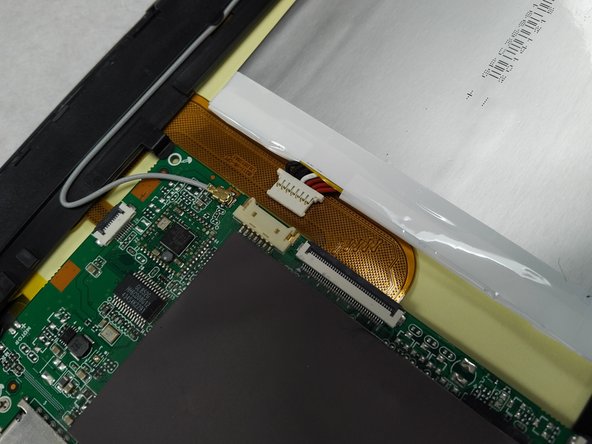
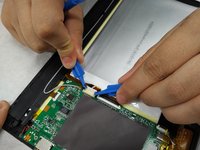
Using a small plastic opening tool; genteelly pull the connection off of the motherboard.
-


To reassemble your device, follow these instructions in reverse order.



Team

Gateway Community College Team 1 BPC270 36301 Member of Gateway Community College Team 1 BPC270 36301
Community
4 Members
7 Guides authored
4 Guide Comments
How do I find a replacement battery?
Seems finding the right battery is a problem
where can I find a replacement battery and screen for this i only have the motherboard lying around and i really want to repair it so i can access old data
the only way is to desolder the old bms from the battery and solder a new battery with the same dimensions, voltage, capacity etc. they are easy to find on aliexpress, i replaced my battery this way, but be very careful with batteries, or if you have enough soldering skills you can solder a usb connector to the barrel jack on the motherboard for a quick fix, gonna try this myself later
if you have the original power supply you can use it, also this tablet doesnt support charging trough micro usb, its for data only
