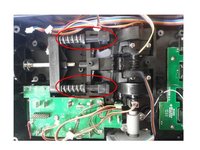
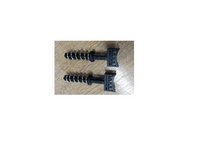
Replacing the friction pads

What you need

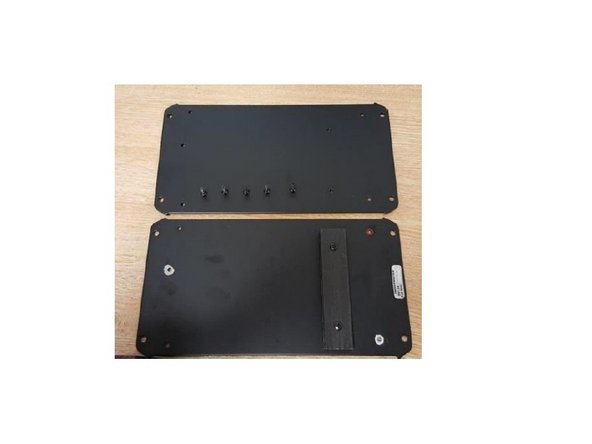
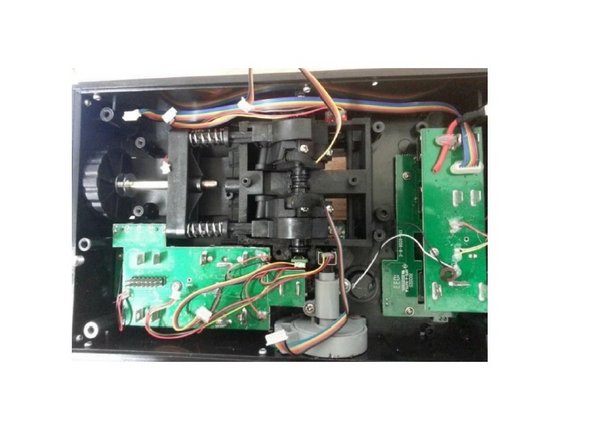
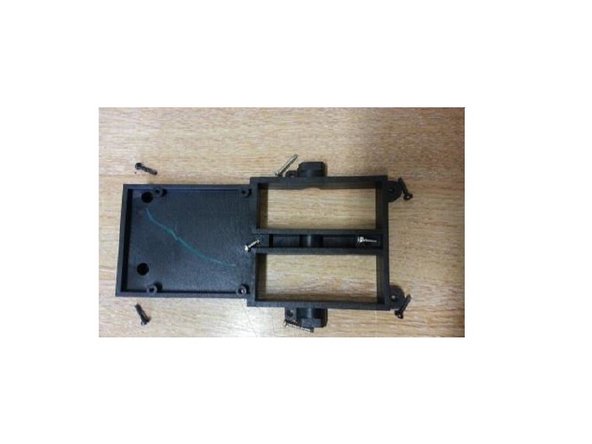
  1. Replacing the friction pads, Open the Throttle: step 1, image 1 of 3 Replacing the friction pads, Open the Throttle: step 1, image 2 of 3 Replacing the friction pads, Open the Throttle: step 1, image 3 of 3
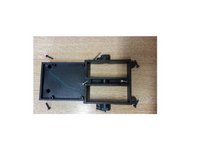
    • Unscrew these 5 screws

    • Remove the metal plate

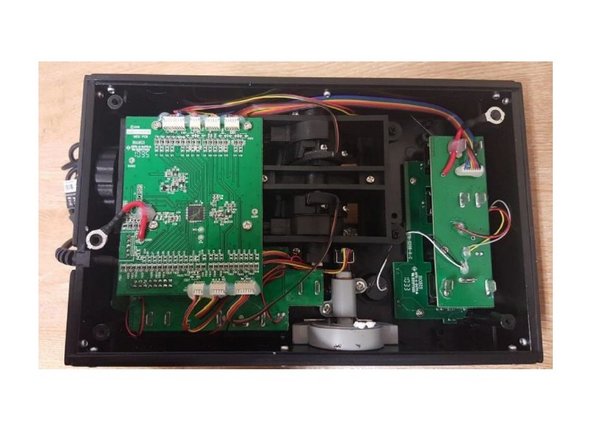
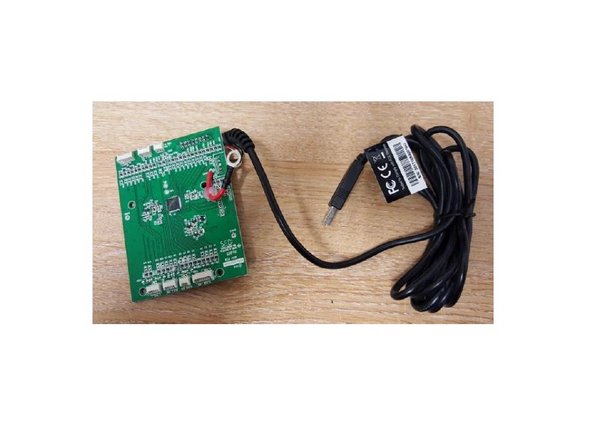
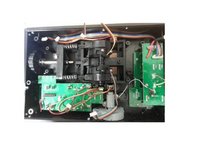
  2. Replacing the friction pads, Remove the PCB: step 2, image 1 of 3 Replacing the friction pads, Remove the PCB: step 2, image 2 of 3 Replacing the friction pads, Remove the PCB: step 2, image 3 of 3
    • Unscrew the 4 screws, disconnect all the connectors and take off the PCB

    • Remove the 4 screws, disconnect all wires and remove the PCB.

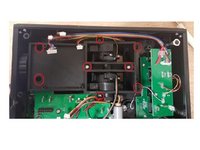
  3. Replacing the friction pads, Remove the screws: step 3, image 1 of 3 Replacing the friction pads, Remove the screws: step 3, image 2 of 3 Replacing the friction pads, Remove the screws: step 3, image 3 of 3
    • Remove 8 screws highlighted on the picture.

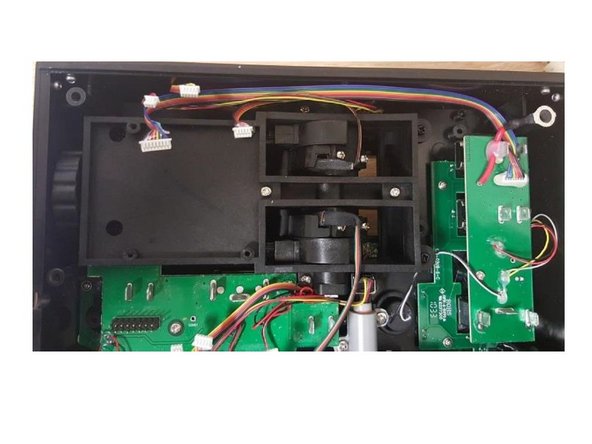
  4. Replacing the friction pads, Remove the friction pads: step 4, image 1 of 3 Replacing the friction pads, Remove the friction pads: step 4, image 2 of 3 Replacing the friction pads, Remove the friction pads: step 4, image 3 of 3
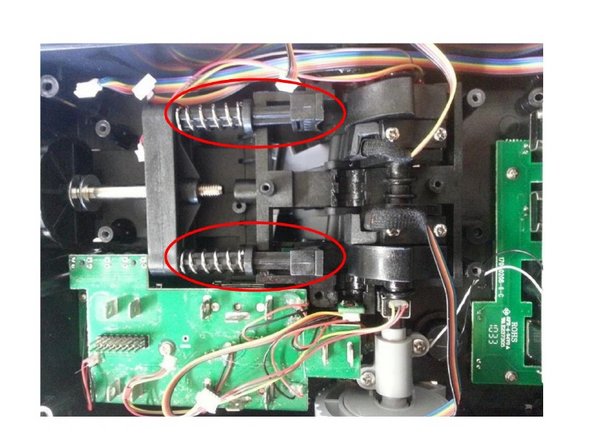
    • Push the lever arms to gain access to the friction pads.

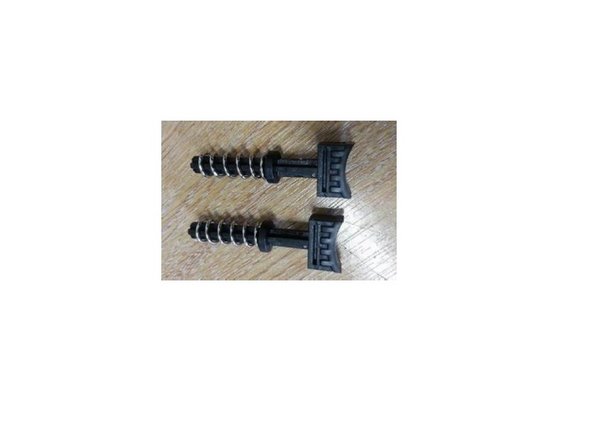
    • You can now remove the Friction pads

    • You can now change your friction pads

Conclusion

Reassemble the product by following this procedure in reverse order.

One other person completed this guide.

Special thanks to these translators:

fr en

100%

These translators are helping us fix the world! Want to contribute?
Start translating ›

Attached Documents

Avrila

Member since: 07/25/24

1,362 Reputation

5 Guides authored

0 Guide Comments

Add Comment

View Statistics:

Past 24 Hours: 1

Past 7 Days: 5

Past 30 Days: 30

All Time: 453