Introduction
This replacement can be done to restore a phone's camera functionality. By fixing this, this can solve blurry or broken camera or problems focusing. No skills are required for this replacement besides having minimal strength. Be aware that the camera is difficult to access and is also attached with adhesive, making it difficult to remove. Be sure you know that this replacement is permanent. Some tools you need are the iFixit Opening Tool and the Philips #00 Screwdriver.
What you need
-
-
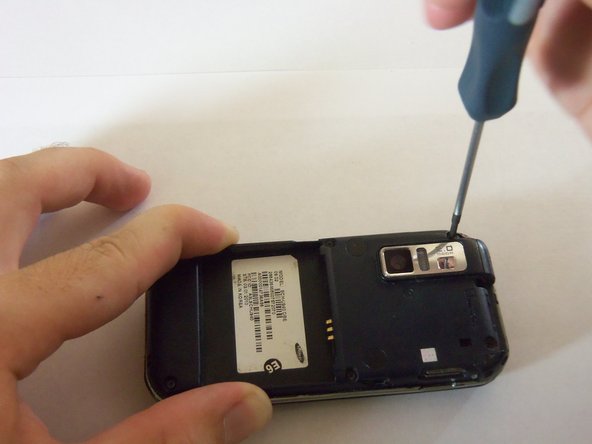
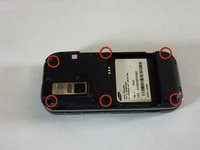
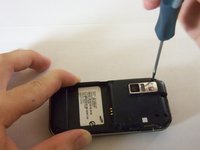
Using a Phillips#00 screw driver, remove the six 4mm screws holding the back case together.
-
-
-
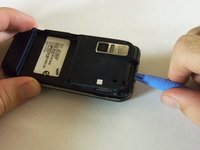
Use a plastic opening tool to pry the case off. To do this, find a gap on any side of the phone, top preferably, and slip the tip of the tool in the gap
-
Now use moderate strength and slowly maneuver the tool around the outside until the case becomes loose.
-
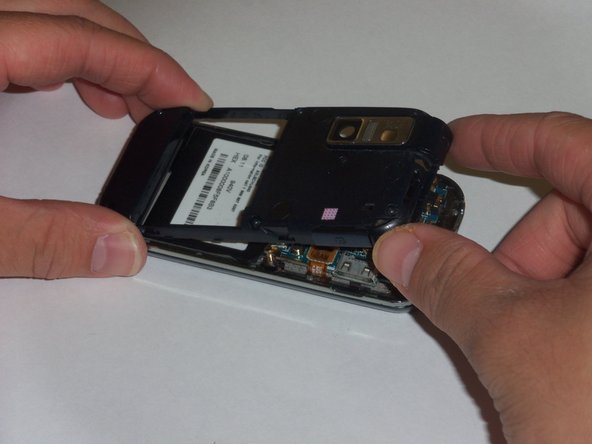
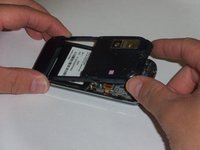
Using your fingers, take the case off.
-
-
-
-
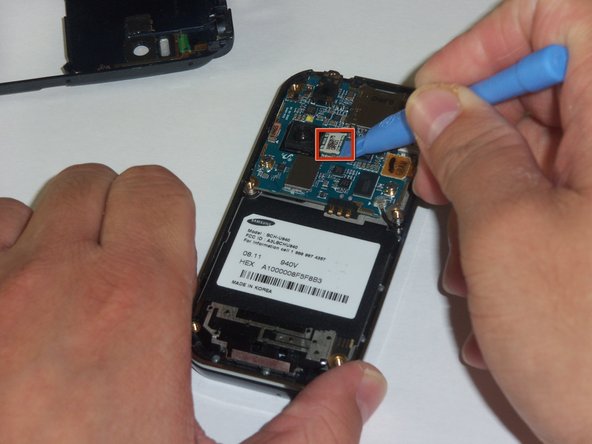
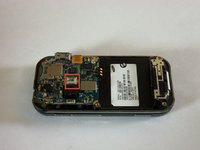
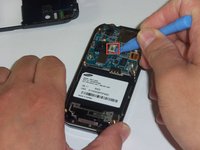
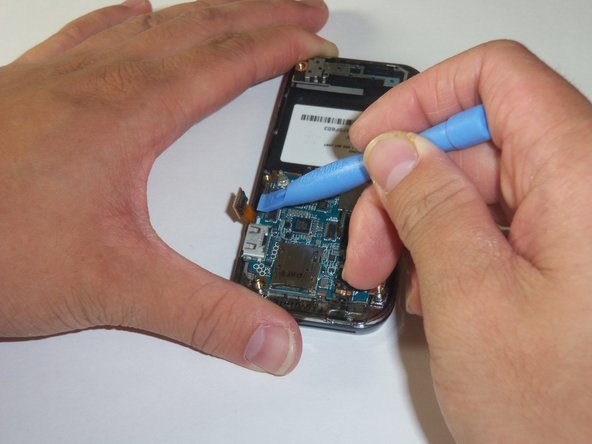
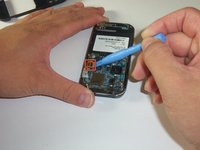
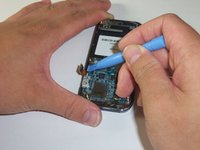
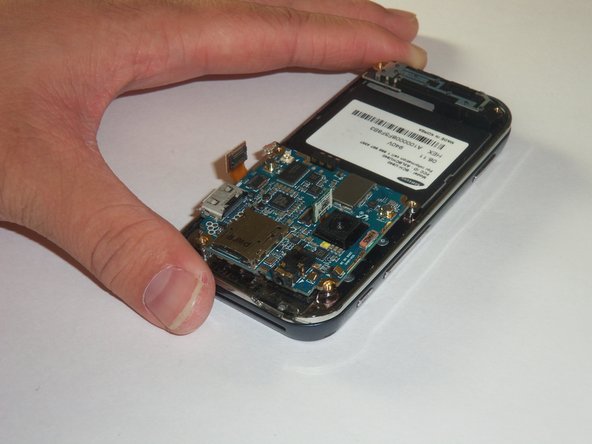
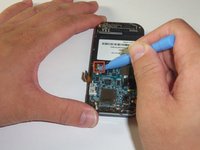
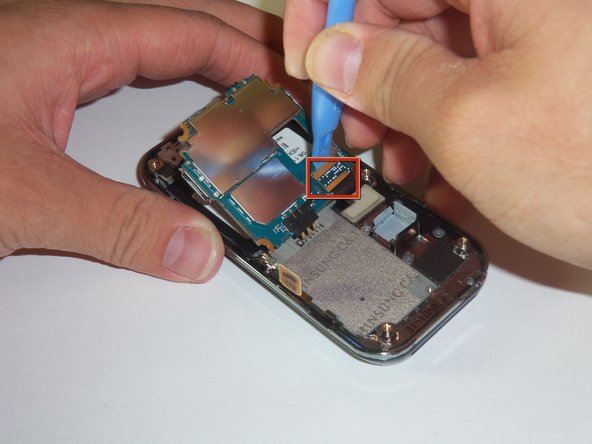
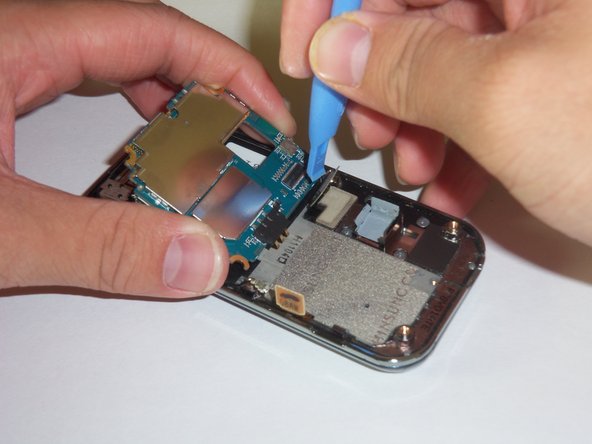
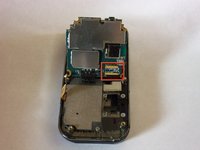
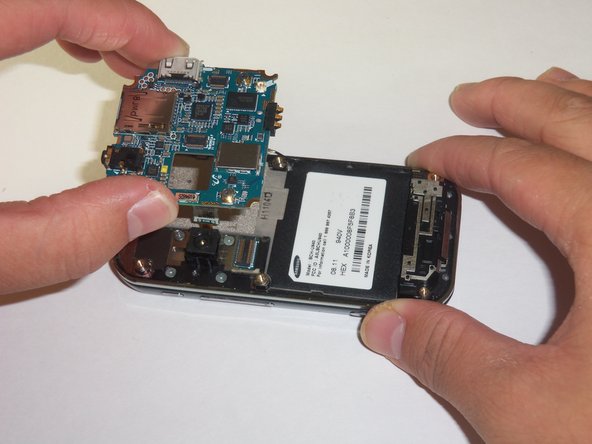
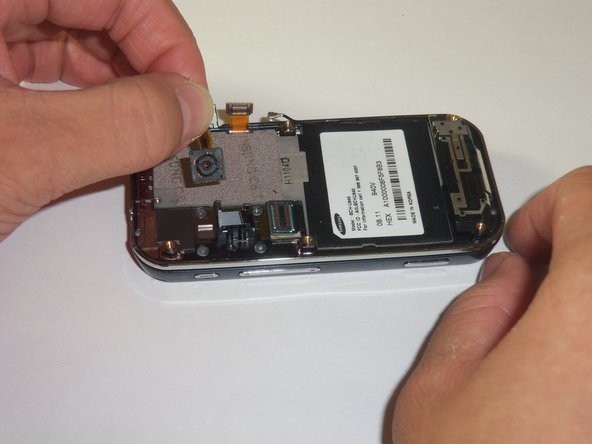
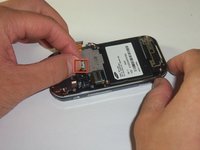
Use your thumb and index finger to grip the camera connector.
-
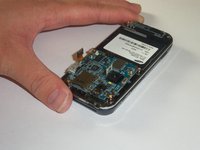
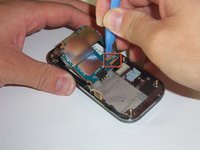
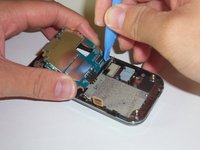
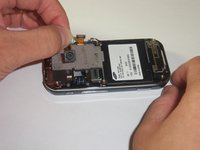
Pull the camera connector upwards to detach the camera.
-









To reassemble your device, follow these instructions in reverse order.



Team

Cal Poly, Team 3-12, Regan Fall 2011 Member of Cal Poly, Team 3-12, Regan Fall 2011
CPSU-REGAN-F11S3G12
4 Members
14 Guides authored
