Free Shipping on Domestic Orders $75+

Samsung SGH-F480 Disassembly

What you need

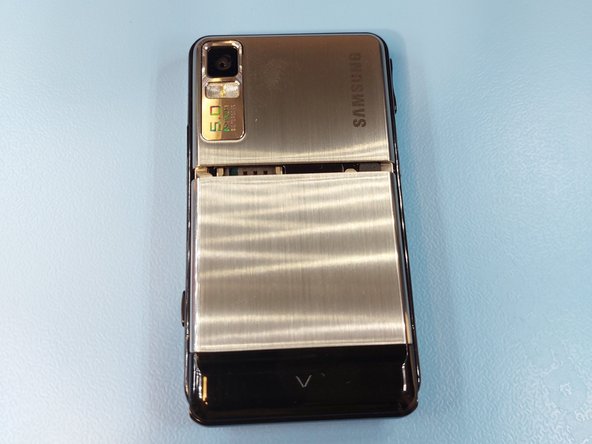
  1. Samsung SGH-F480 Disassembly, Removing the back panel: step 1, image 1 of 2 Samsung SGH-F480 Disassembly, Removing the back panel: step 1, image 2 of 2
    • Flip the device around and remove the back panel by pulling it down.

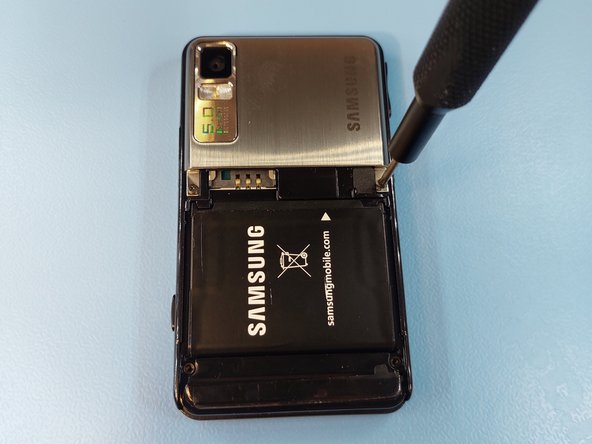
  2. Samsung SGH-F480 Disassembly: step 2, image 1 of 2 Samsung SGH-F480 Disassembly: step 2, image 2 of 2
    • Remove the four Phillips #00 screws.

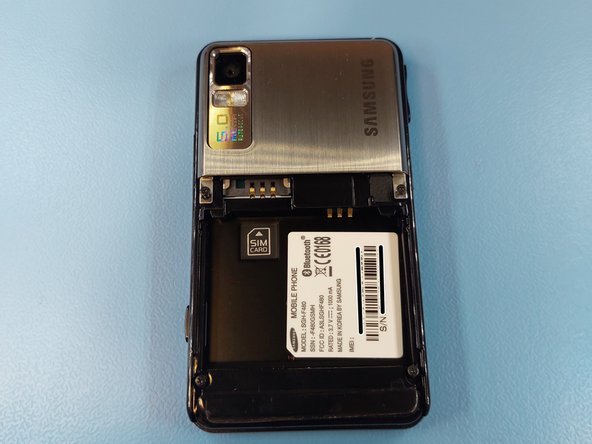
  3. Samsung SGH-F480 Disassembly, Removing the battery: step 3, image 1 of 2 Samsung SGH-F480 Disassembly, Removing the battery: step 3, image 2 of 2
    • The battery can be removed with a gentle tap on the screen.

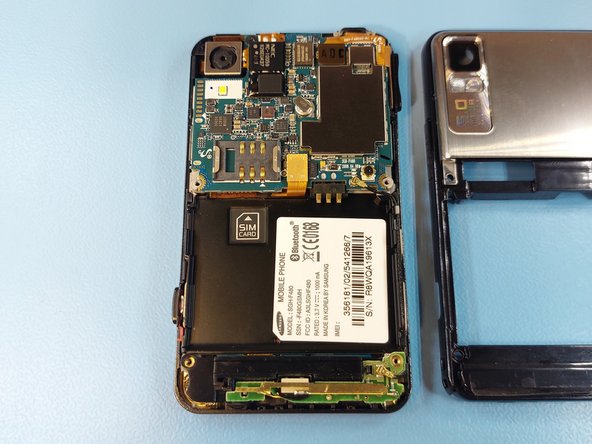
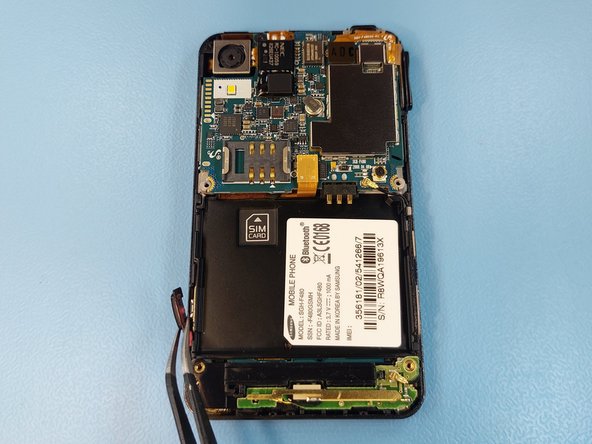
  4. Samsung SGH-F480 Disassembly: step 4, image 1 of 2 Samsung SGH-F480 Disassembly: step 4, image 2 of 2
    • Further inside can be got by separating the frames. Slide an opening pick between the frames, starting from the bottom corners.

    • Do not try to separate the frames by pulling, the plastic is fragile and will break if bent.

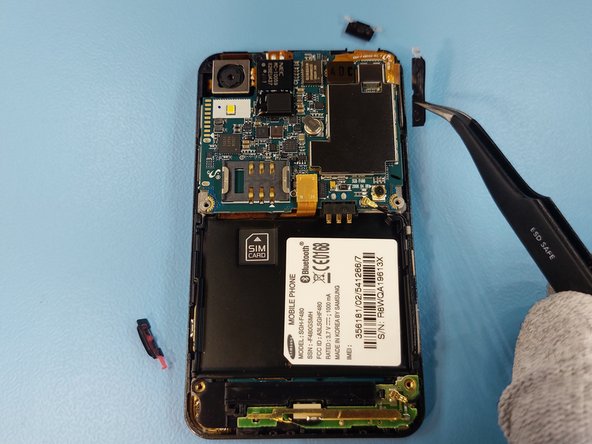
  5. Samsung SGH-F480 Disassembly: step 5, image 1 of 3 Samsung SGH-F480 Disassembly: step 5, image 2 of 3 Samsung SGH-F480 Disassembly: step 5, image 3 of 3
    • Remove all the button caps, as they may drop out later on.

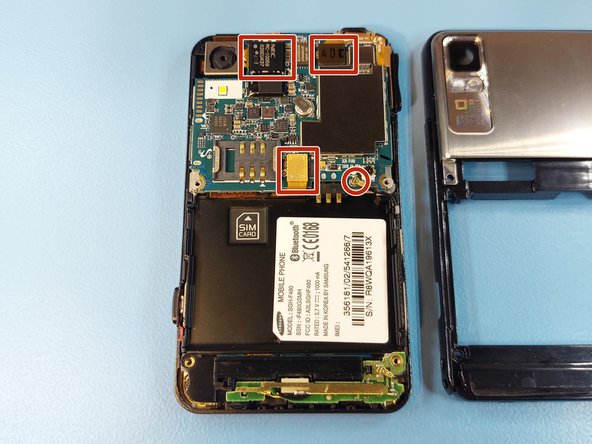
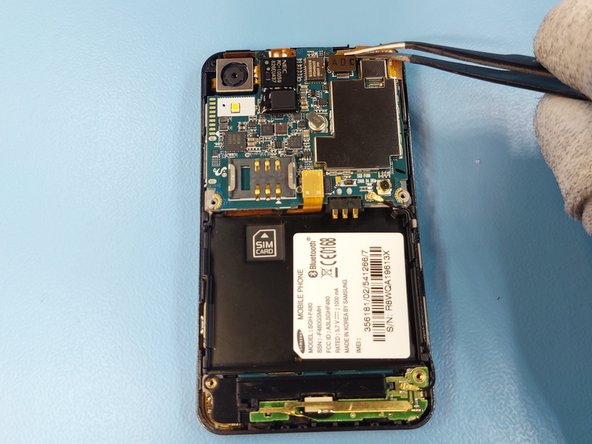
  6. Samsung SGH-F480 Disassembly: step 6, image 1 of 3 Samsung SGH-F480 Disassembly: step 6, image 2 of 3 Samsung SGH-F480 Disassembly: step 6, image 3 of 3
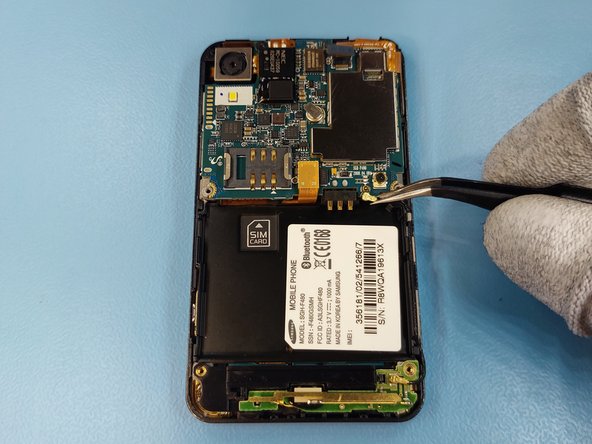
    • Disconnect all the connectors on the motherboad.

  7. Samsung SGH-F480 Disassembly: step 7, image 1 of 1
    • Remove the one Phillips #00 screw from next to the camera module.

  8. Samsung SGH-F480 Disassembly, Removing the motherboard: step 8, image 1 of 2 Samsung SGH-F480 Disassembly, Removing the motherboard: step 8, image 2 of 2
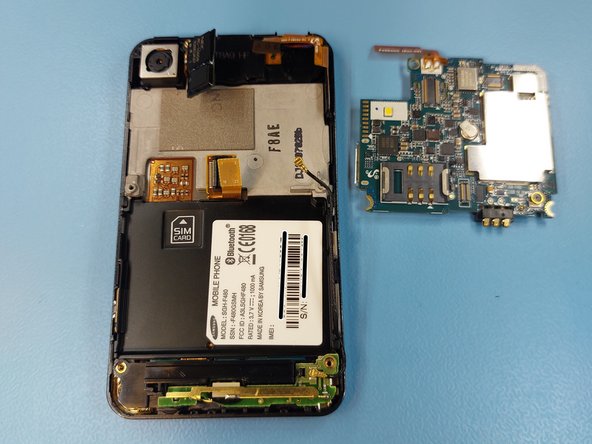
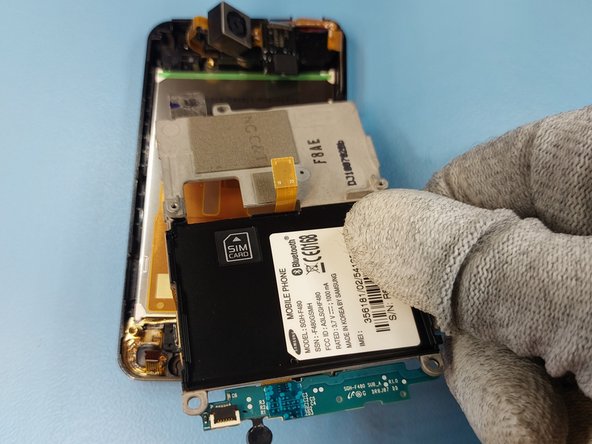
    • Remove the motherboard by lifting.

    • Be careful when removing the motherboard, as it is surrounded by fragile cables, that will rip very easily.

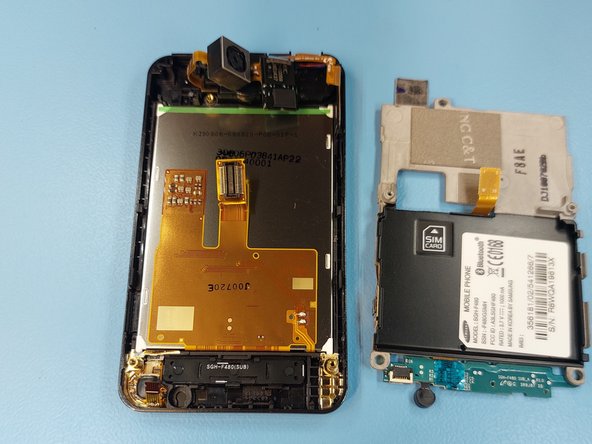
  9. Samsung SGH-F480 Disassembly: step 9, image 1 of 1
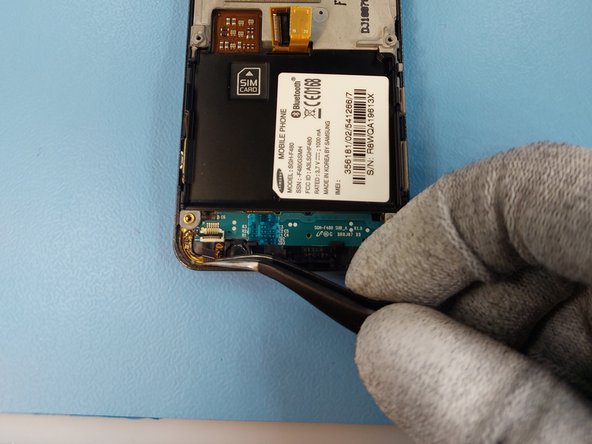
    • The component from the bottom can be removed easily by lifting as it isn't held by anything anymore.

  10. Samsung SGH-F480 Disassembly: step 10, image 1 of 2 Samsung SGH-F480 Disassembly: step 10, image 2 of 2
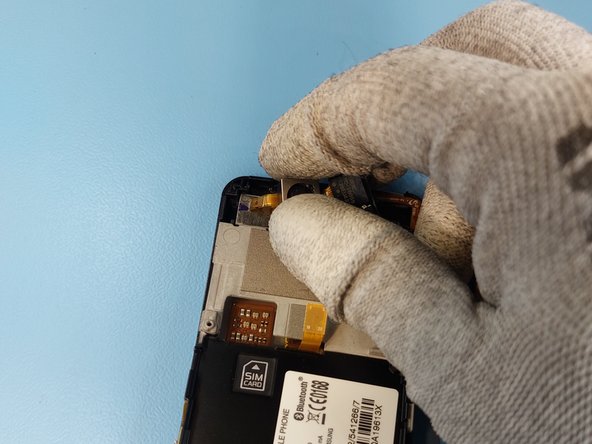
    • Open the connectors latch and pull the cable out of the connector.

  11. Samsung SGH-F480 Disassembly: step 11, image 1 of 2 Samsung SGH-F480 Disassembly: step 11, image 2 of 2
    • The camera module is installed to the frame with glue. Separate it by sliding a Jimmy tool under the module.

  12. Samsung SGH-F480 Disassembly: step 12, image 1 of 3 Samsung SGH-F480 Disassembly: step 12, image 2 of 3 Samsung SGH-F480 Disassembly: step 12, image 3 of 3
    • The frame can be separated from the screen by sliding the Jimmy tool as shown on the image.

  13. Samsung SGH-F480 Disassembly: step 13, image 1 of 1
    • Remove the menu button by lifting.

  14. Samsung SGH-F480 Disassembly: step 14, image 1 of 1
    • Remove the front earpiece by sliding the Jimmy tool between the frame and the module.

  15. Samsung SGH-F480 Disassembly, Removing the camera module: step 15, image 1 of 1
    • Lift the camera module from its socket.

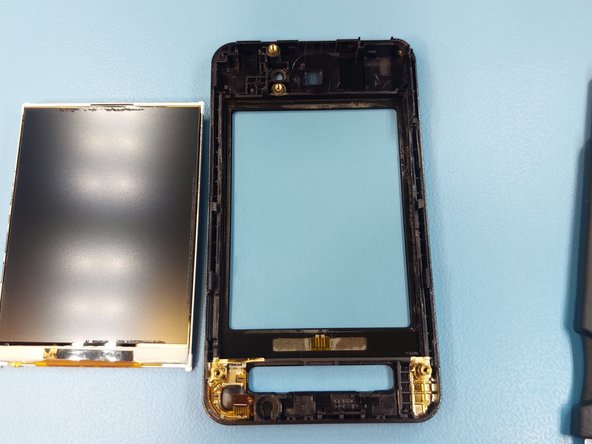
  16. Samsung SGH-F480 Disassembly, Removing the display: step 16, image 1 of 2 Samsung SGH-F480 Disassembly, Removing the display: step 16, image 2 of 2
    • The display can be removed by sliding a Jimmy tool between the frame and the display.

    • Be careful not to slide it too far as the display itself is extremely fragile.

Conclusion

To reassemble your device, follow these instructions in reverse order.

One other person completed this guide.

HoPo-_

Member since: 07/07/23

726 Reputation

3 Guides authored

0 Guide Comments

Add Comment

View Statistics:

Past 24 Hours: 2

Past 7 Days: 14

Past 30 Days: 50

All Time: 586