Introduction
Performing this guide will require no more than a finger.
What you need
-
-
Locate the arrow on the panel of the rear side of the phone.
-
Use one or two fingers to apply light pressure downwards on the rear panel and push or pull in the direction of the arrow.
-
-
-
-
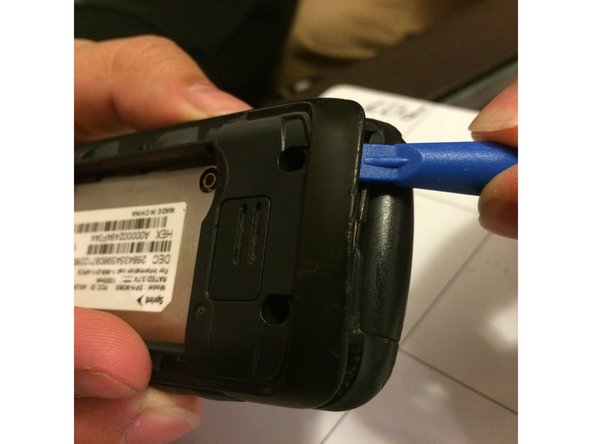
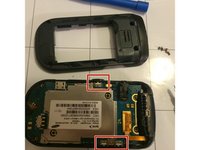
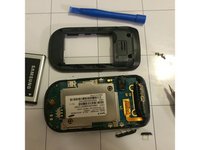
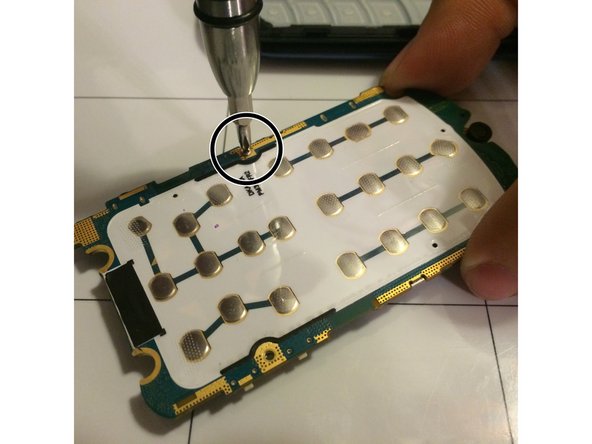
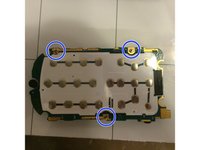
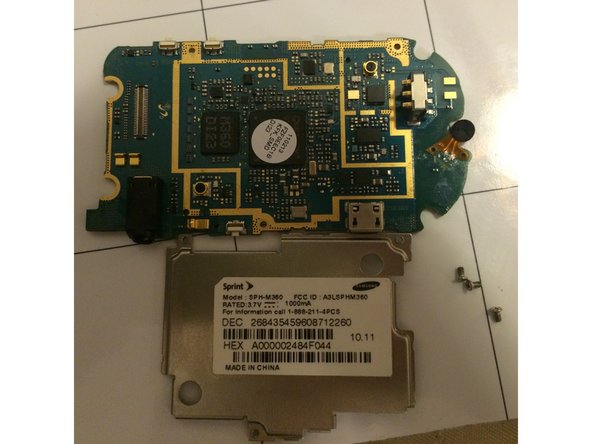
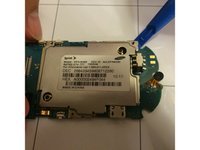
Use the plastic opening tool to gently detach the golden strip from the logic board.
-
The strip should detach easily with little force required.
-
-
-
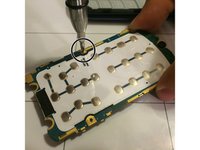
Flip open the phone so that the text on the keyboard is showing.
-
Place one or two fingers on the text side of the keyboard and apply pressure until the keyboard has been completely detached from the phone casing.
-



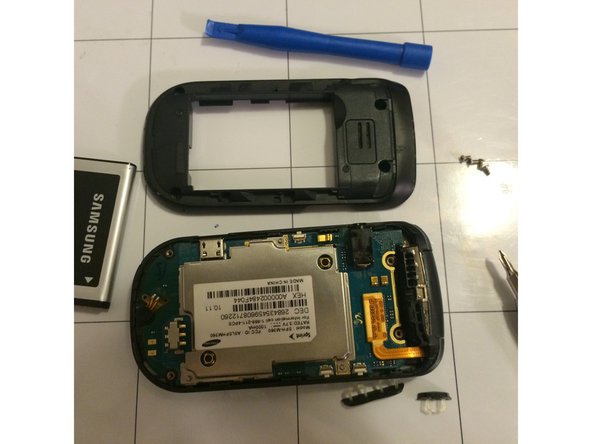




To reassemble your device, place the keyboard back into the phone casing and apply light pressure to ensure that it is back in place.



Team

University of Memphis, Team 3-5, Kim Fall 2015 Member of University of Memphis, Team 3-5, Kim Fall 2015
UM-KIM-F15S3G5
4 Members
10 Guides authored
