Top Cable Shield Removal

Prerequisite Only
This is a prerequisite-only guide! This guide is part of another procedure and isn’t meant to be used alone.

What you need

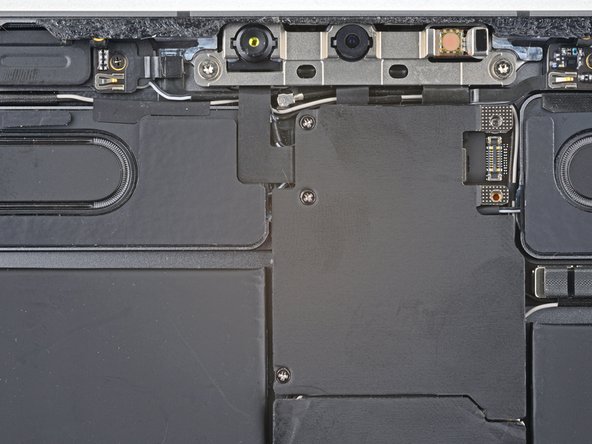
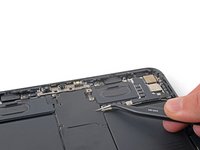
  1. Top Cable Shield Removal, Unfasten the top cable shield: step 1, image 1 of 2 Top Cable Shield Removal, Unfasten the top cable shield: step 1, image 2 of 2
    • Use a Phillips screwdriver to remove the three 1.2 mm screws securing the top cable shield.

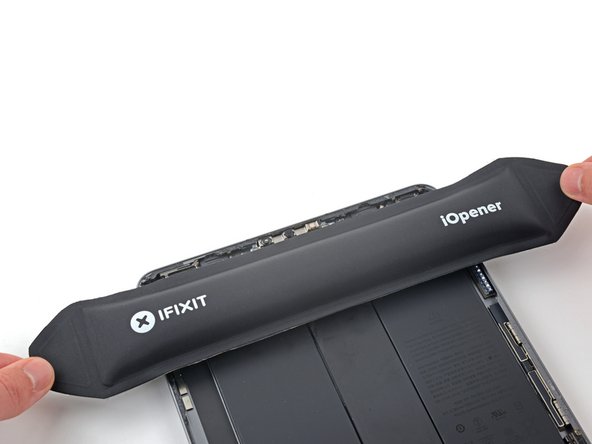
  2. Top Cable Shield Removal, Heat the top cable shield: step 2, image 1 of 2 Top Cable Shield Removal, Heat the top cable shield: step 2, image 2 of 2
    • Apply a heated iOpener to the top cable shield for one minute to soften the adhesive securing it to the logic board.

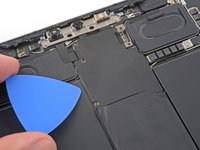
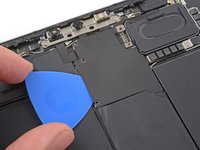
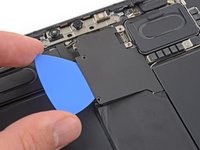
  3. Top Cable Shield Removal, Insert an opening pick: step 3, image 1 of 3 Top Cable Shield Removal, Insert an opening pick: step 3, image 2 of 3 Top Cable Shield Removal, Insert an opening pick: step 3, image 3 of 3
    • Insert an opening pick under the top cable shield and gently pry up to separate the adhesive.

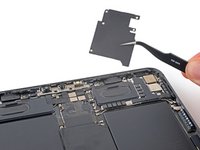
  4. Top Cable Shield Removal, Remove the top cable shield: step 4, image 1 of 2 Top Cable Shield Removal, Remove the top cable shield: step 4, image 2 of 2
    Tool used on this step:
    Tweezers
    $4.99
    Buy
    • Use tweezers or your fingers to grab and remove the top cable shield.

Conclusion

To reassemble your device, follow these instructions in reverse order.

Chayton Ritter

Member since: 08/21/20

25,036 Reputation

105 Guides authored

0 Guide Comments

Add Comment

View Statistics:

Past 24 Hours: 0

Past 7 Days: 1

Past 30 Days: 1

All Time: 89