Introduction
This is a prerequisite-only guide! This guide is part of another procedure and is not meant to be used alone.
This "updated" battery blocking guide exists to still unscrew the battery connector when necessary, but it doesn't have the unreliable card method.
What you need
-
-
Use a Phillips screwdriver to remove the three 1.2 mm screws securing the bottom cable shield to the logic board.
-
-
-
-
Use tweezers or your fingers to remove the bottom cable shield.
-
-
-
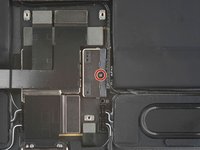
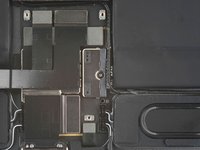
Use a Phillips screwdriver to remove the 1.8 mm screw securing the battery connector to the logic board.
-


Conclusion
To reassemble your device, follow these instructions in reverse order.


Team

