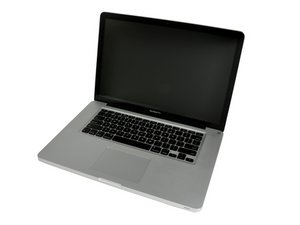
Why I can't find the face time HD camera
Can I install the camera and what this the method?
Is this a good question?
Score
0

Can I install the camera and what this the method?
Is this a good question?

Rep: 497.3k
 35
35
 339
339
 975
975
Follow this guide to take the display off MacBook Pro 15" Unibody Late 2011 Display Replacement then you need to take the cover glass off following this guide MacBook Pro 15" Unibody Mid 2010 LCD Replacement picking it up at Step 21. Once you’ve got the glass off you can then replace the iSight camera, Apple P/N 661-5847 or the iSight cable, Apple P/N 661-5847 as needed.

Guide
Difficulty:
Very difficult
—
3 hours

Guide
Difficulty:
Difficult
—
45 minutes - 2 hours
Was this answer helpful?
Past 24 Hours: 0
Past 7 Days: 2
Past 30 Days: 2
All Time: 34
