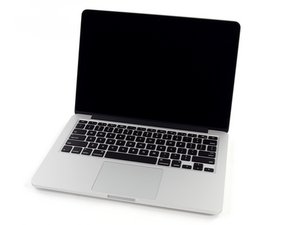
Logic Board Replacement Upgrade?
Can I replace my late 2013 MacBook Pro logic board with any A1502 logic board. Does it have to have the same amount of RAM and the same CPU as the old one?
Is this a good question?
Score
0
Free Shipping on Domestic Orders $75+

Can I replace my late 2013 MacBook Pro logic board with any A1502 logic board. Does it have to have the same amount of RAM and the same CPU as the old one?
Is this a good question?

Rep: 496.9k
 35
35
 339
339
 974
974
You need to stick within the same sub group MacBookPro11,1 logic boards.
So as an example you have a 13” MacBook Pro (Late 2013) 2.4 GHz Logic Board with only 4 GB RAM you could upgrade to a 13” MacBook Pro 13" Retina 2.6 GHz Logic Board with 16 GB of RAM
Here’s the guide MacBook Pro 13" Retina Display Late 2013 Logic Board Replacement

Product
$126.99

Product
$156.99
Was this answer helpful?
Past 24 Hours: 0
Past 7 Days: 0
Past 30 Days: 3
All Time: 205
