Free Shipping on Domestic Orders $75+

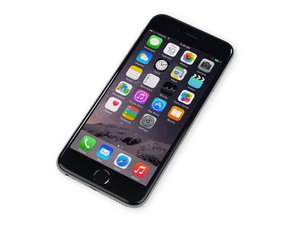
Repair information and guides for the iPhone 6 that was released on September 19, 2014. Model Numbers: A1549, A1586, and A1589

How to set fingerprint

How to set fingerprint

Answer this question I have this problem too

Is this a good question?

Score 0
Add a comment

1 Answer

Most Helpful Answer

From the Apple support website.

Set up Touch ID on iPhone - Apple Support

Add a fingerprint

You can add multiple fingerprints (both of your thumbs and forefingers, for example).

  1. Go to Settings  > Touch ID & Passcode.
  2. Tap Add a Fingerprint.
  3. Follow the onscreen instructions.

Was this answer helpful?

Score 2
Add a comment

Add your answer

Samir Bishwakarma will be eternally grateful.
View Statistics:

Past 24 Hours: 0

Past 7 Days: 1

Past 30 Days: 3

All Time: 46